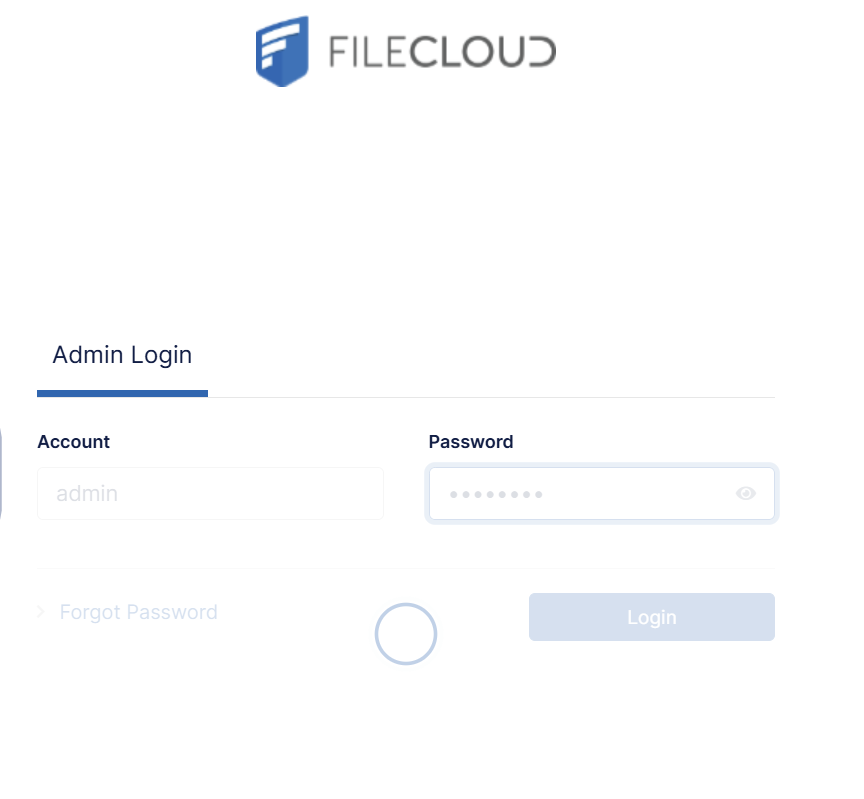
Hi Guys,
I am trying out Filecloud for the first time on my on prem server. This is a installation for home usage. The network ip address is 192.168.1.2. When I open the admin panel using http://192.168.1.2/admin, it takes me to the admin panel, but using the following default credentials, it just keeps trying to login without any result. Any help would be great.
Thanks and regards,
Pallav
Hi
Open the configuration file cloudconfig.php which will under the following path:
Windows Drive letter:\xampp\htdocs\config\cloudconfig.php
Linux /var/www/html/config/cloudconfig.php
Check for the following line:
define(“TONIDOCLOUD_SECURE_COOKIE”, 1);
Please change the value to 0 and save the file.
Then give a try to login. If you find any difficulty, kindly let us know
Then please check and confirm, if the Disable IP check option is disabled from your end. It can be checked as follows
Log into Admin Portal
From the left navigation panel, select SETTINGS and then Misc and then General
On the Settings screen, select the Misc. tab, and then the General sub tab.
Check for Disable IP Check, select the checkbox to disable the IP check on every request. Then save the changes. This allows you to avoid IP comparison on cookies
Happy to help