Hello!
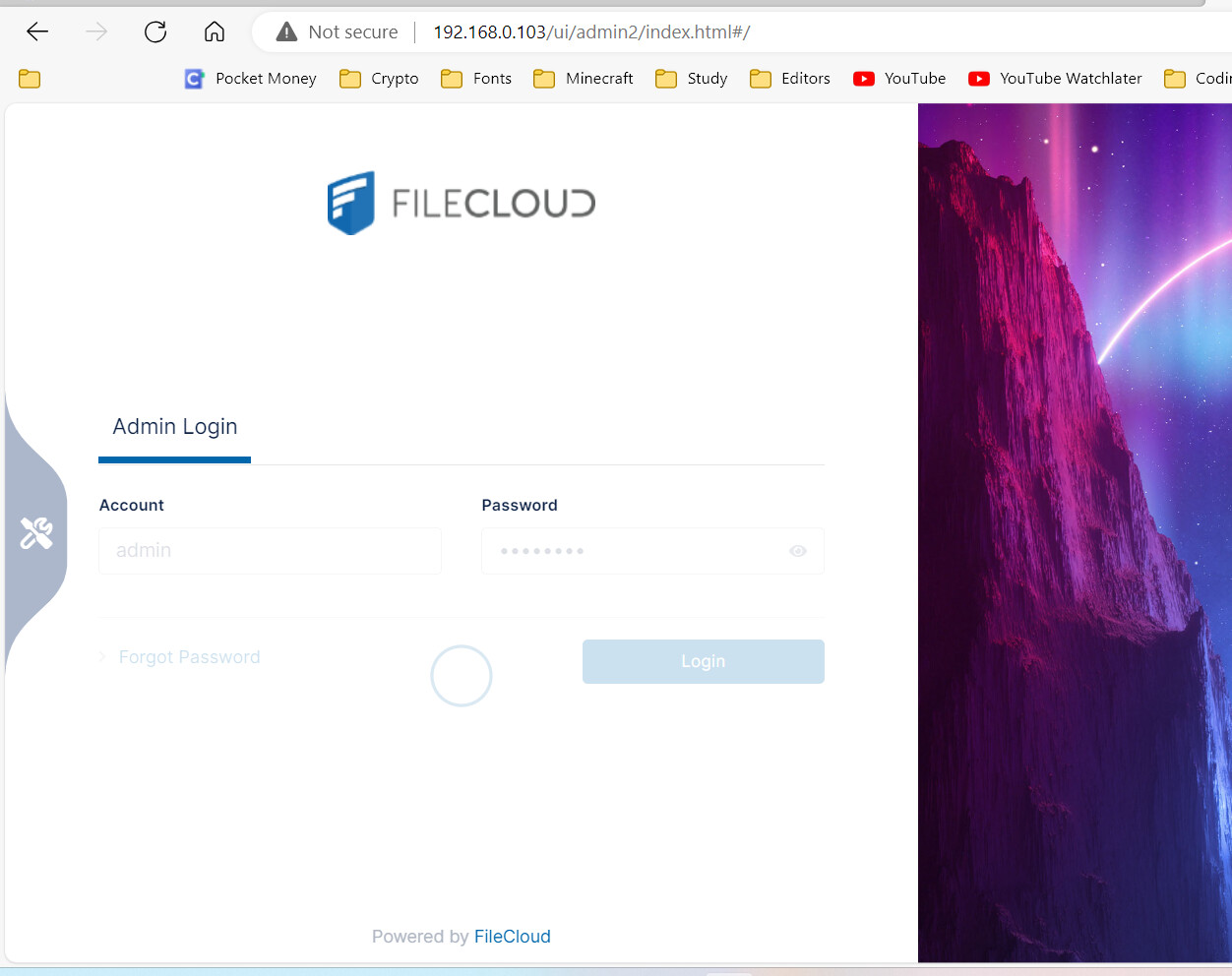
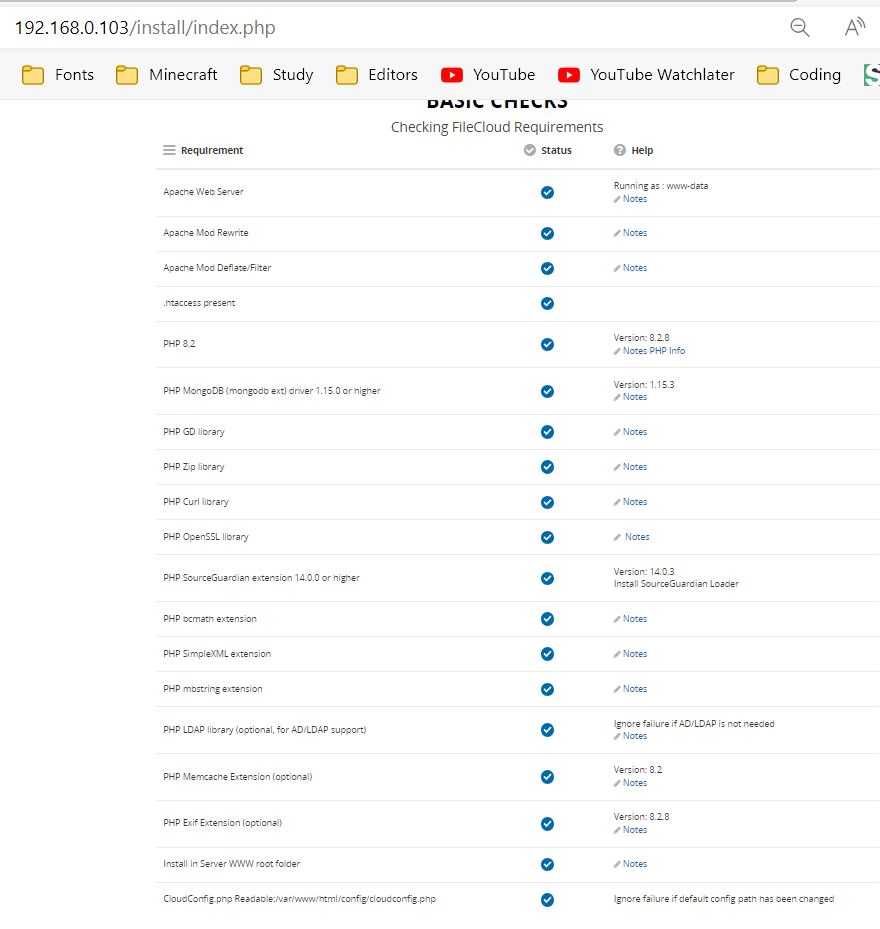
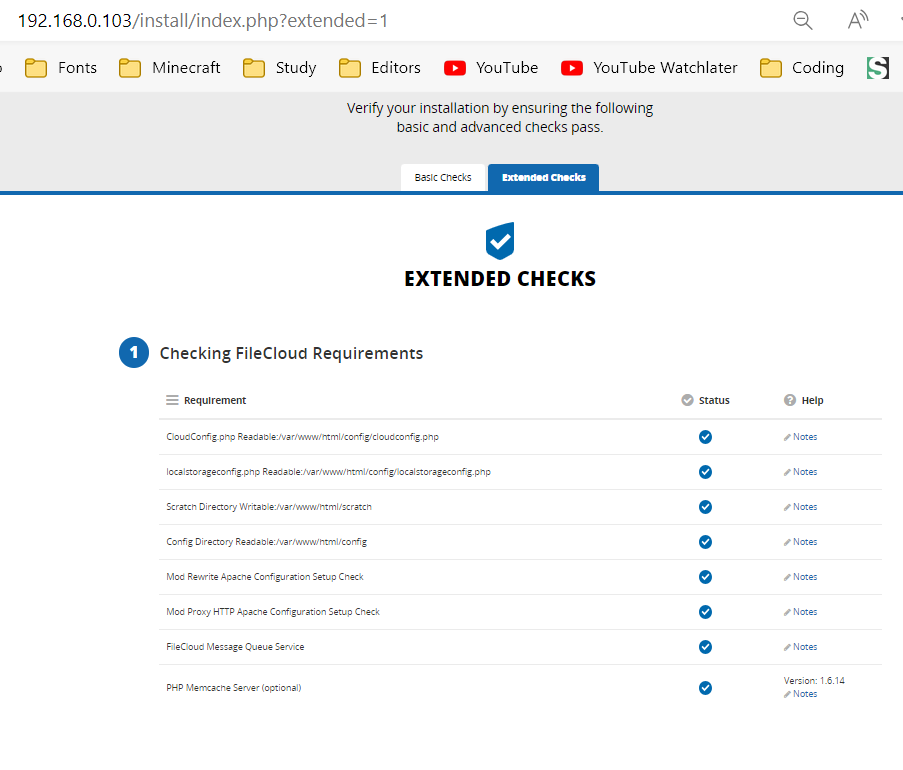
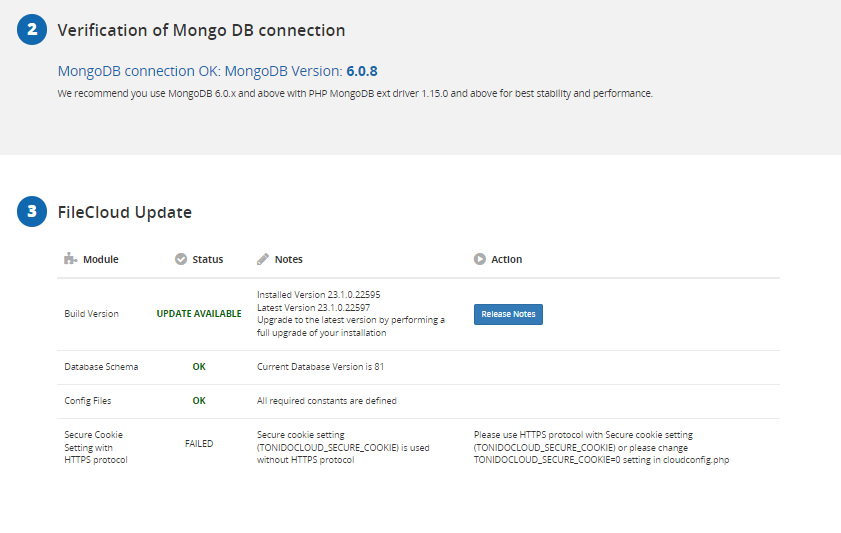
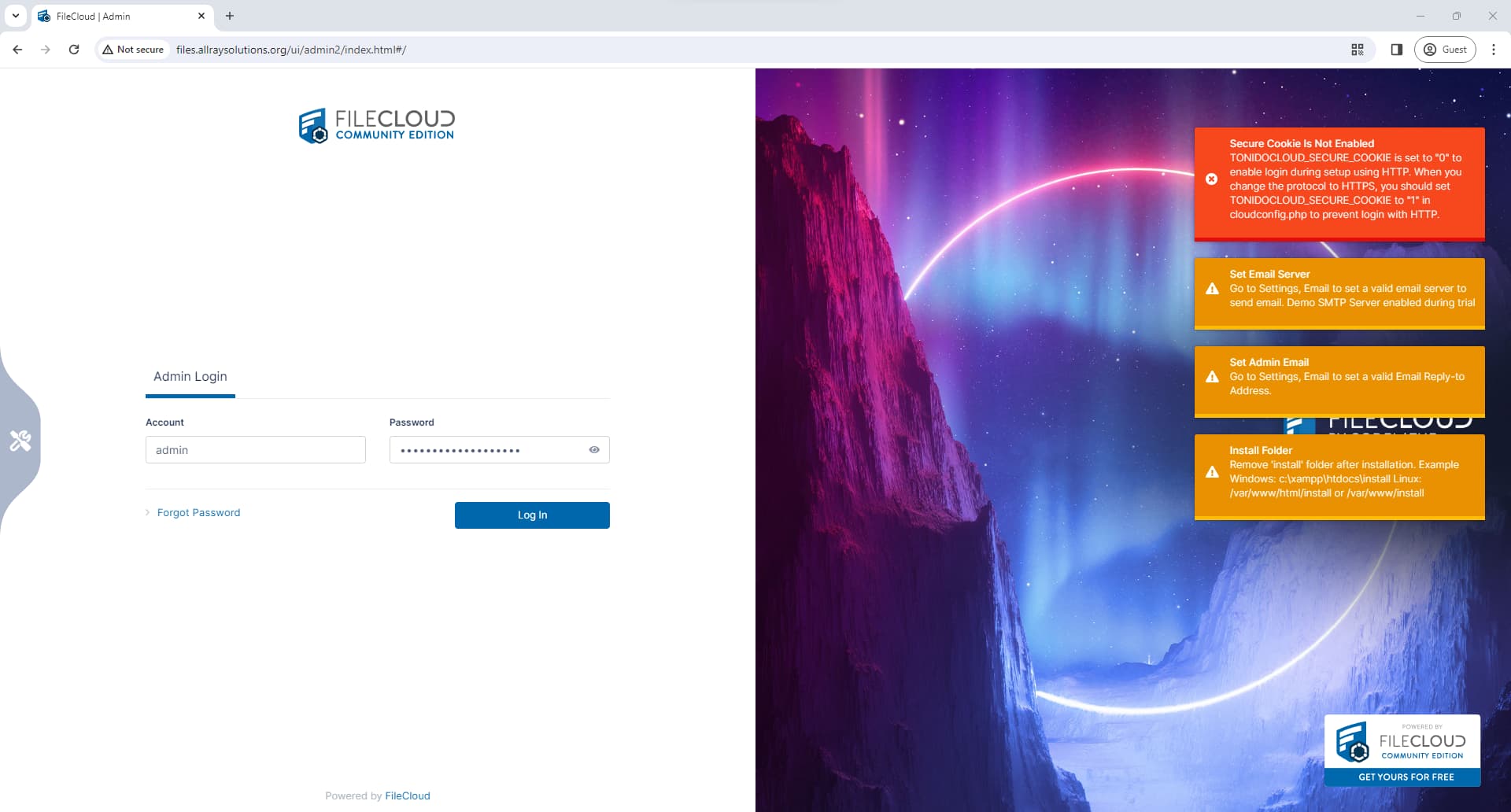
I am not able to login to my self-hosted FileCloud server’s admin account. I have completed all basic and extended checks. The admin login page loads but the login doesn’t work. I have attached some screenshots below.
Hi @bunnypranav,
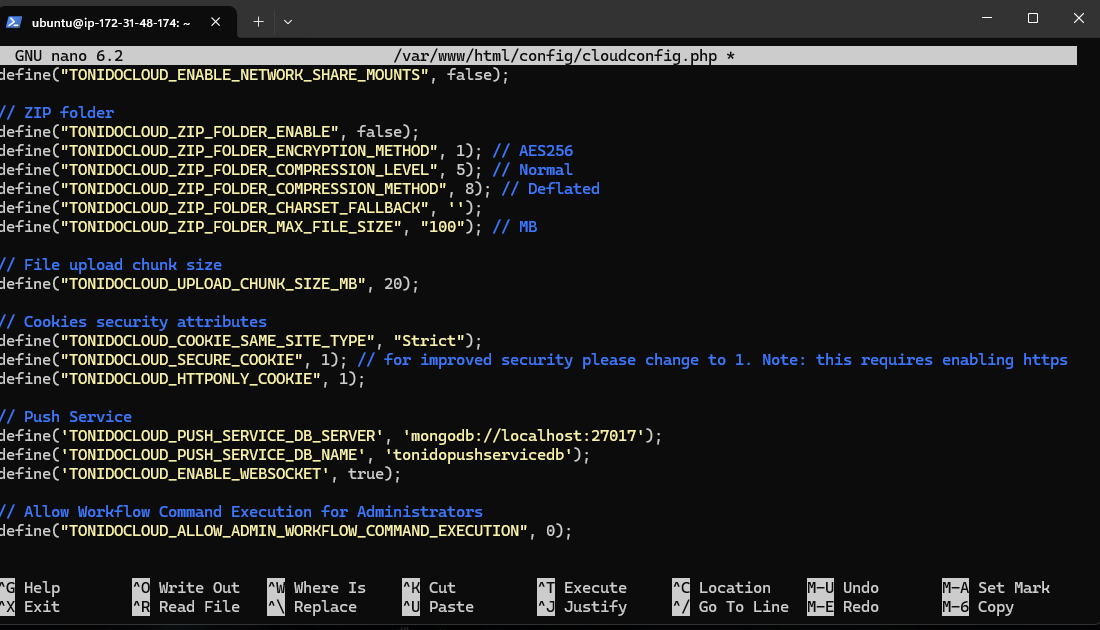
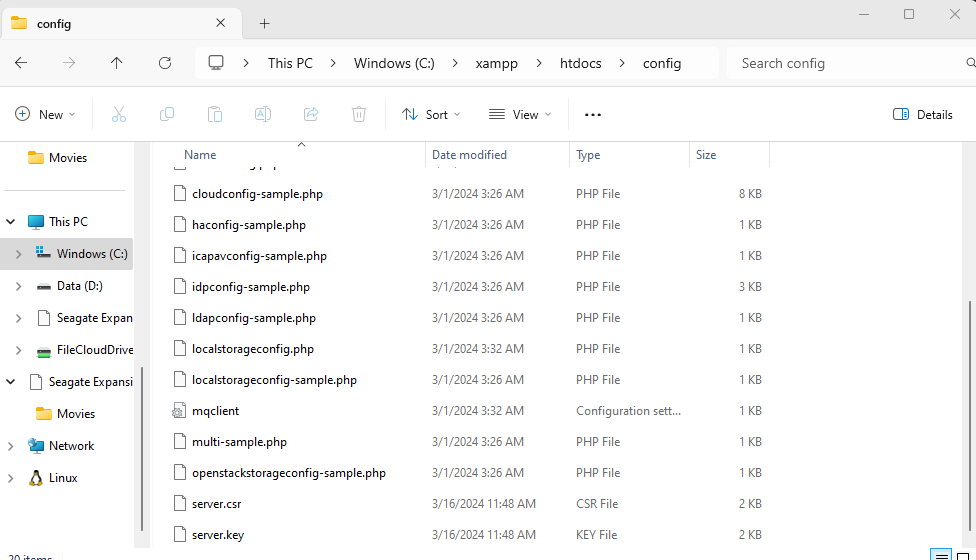
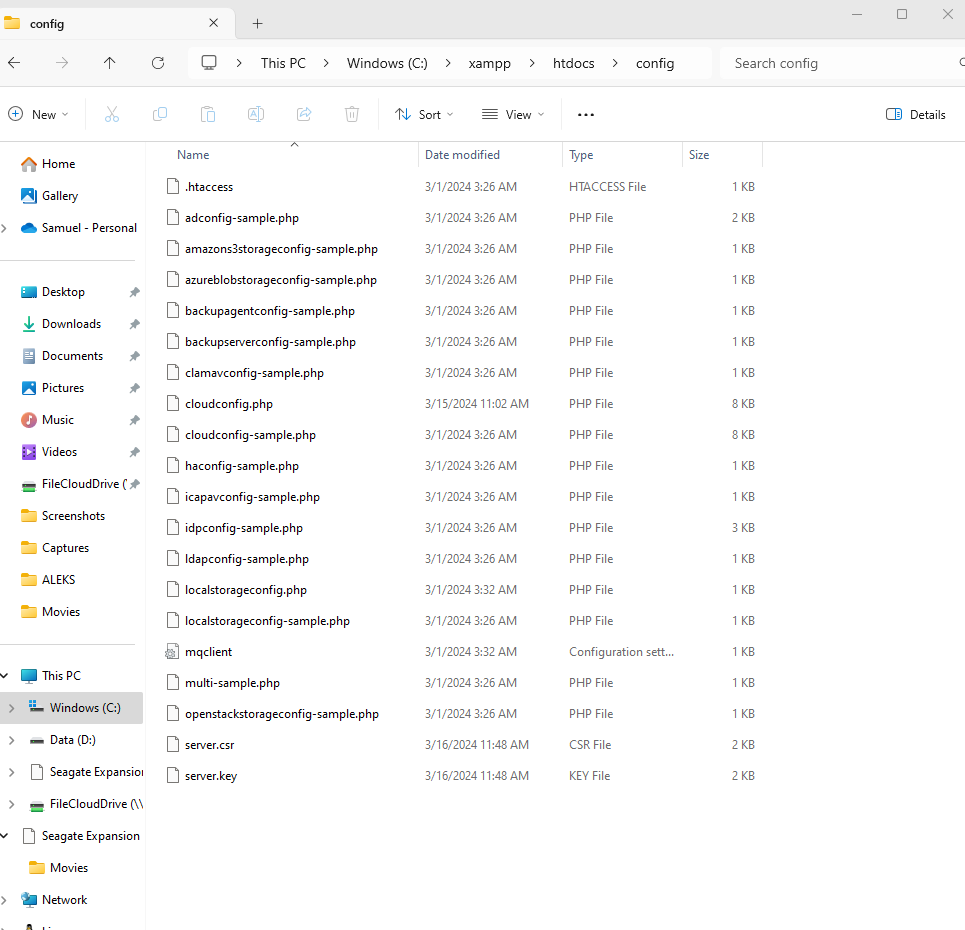
Open the configuration file cloudconfig.php which will under the following path:
Windows Drive letter:\xampp\htdocs\config\cloudconfig.php
Linux /var/www/html/config/cloudconfig.php
Check for the following line:
define(“TONIDOCLOUD_SECURE_COOKIE”, 1);
Please change the value to 0 and save the file.
Then give a try to login. If you find any difficulty, kindly let us know.
Happy to help
Is this a new installation of FileCloud or fresh from an upgrade? Have you tried the steps suggested above?
I have tried to the steps above. Yes this is the latest version 23.232.1.24856
What specific error message/behavior are you getting, its not identifiable from the screenshot you posted.
Another question was, was this a fresh install from scratch or did you upgrade from an older version of FileCloud?
This was a fresh install on March 14
When I try to click login with my admin information. Those popups are the errors I get
@sray15 Those flags warn you about what to configure for your FileCloud installation. It should hinder you from logging in to the Admin Portal.
Can you confirm that you can log in to the admin portal? The TONIDOCLOUD_SECURE_COOKIE is default to 0 and has to be set to 1 if you have already implemented SSL on your FileCloud site. From the looks of your screenshot, it does not look like you have SSL configured yet.
You may visit our support site for our existing documentation.
hi @sray15
To further troubleshoot the issue we will require the FileCloud server logs. Please reproduce the error again with server logs in debug mode
Update the following flag in cloudconfig.php file
windows drive letter:\xampp\htdocs\config\cloudconfig.php
linux /var/www/html/config/cloudconfig.php
define(“TONIDOCLOUD_OP_MODE”, “PROD” ); // < VALID values are DEV | PROD
change that from PROD to DEV and save the changes
Manual log collection
You can find the FileCloud logs from here:
Windows: drive letter:\xampp\htdocs\scratch\logs\log_YYYY-MM-DD.txt
Linux: /var/www/scratch/logs/log_YYYY-MM-DD.txt (in Ubuntu 14.04 and later
          /var/www/html/scratch/logs/log_YYYY_MM_DD.txt)
To further troubleshoot the issue we also will require the Apache Webserver Logs access.log and error log from below location
Linux: /var/log/apache2
Windows: D:\xampp\apache\logs
password: jd3uyekg