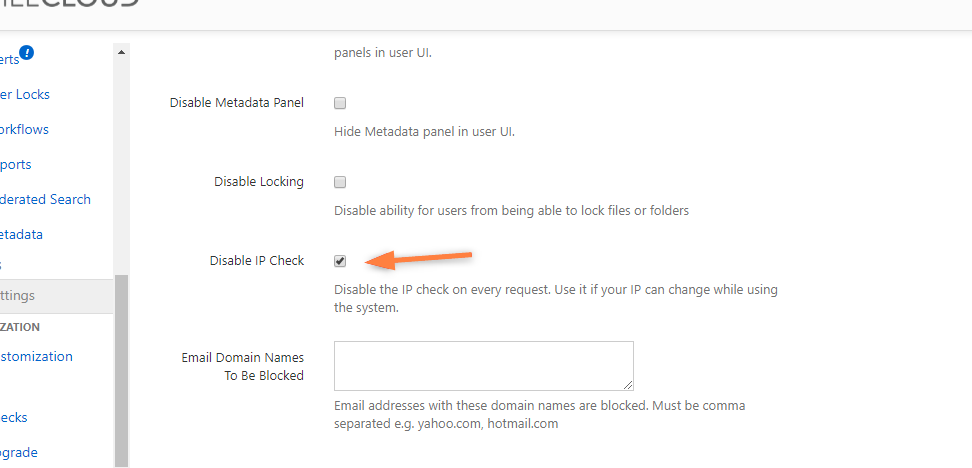
i am able to login to my server from any device connected to my local network or guest network, but when i try to access it from any other network i cannot get past the login screen. this was working until very recently and i changed nothing. to be more descriptive: i can open the login page, but when i enter my information and click login it will take me to the dashboard for a moment and then send me back to the login screen. i have tried clearing caches and cookies as well as using incognito. i have replicated this on several different devices on different networks.i am on the most recent version of filecloud