Assistance - Service Issues on Fresh Installation in Windows 11

Dear Team,

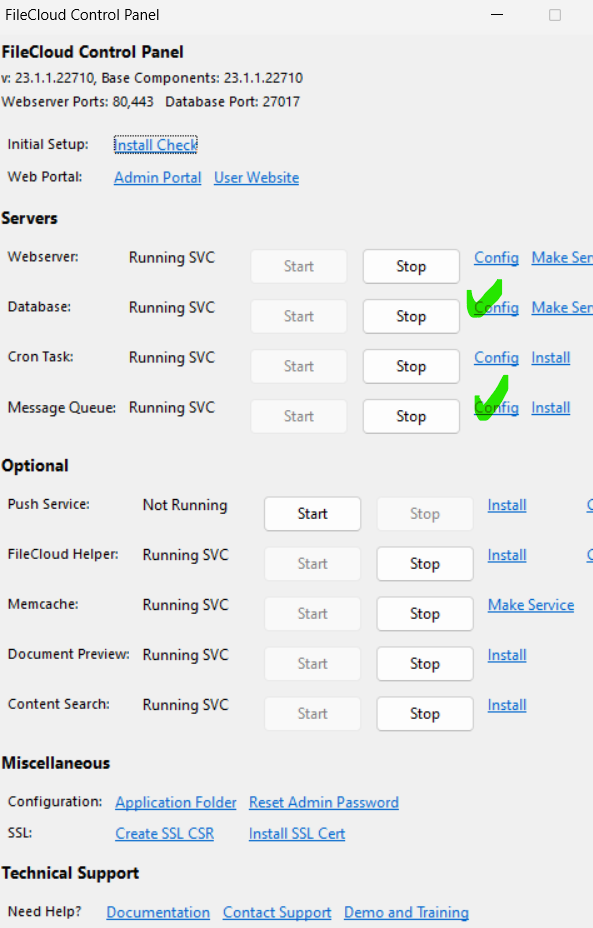
I am writing to seek your assistance with two service issues I’m encountering on a fresh installation of Filecloud Community Edition

  1. MongoDB Service Error:
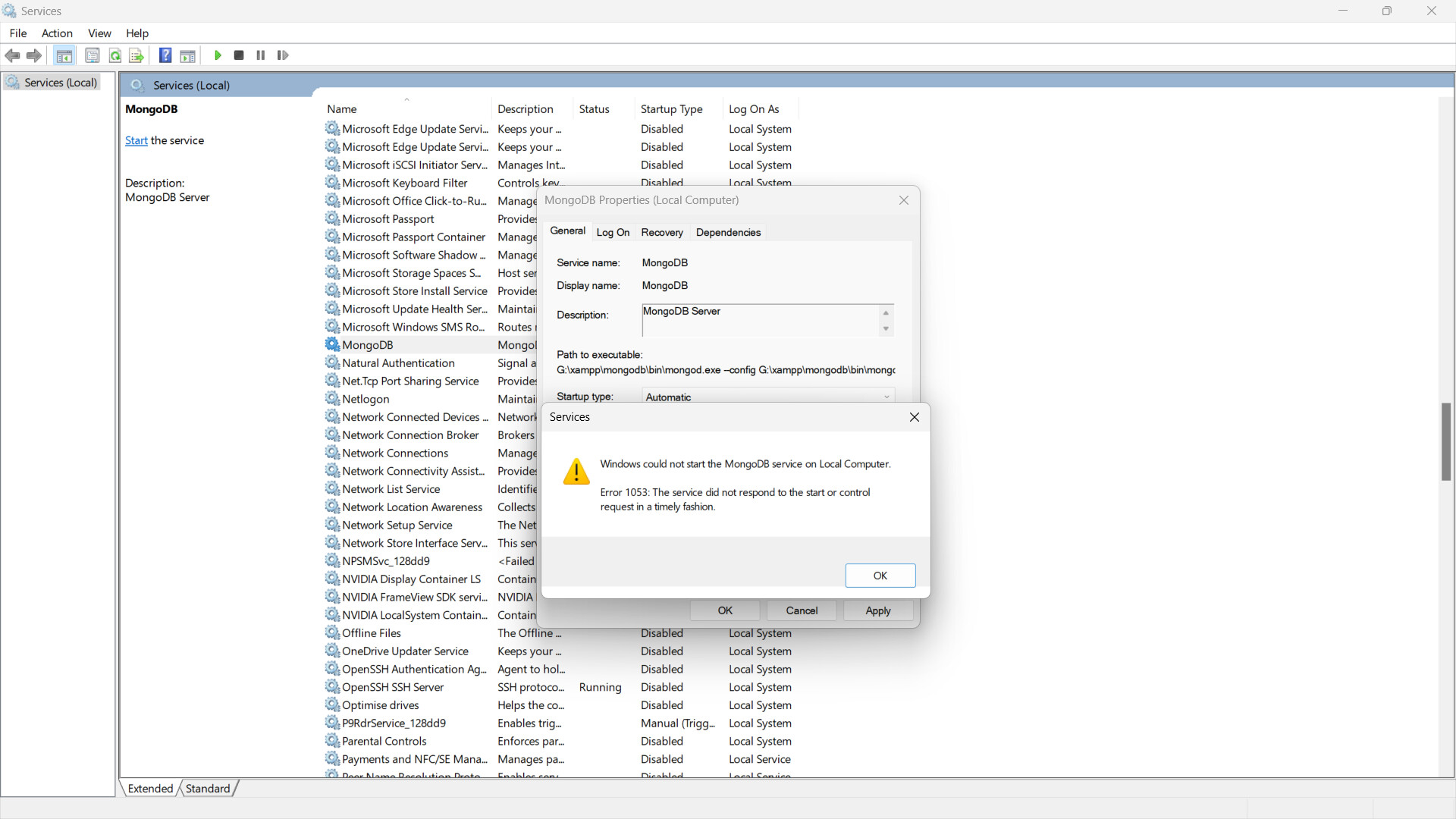
  • I am consistently receiving the error message “Failed to start MongoDB running as service.”
  • The MongoDB service appears to be unable to start and run properly.
  1. Fcorchestrator Service Error:
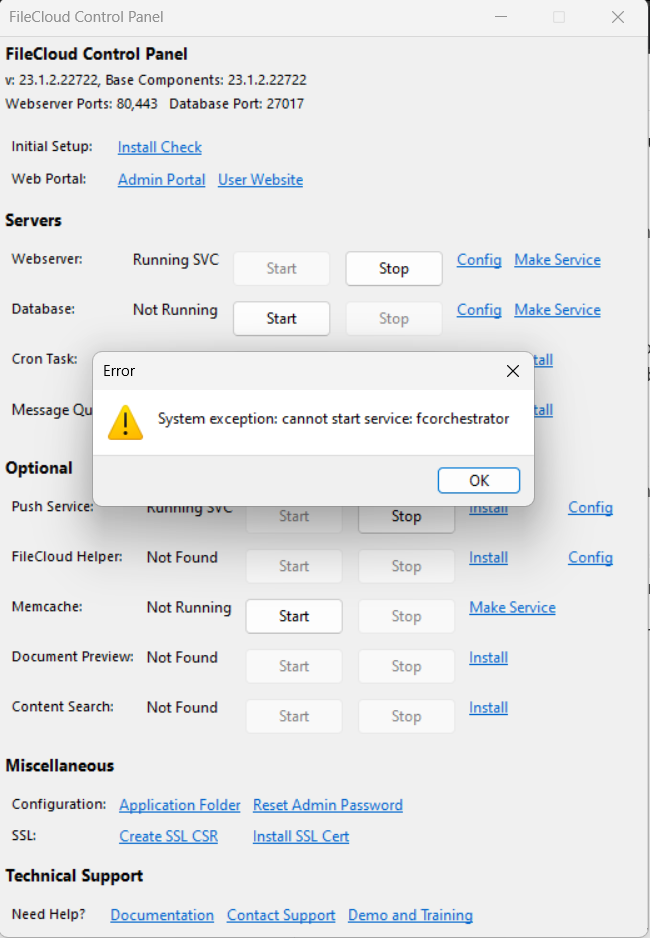
  • Additionally, I am encountering the error message “Cannot start service: fcorchestrator.”
  • Similar to the MongoDB service, the fcorchestrator service seems unable to start and function correctly.

I would greatly appreciate it if you could investigate these issues and provide guidance on resolving them. Please let me know if you require any further information or logs to diagnose the problem.

Thank you for your prompt attention to this matter.

Hi,

Can you kindly try to start the services through Windows Start > Services > Navigate to MongoDB and Fcorchestrator services and right click try to restart the services and then let us know if it works.
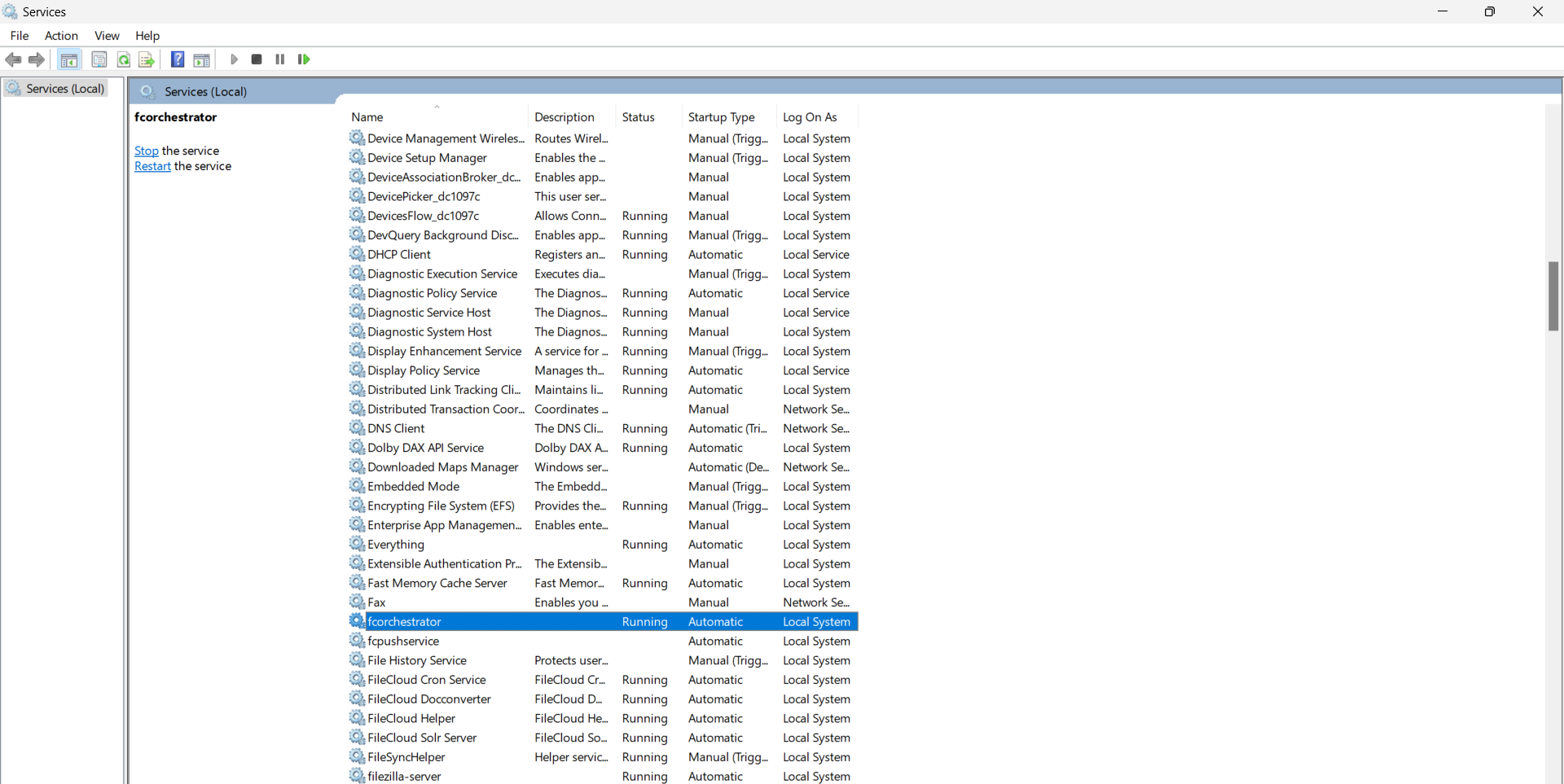
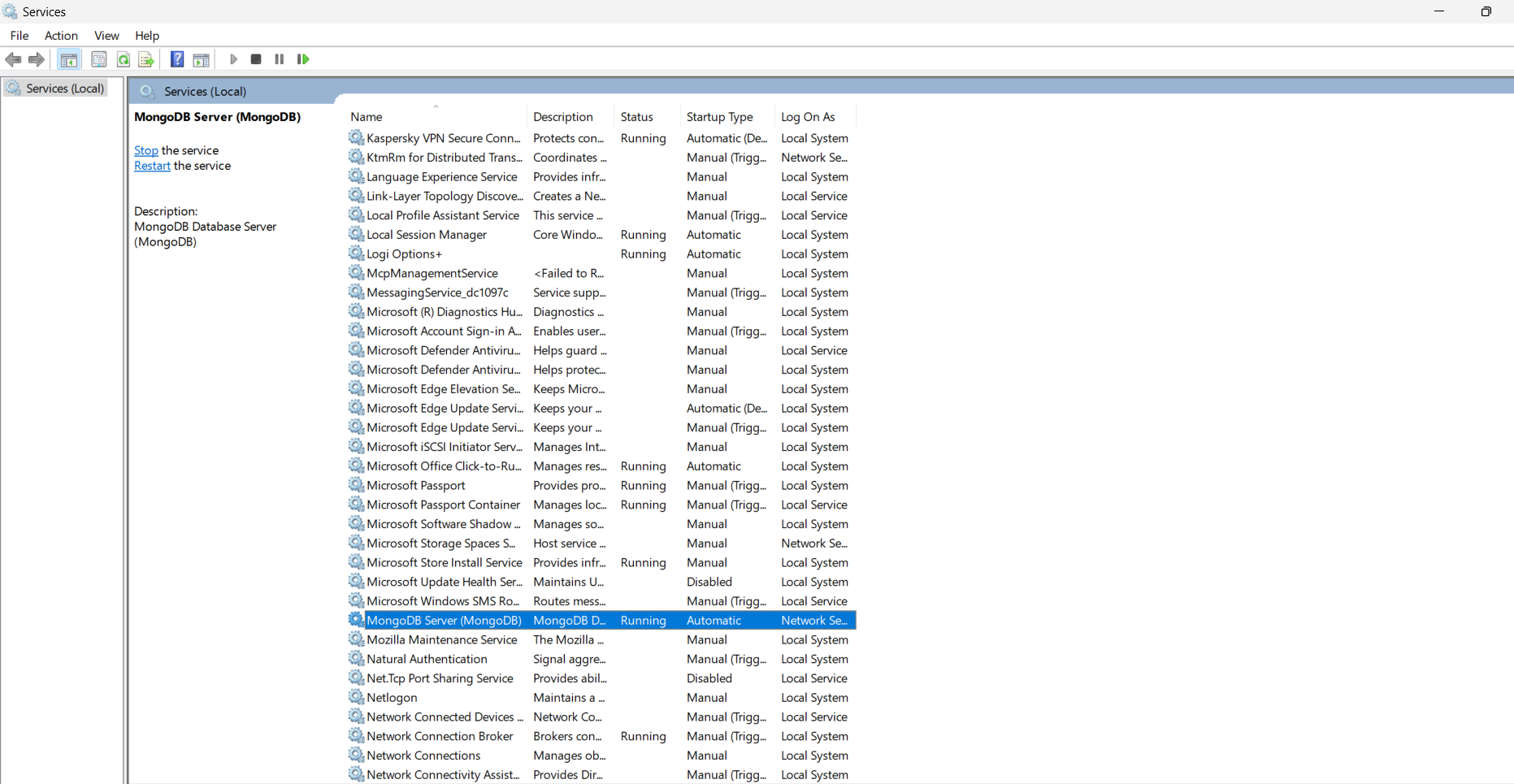
Then provide us the config files of both the services

Yes, I already tried that but came up with this error message


and Fcorchestrator services pauses automatically when i resume

And additionally i was trying changes to db config file to see it it works so i recently changed dbpath & logpath value but it didn’t work…

Attaching the config files as requested:-
Database:-

# mongodb.conf

# Where to store the data.
dbpath=G:\xampp\mongodb\bin\data
 
#where to log
logpath=G:\xampp\mongodb\bin\log
 
#append log
logappend=true
 
#ip address
bind_ip = 127.0.0.1
port = 27017
 
# Enable journaling, http://www.mongodb.org/display/DOCS/Journaling
journal=true
 
# Don't show mongodb http interface
# nohttpinterface=true
 
# Enable mongodb rest interface
# rest=false

#quiet mode
quiet=true

Message Queue:-

{
  "php": "",
  "global_worker": false,
  "site_worker_limit": 10,
  "parallel_workers_count": 4,
  "parallel_high_priority_workers_count": 0,
  "server_mode": "http",
  "http_route": true,
  "deployment_host" : "127.0.0.1",
  "websocket_protocol" : "ws",
  "memcache_connect_string" : "127.0.0.1:11211",
  "nodejsmodules": "",
  "workers_memory_limit_MB": 512
}

Hello,

Thank you for the details.

Could you please give a try to uninstall and then reinstall the FileCloud again?

Please try to run the below commands

cd G:\xampp\apache\bin
httpd.exe -k uninstall

G:\xampp\mongodb\bin>mongod.exe --remove

Once after doing this kindly try to re install FileCloud again and let us if this is helpful