I’m using the FileCloud Desktop app to mount onto Windows 11. The mount will work and sync great for a bit but quickly after that the mount will stop syncing and files will not stop matching the filecloud server on the web. The status on my Explorer will say “Available when online” or “Sync pending” on the files and the mini dash shows no errors. Is there a way to refresh the sync connection and better yet fix this from destabilizing in the first place?
hi @msclick
Click on exit sync application and make sure you have exited from system tray as well
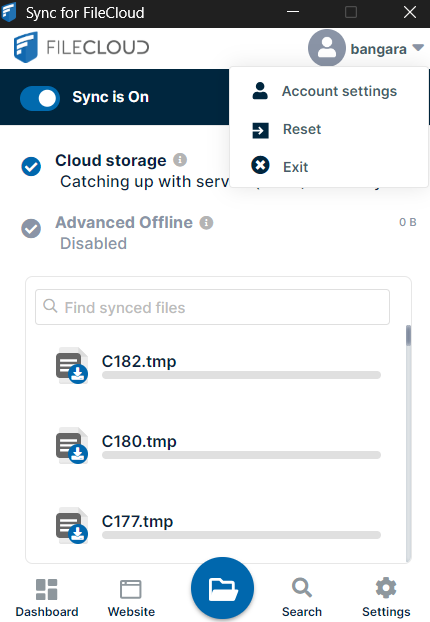
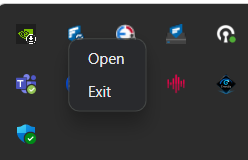
Then navigate to task manager > make sure all the processes running for sync is closed and ended successfully
navigate to windows > run > %APPDATA%\FileCloudSyncData
rename the client folder and now restart and login to sync application again and let us know how it goes