Greetings:
I have downloaded the VM Edition (OVA) and imported into VM Player 17 (17.5.0 build-22583795). The Ubuntu config for VM was not changed and kept as is.
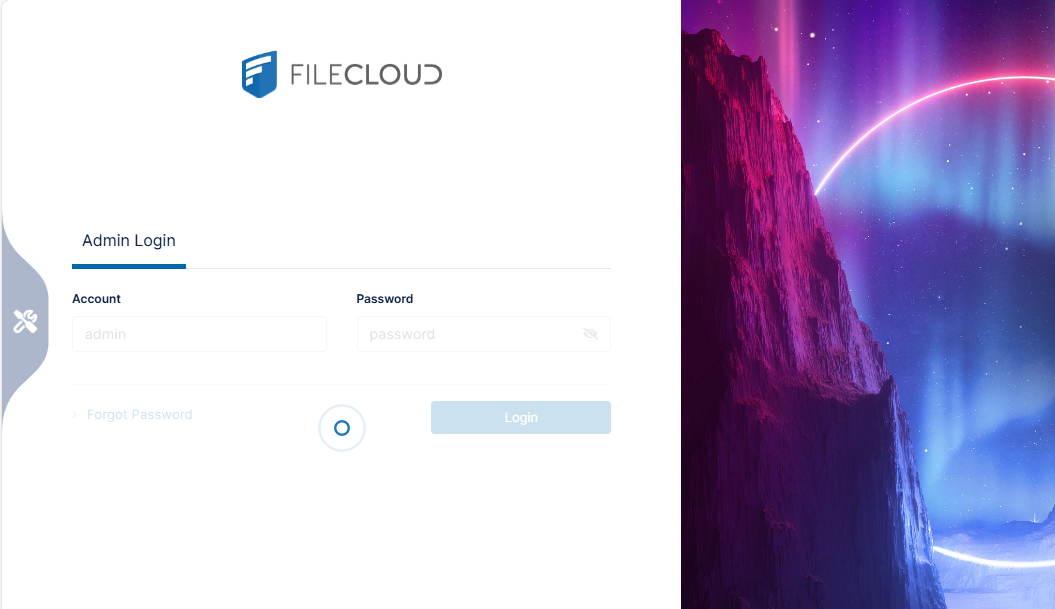
The FileCloud CE virtual machine is running and no issues, but when I try to access the Admin portal to activate the Free CE one 1Y license and start testing I cannot login. The default username and password are entered. The admin portal seems to be processing the entered creds but keep running the circle (waiting). The admin portal does not prompt for error, and does not throw any error or exception.
Thanks for having such good product and I am impressed with the security controls, Went through them by reading the FileCloud.Server.23.241 KB and reviewing the capabilities.
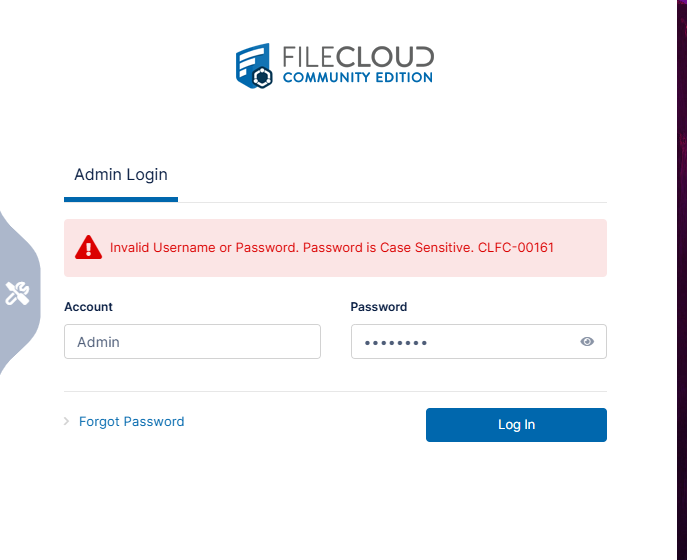
Thanks I appreciate the message and effort. The screen capture that I attached originally shows exactly that I have tried admin/password. I cap’ed the first letter (A and P) to differentiate the Uname and PWD text in my email.
If I am not wrong, if I have used the wrong username/password FileCloud will have promoted for that. I never got an error screen like the one attached for example. What I got was never going away flashing circle even after 10-15 min. (Err: Invalid Username or Password. Password is Case Sensitive. CLFC-00161)
I have installed FileCloud from scratch on windows 2019 Trial server, and both are working. The VM did not work for me and I have tried it on two different VMWare Players.
I think that admin account requires HTTPS access to login properly.
You might need to edit cloudconfig.php and change line define(“TONIDOCLOUD_SECURE_COOKIE”, 1) to define(“TONIDOCLOUD_SECURE_COOKIE”, 0) to enable HTTPS access.
 (Err: Invalid Username or Password. Password is Case Sensitive. CLFC-00161)