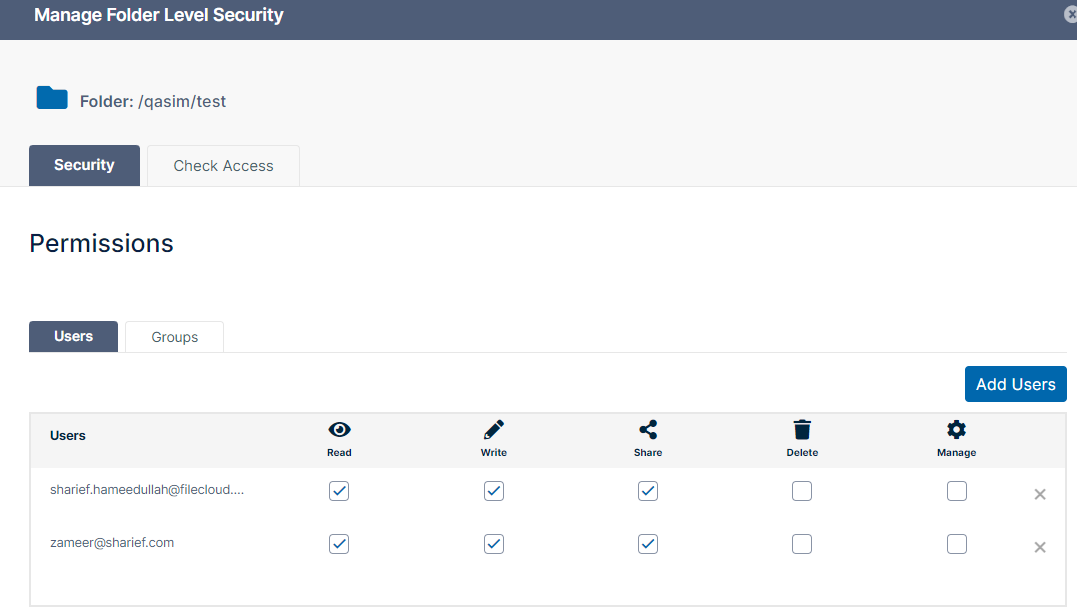
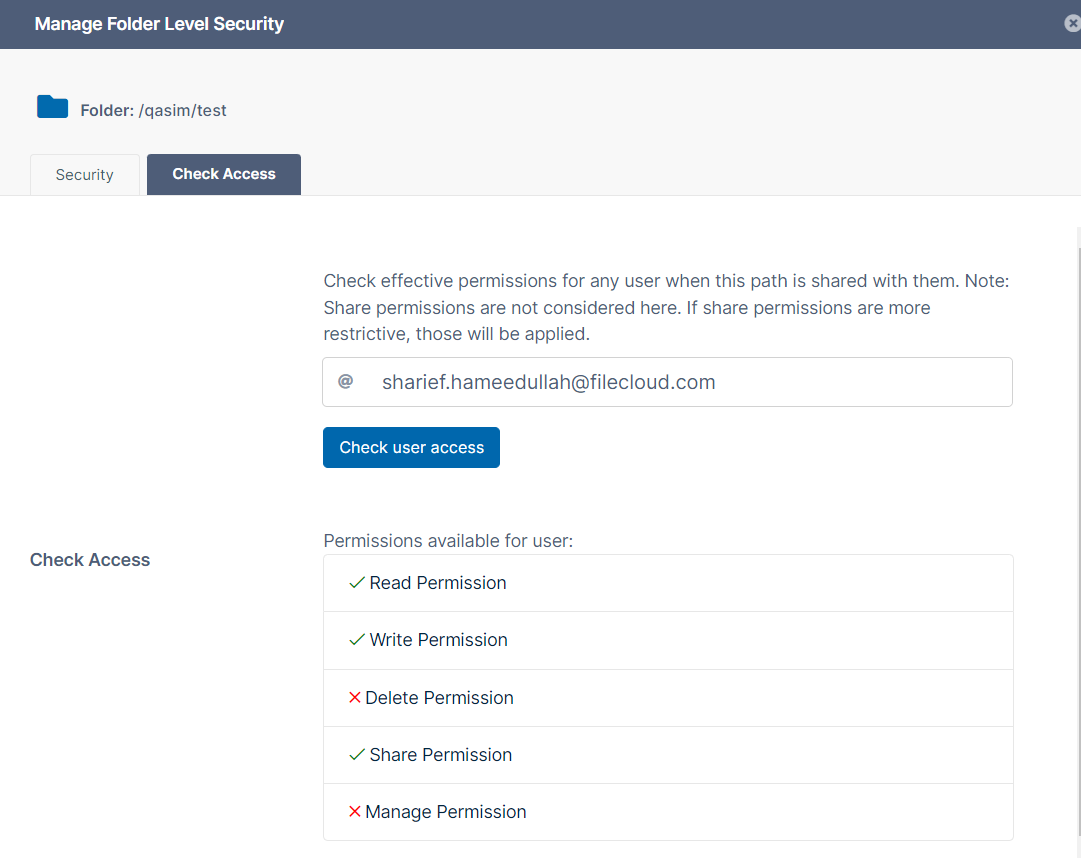
After hours of Trial and Error. I’m more than confuse what I’m doing wrong.
I’m able to create Folders via the API, but I cannot delete said folder. I’m using Powershell, but I also tried python.
$op = "deletefile"
$path = '/SHARED/support/Support/'
$Bodytest = @{
    op = $op
    path = $path
    name = 'toDelete2'
}
<#
$op = "createfolder"
$path = '/SHARED/support/Support/'
$Bodytest = @{
   op = $op
    path = $path
    name = 'toDelete2'
}#>
echo ">>> calling" $op "..."
$Response =  Invoke-WebRequest -Method Post -Uri $Uri -WebSession $WebSession -Body $Bodytest -Headers $Headers
After I create a Folder I cannot delete the Folder neither with the API nor the User-GUI.
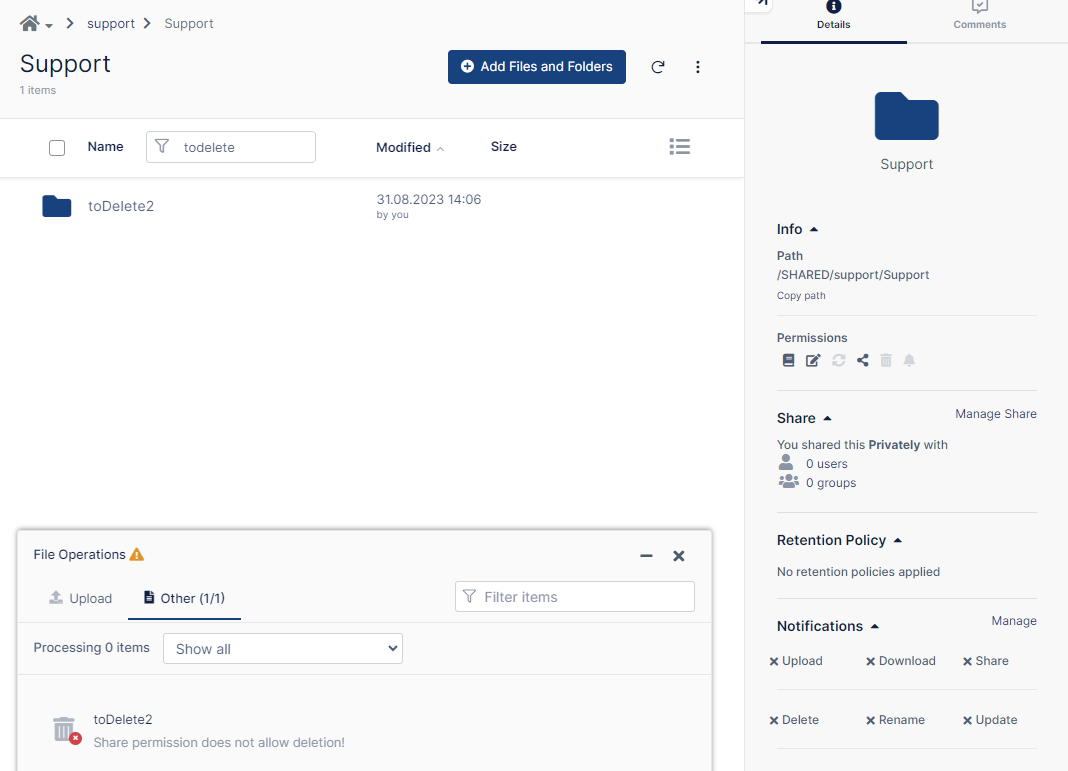
support is our Teamfolder and Support is an subfolder of this.
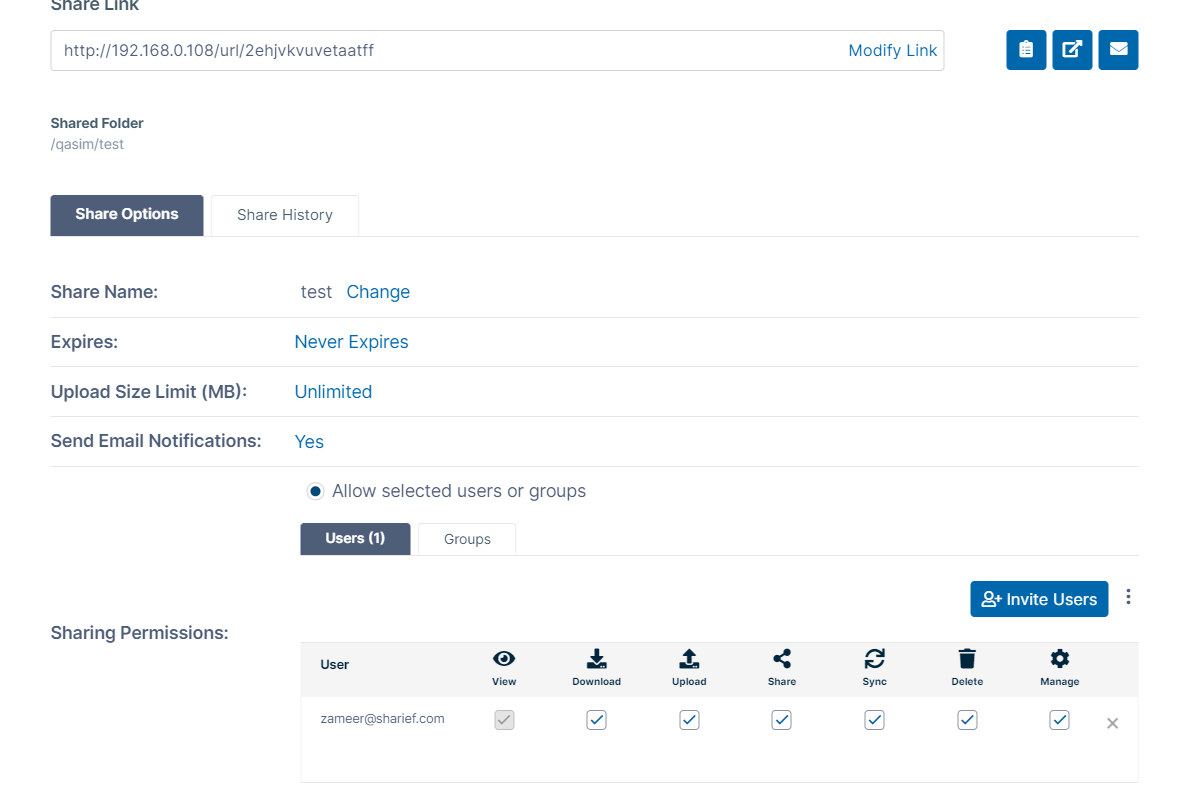
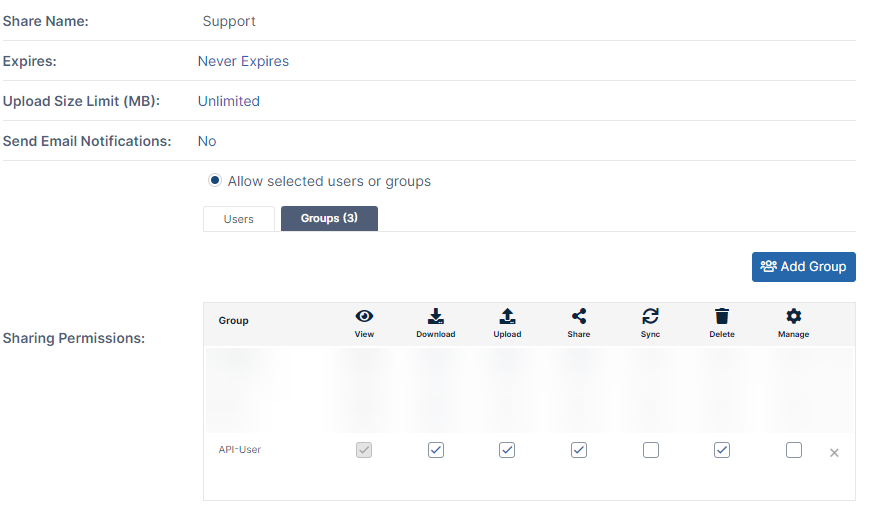
It always says that the Sharing Permission does not allow deletion. The Folder was created without any share.
I simply do not understand how to allow the Deletion of the created Folder. The User has the Permission to Delete/Manage.