Just got FileCloud recently, downloaded 23.1.1 - With the FileCloud Control panel on Windows Server 2022. Non-Docker.
Is there a way to improve upload performance? I am seeing anywhere between 2mbps, and 200mbps, averaging on the 2mbps side. The server itself is NVMe based storage, with plenty of CPU and RAM. My test machine is on the same LAN with 10Gbps connectivity between the two. Windows file sharing easily hits 1,000mbps.
I do not see any CPU spikes when uploading.
Downloads seem to range between 200mbps and 600mbps.
I have everything under Servers and Optional running as a service.
If you are able to share a video with us of your uploading and downloading files from and to, can you also show an active PING test, that pings both your local Router and to where FileCloud is hosted?
Is there a way to change this? I’m uploading folders of audio that are small and big sized. The folders are between 2 and 10 gb. So a lot of files in the folders of different sizes. The upload performance is blocking me from using the software. I need full bandwidth upload speed from all files in the folder.
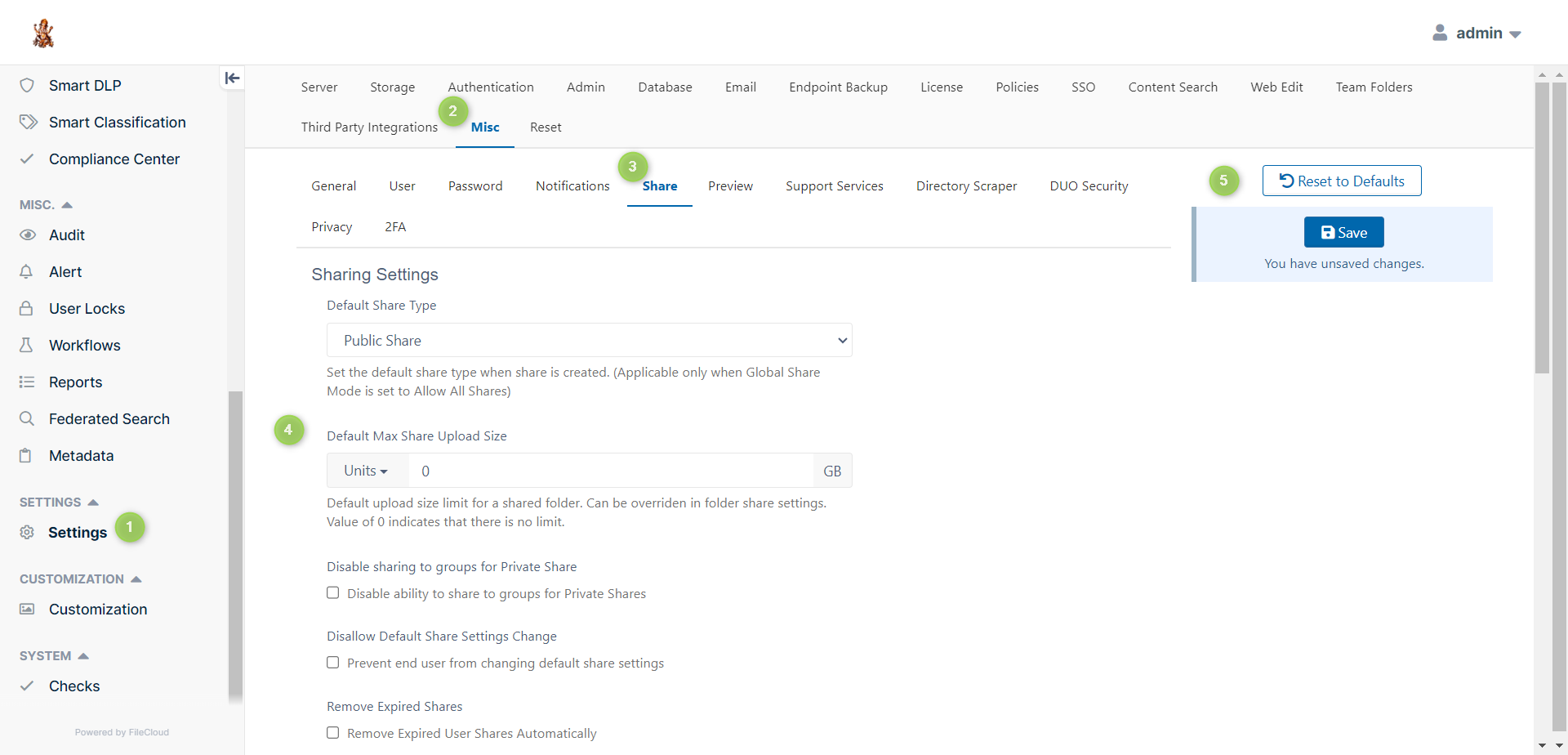
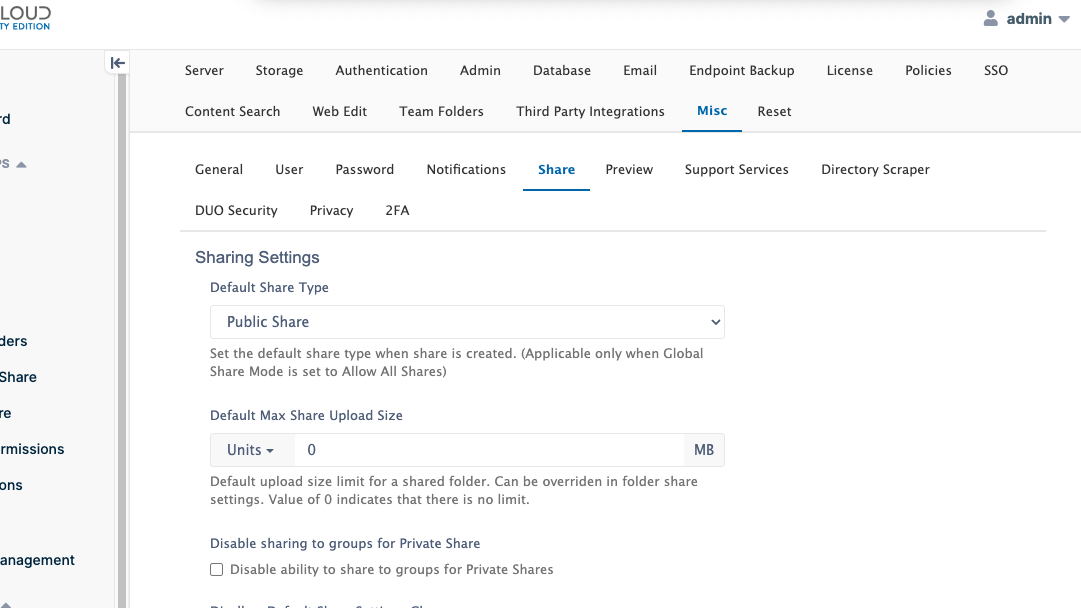
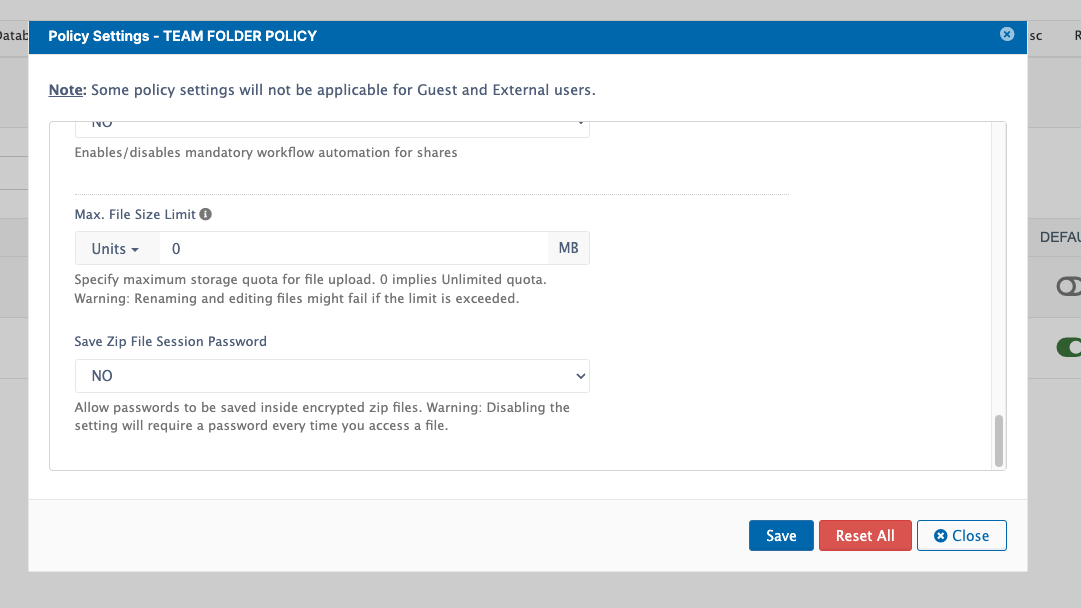
Whether any user is experiencing issue while trying to upload to a shared folder? If yes, please confirm default max share upload size has been changed?
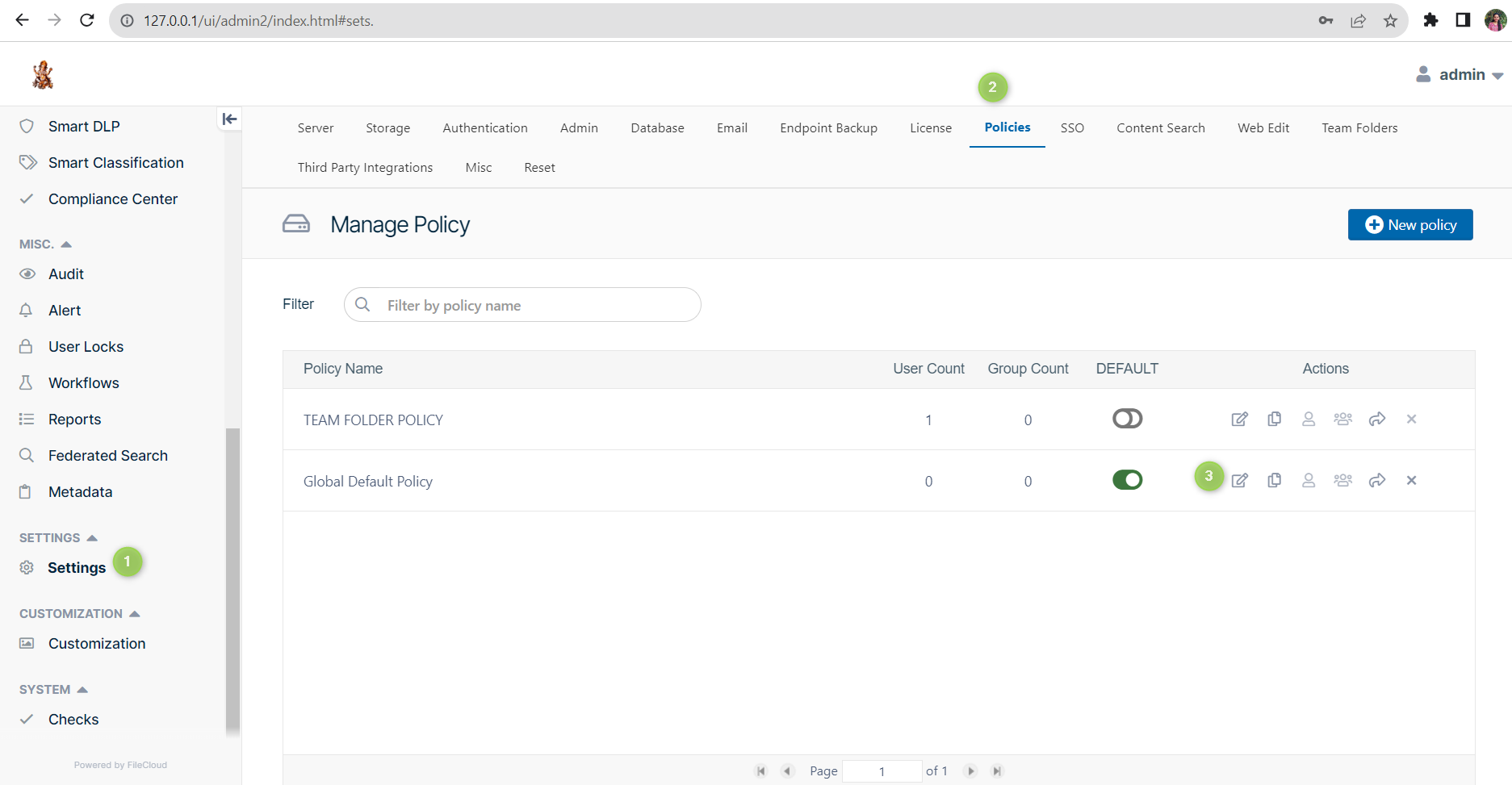
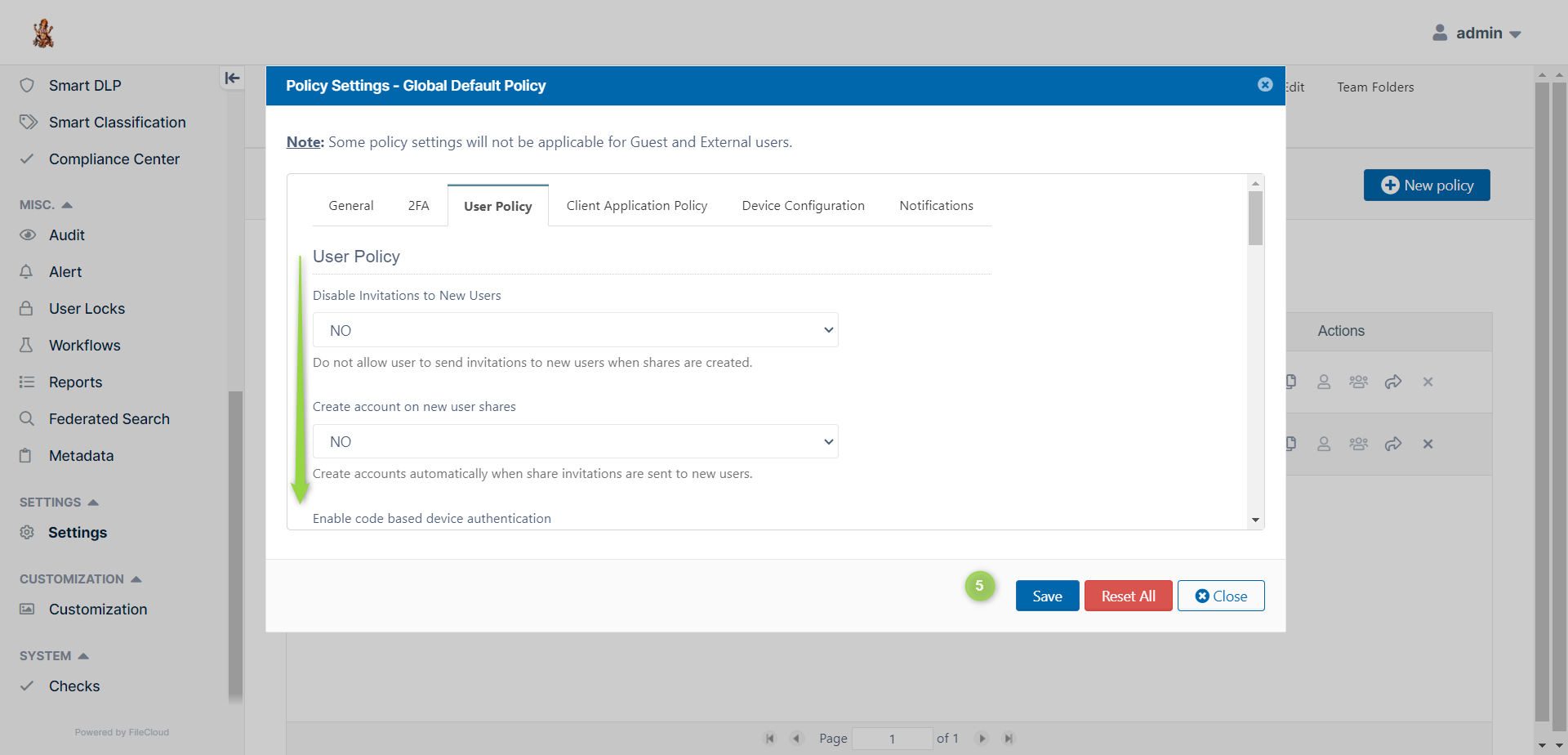
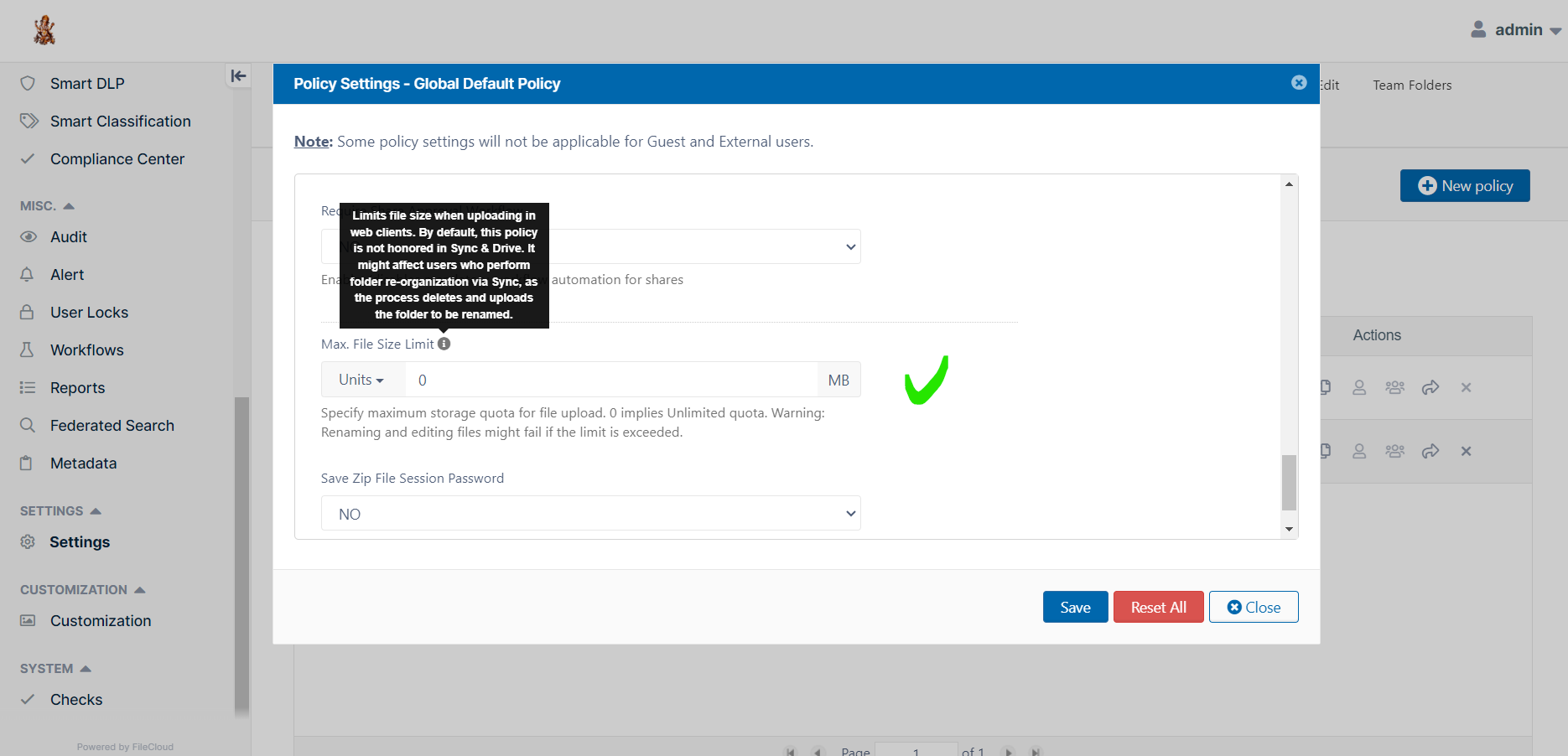
It can be confirmed through admin portal > settings > misc > share > default max share upload size should be set to 0 and unit as per your convenience > save the changes