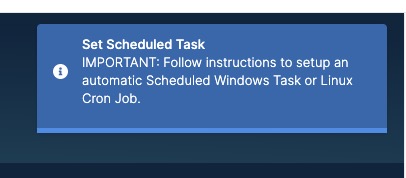
New FileCLoud user and fairly new to Linux. I have managed to finsh all promts but one, the one referring to a Scheduled Task - Linux Cron Job. I havent been able to find much information about this, is there some documentation I’m overlooking?
I’m running the suggested version of Ubuntu Server, minimal version, and followed the install commands using SSH terminal.
Any help with this would be great. And remeber, Linux noob so the more details or links with specific commands the better.
Thanks.
Hello @JGibson
Can you let us know what version of FileCloud you’re running as well as the OS?
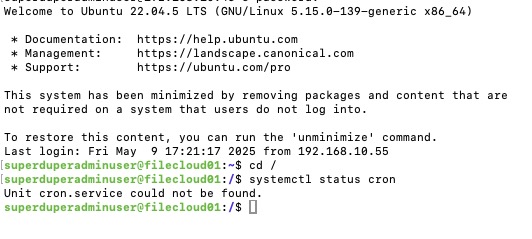
Can you try running the following command in the terminal and let us know the results via a screenshot?
systemctl status cron
Thank you John for replying. Version of FileCloud is Community Edition 23.242.0.29412 and running on Ubuntu Server (minimal) 22.04.5
Again I’m a Linux noob, but based on the results of this command I dont have the cron service installed, am I reading that correct?
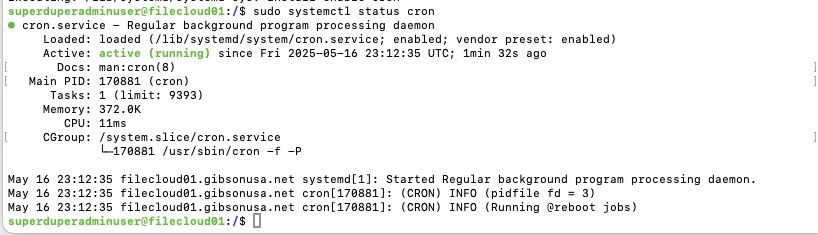
I installed cron and now I have this as a status…