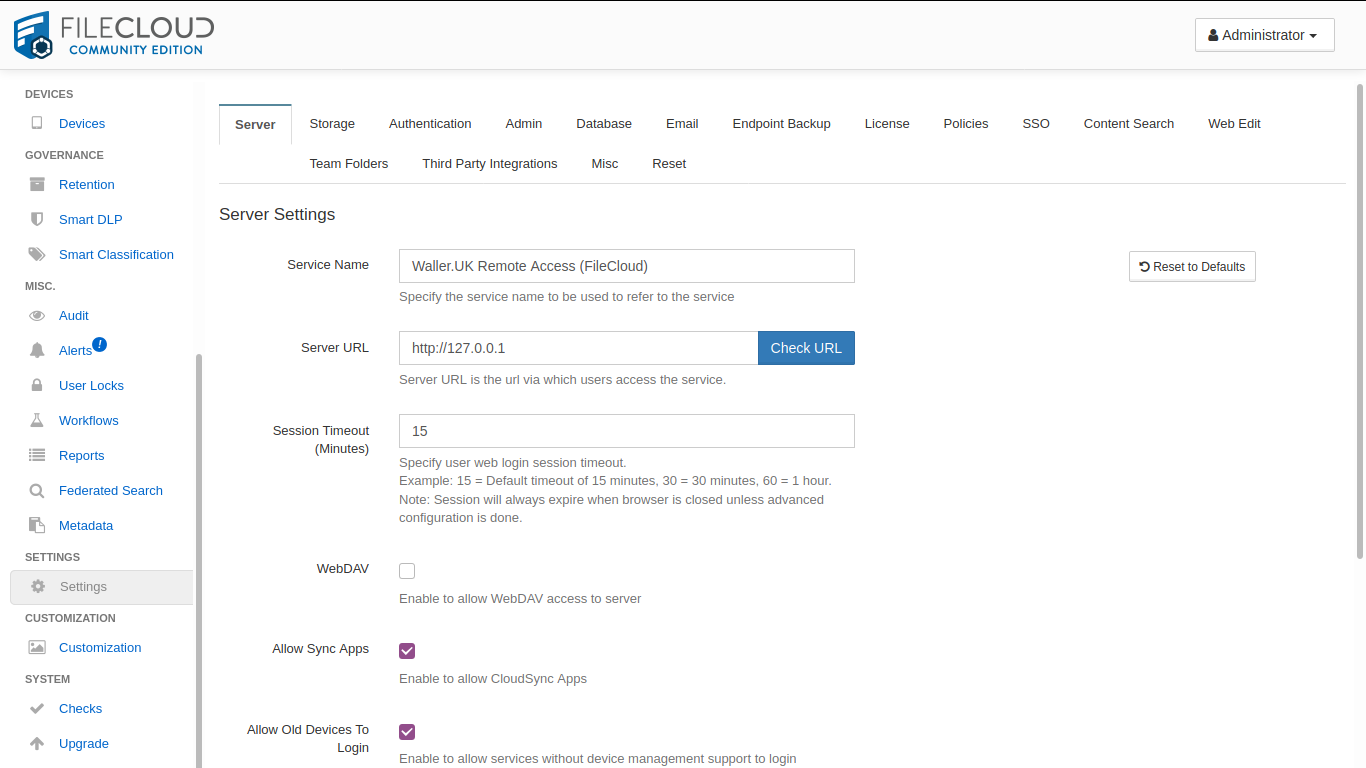
Every time I type in my external URL address in the “Server URL” section I keep getting this error message even though the URL is correct and working and has a SSL:
“Server URL is not accessible. This might affect some server functionality like background processing.”
Please add a hosts file entry like below in the FileCloud server and check whether the issue still presents. Also, if you are using the HTTPS in the FileCloud URL, please make sure the certificates are installed on the server.
Please let us know whether you are trying to add the server URL with “HTTPS” from the Admin Portal? If yes, is it possible to add the relevant SSL certificate and Key to the FileCloud Serer and check?
I stopped using the docker version and started is to a “normal” Ubuntu installation, added the certificate to Apache, changed the /etc/hosts 127.0.0.1 to my domain name.
Then i all worked fine. On to the next issue
Hello to all!
I have a similar problem with my Filecloud URL. My Filecloud is already accessible under https://subdomain.domain.de:2082. However I cannot set this as the server URL, as I get the error „URL Invalid“. Still, I can set the following server URL: http://subdomain.domain.de.
It stops working either when I specify https mode or when I specify the port after the IP. …What should I check next to fix this problem?
I am running Filecloud in win10 pro 64-Bit machine, behind a Firewall and router.
Good Morning - I have similar problem.
I have been running a test version on a Windows 10 PC on my internal network, I can access HTTP via port forwarding and using a NO-IP DDNS host name. I ordered my community addition license today and was told I needed the HTTPS host name. (ISP uses Dynamic IP)
I have no experience with SSL and not even sure it will work like I have it configured.