Secure LDAP Active Directory authentication failed

Hi,

My 2 domain controllers are now authenticating users and computers using LDAPS on port 636.
Now my Filecloud application cannot authenticate with my Active Directory on SSL.

I followed all the steps listed by Filecloud, but don’t see the root cause.
I am attaching some screenshots.
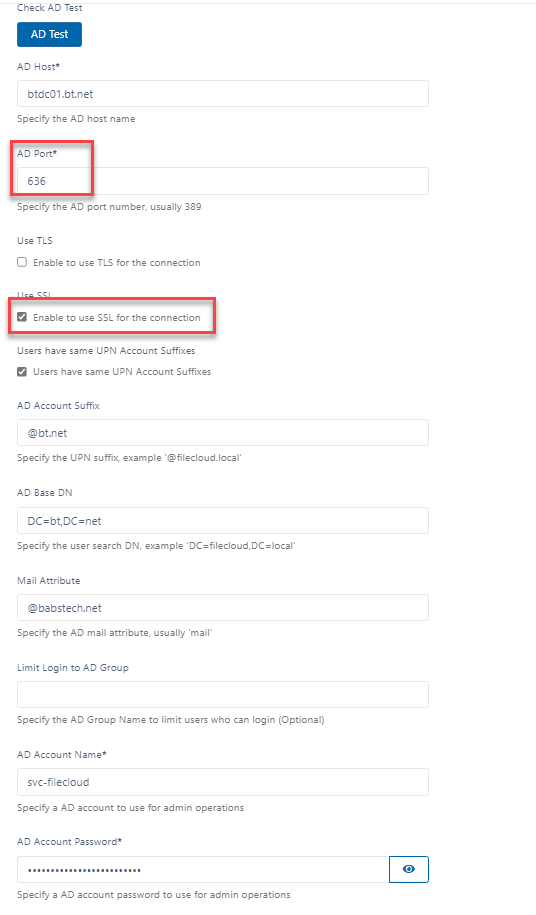
@babs Please see the documentation below:

If you’ve already done the steps mentioned in the documentation but still have the same issue. Do the steps below:

  1. Set the server debug logging to Dev. You can set this from the Admin Portal >> Settings >> Server >> Debug Level.

  2. Run and AD Test from the Admin Portal >> Setting s >> Authentication >> Active Directory tab.

  3. Grab the server logs and send it over to us for review.