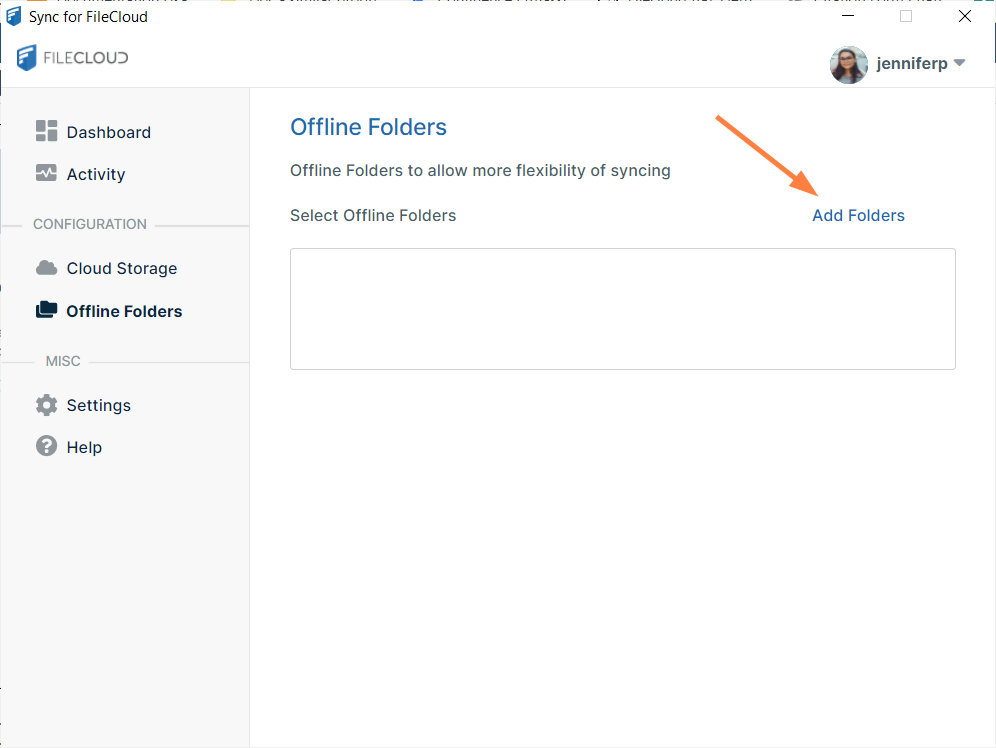
Maybe I’m missing something or it’s my understanding, but coming from Dropbox you can selectively sync your local folders that you have on your computer (check boxes). Those that are selected, etc synced to the cloud.
Is don’t see this option in the syncing client. Only under Cloud, I get select the files & folders that are already in the Cloud. Or is it expected to upload all local folders I want to sync to the cloud and then download them again?
Can someone maybe explain?