Hi,
i have installed FileCloud on my home windows server machine (personal usage) and in am strugling with Network Share files
i have succesfully connected my server folders as network share (so Apache has R/W rights to folder)
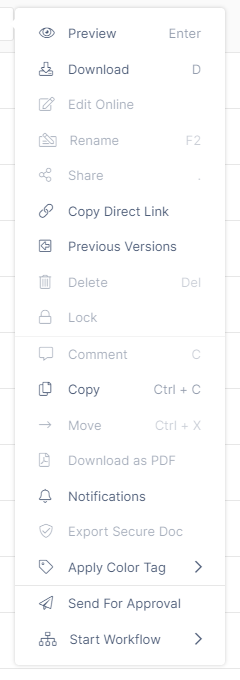
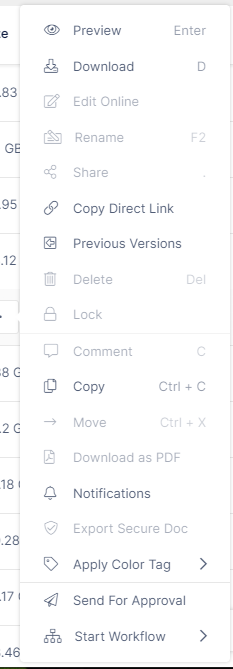
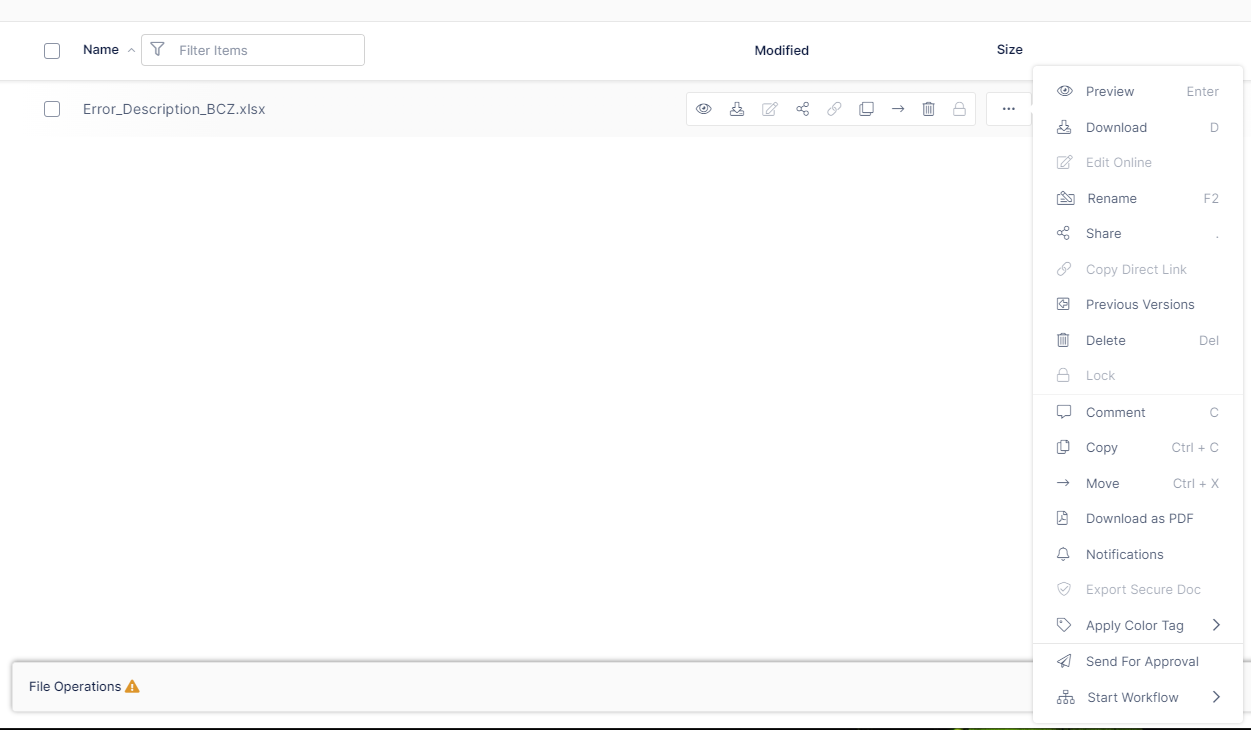
I am trying to create “share link” to single file (so I can share it with my friends) but I am unable to do this with read only user (if I set user to full access to this Folder, i can share it, but I can also detele this file)
I need way to be able to share file with read only access, OR disable deleting files in network share for full access user OR some other way, how to not delete my file accidentaly and also be able to create share link.
To properly make Network Folders accessible via FileCloud, the FileCloud Web Server, fcorchestrator, cron, and Document Preview services must run as accounts with full permissions on Network Folders, otherwise there may be problems accessing network shares. Kindly refer to the following support doc for more details and follow the steps that has been guided. Let us know how it goes
Is it happening with any file/folder share or only with network share?
I was missing fcorchestrator service login as user with all rights - I have changed that to full rights “administrator” user but share is still not working unless I use user with full rights in Filecloud (which again, can delete files - i want to avoid this)
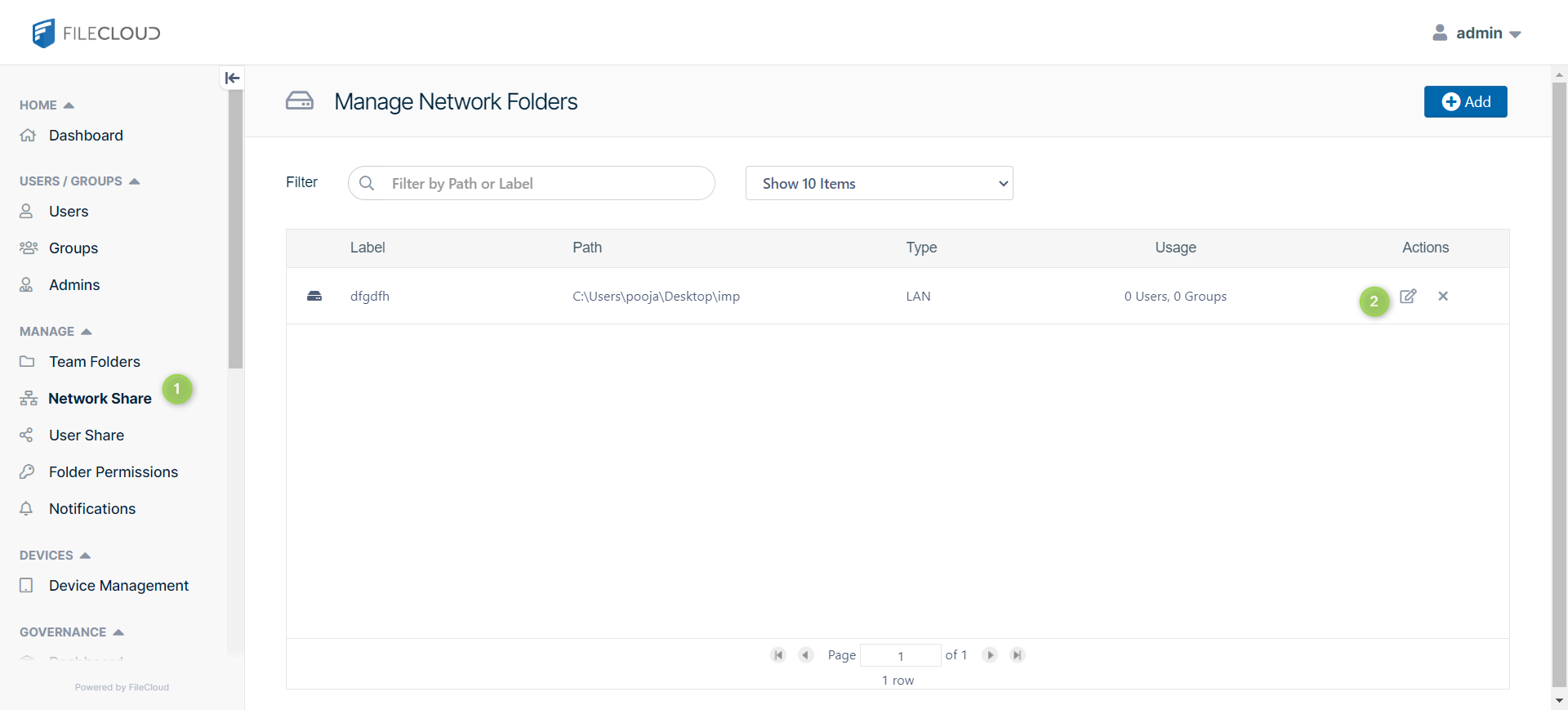
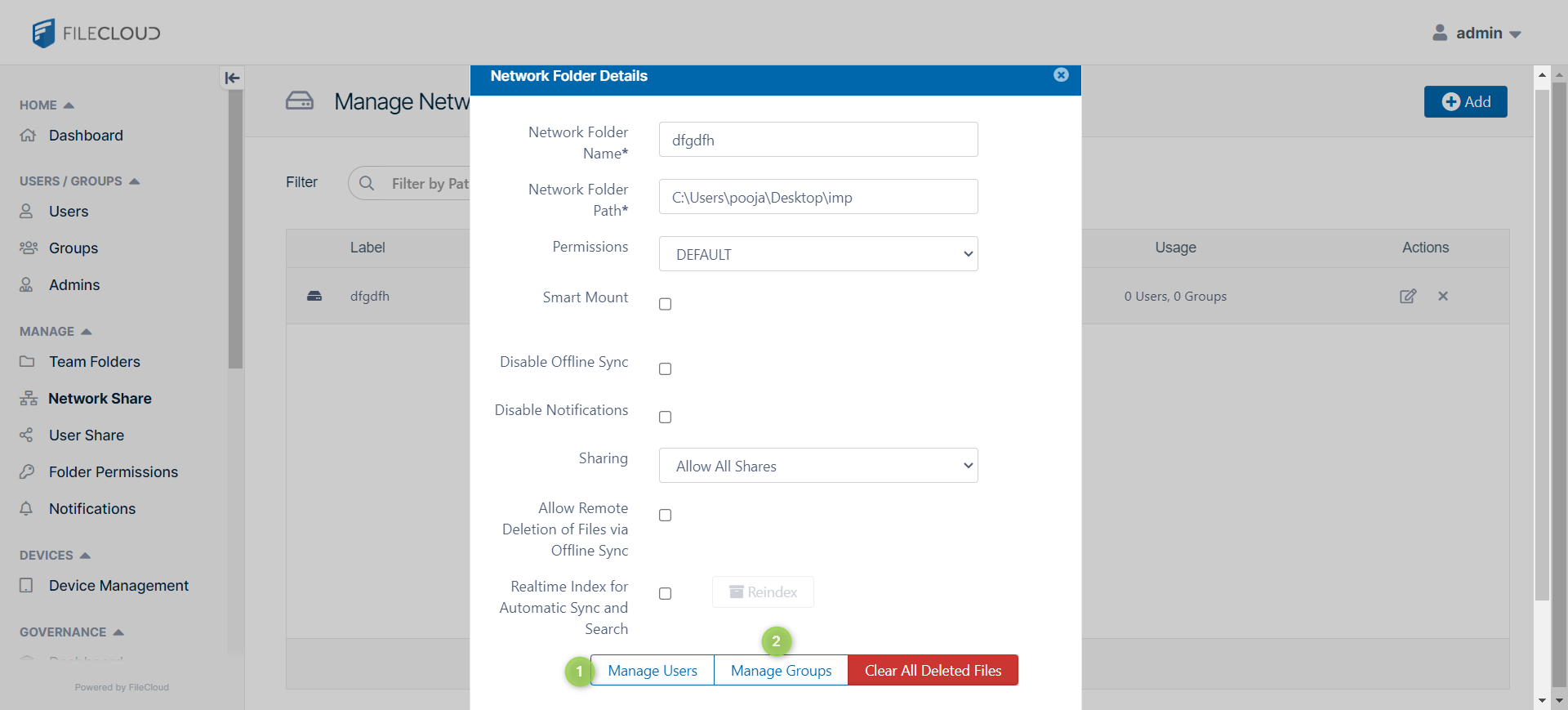
Please navigate to Admin Portal > Network shares > Check if the User has been added under the Network Share. If not, kindly edit the Network Share and add the User then let us know how it goes