I followed all the steps on this page
Launching the FileCloud AMI
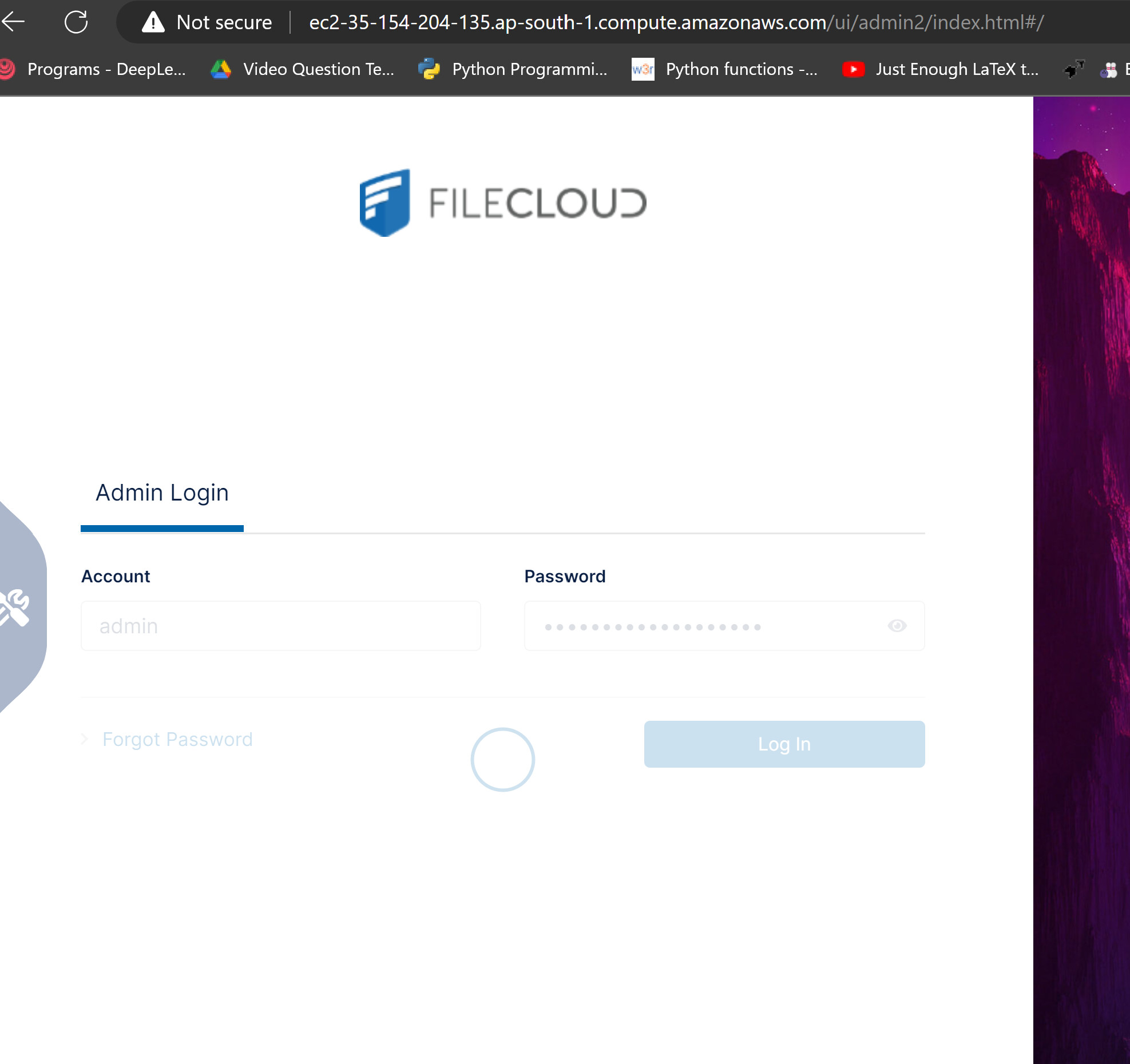
At step 6, when I give admin credentials, it gets stuck.
Hello @alizeeshan
Please open the config file from the below path and check this define(“TONIDOCLOUD_SECURE_COOKIE”, 1); set 1 to 0 save the file and try login again.
Path:/var/www/html/config/cloudconfig.php
Thanks @chris.michael . Do I have to do it for EC2 instance? I am sorry I am not much expert. Can you please guide me step by step. Would be really grateful
Hey @alizeeshan
Please follow the below steps.
- Login to your ec2 instance and execute the below command
cd /var/www/html/config
- Now open the file with command “vi cloudconfig.php” press key i to go into insert mode and search the below parameter in the file
define(“TONIDOCLOUD_SECURE_COOKIE”, 1); and change the numeric from 1 to 0 and now press ‘shift’+‘:’ and type wq for save and quit the file.
- Now please login to admin portal again.
I can’t get any adjustments to this file to save. I am getting a read only error.
Can you help with this?
Hi @herky873
Please try to open the file using sudo vi cloudconfig.php and make the changes and save the file. As it may require the permissions to write which you may not have as a normal user.