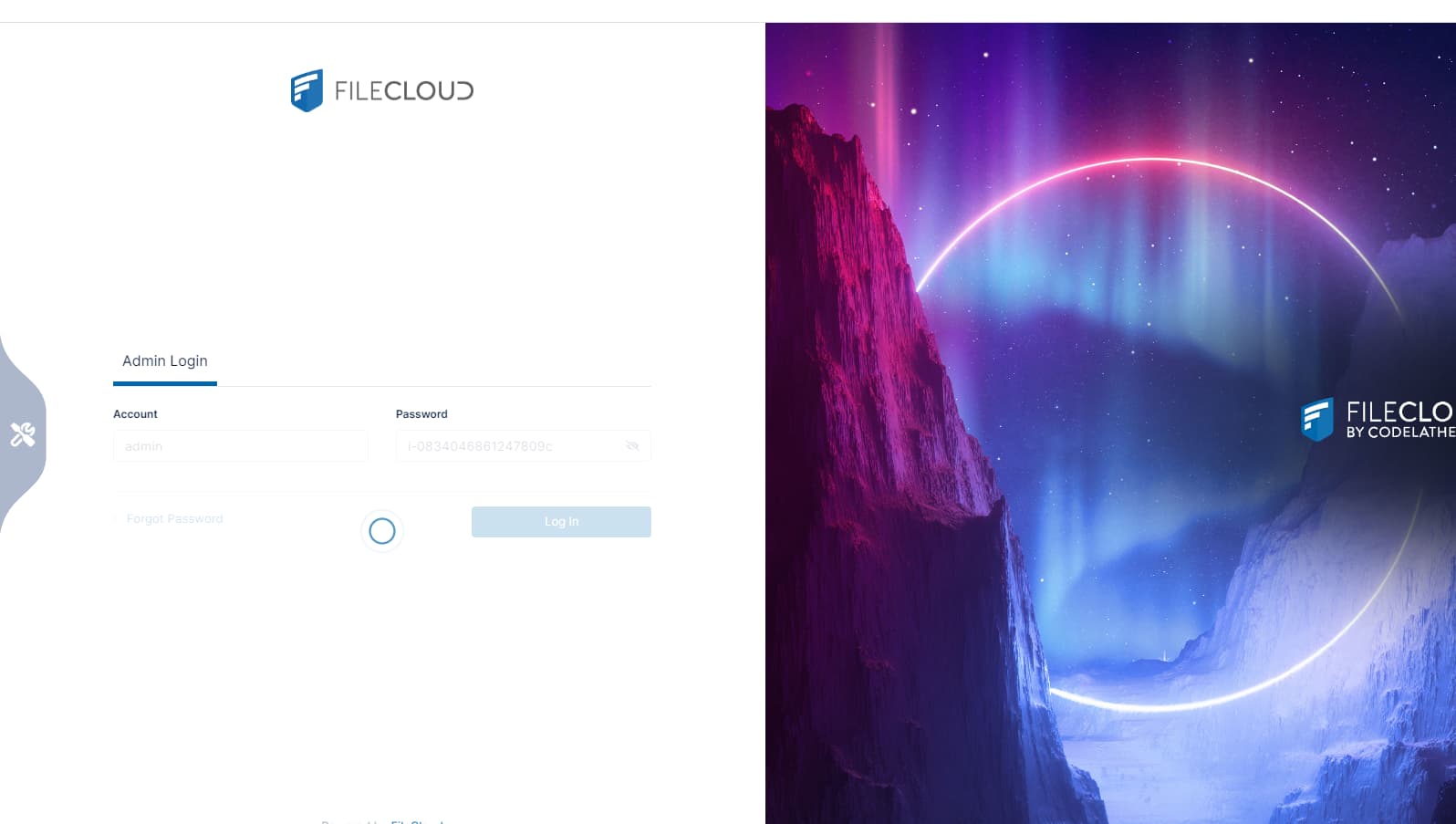
Hey everyone I’m currently having issue logging into the admin page of Filecloud for the first time. I have set up an AWS and trying to link it with my Filecloud, but the admin page won’t pull up. When I put in the login information all I get is a spinning icon on the web page. I have been racking my brain so any help would be greatly app
reciated.
Hello @Bubba1389,
No worries, we will check this for you.
Can you please check and confirm, if the Disable IP check option is disabled from your end? It can be checked as follows:
- Log into Admin Portal
- From the left navigation panel, select SETTINGS and then Misc and then General
- On the Settings screen, select the Misc. tab, and then the General sub tab.
- Check for Disable IP Check, select the checkbox to disable the IP check on every request. Then save the changes. This allows you to avoid IP comparison on cookies.
Once after making these changes give a try to login into the portal. If the issue still persist then you can check for the following otherwise no worries.
Open the configuration file and check for the following line:
define(“TONIDOCLOUD_SECURE_COOKIE”, 1);
Please change the value to 0 and save the file.
Then give a try to login. If you find any difficulty, kindly let us know.
Happy to help
I am having this same issue. Looking at your steps, none of this will work, because we CAN’T LOGIN for the first time.
I’ve installed using docker on Ubuntu Server. When I try to login with admin/password for the first time, it just sits on the screen @Bubba1389 has linked. The circle just spins, and spins and spins.
I’ve even left it to run for 30 mins. I never get the admin panel.
Please help asap.
Hello @rubberneck
Did you try changing the below define in cloudconfig.php file and tried re-login admin portal ?
define(“TONIDOCLOUD_SECURE_COOKIE”, 0);