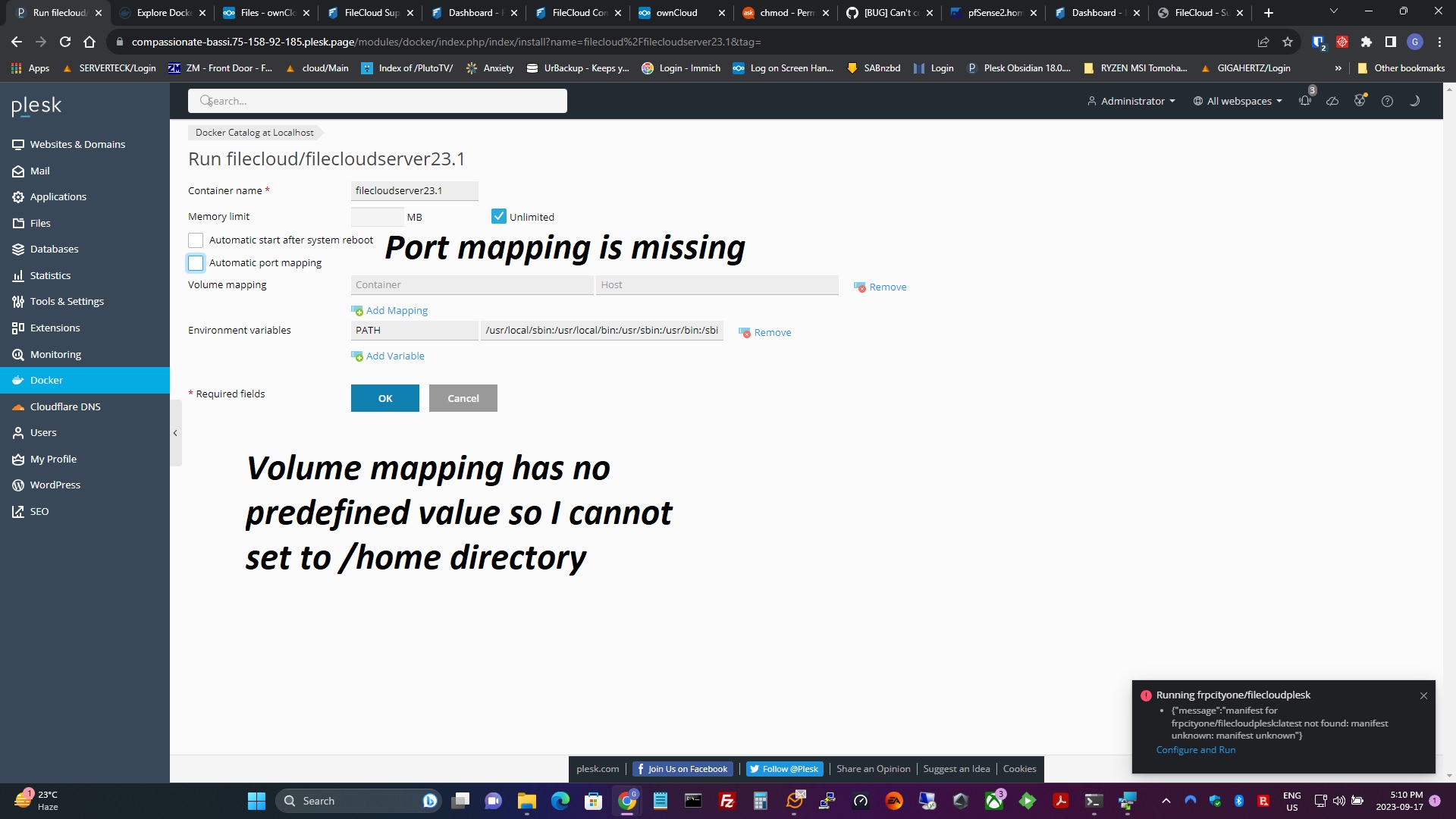
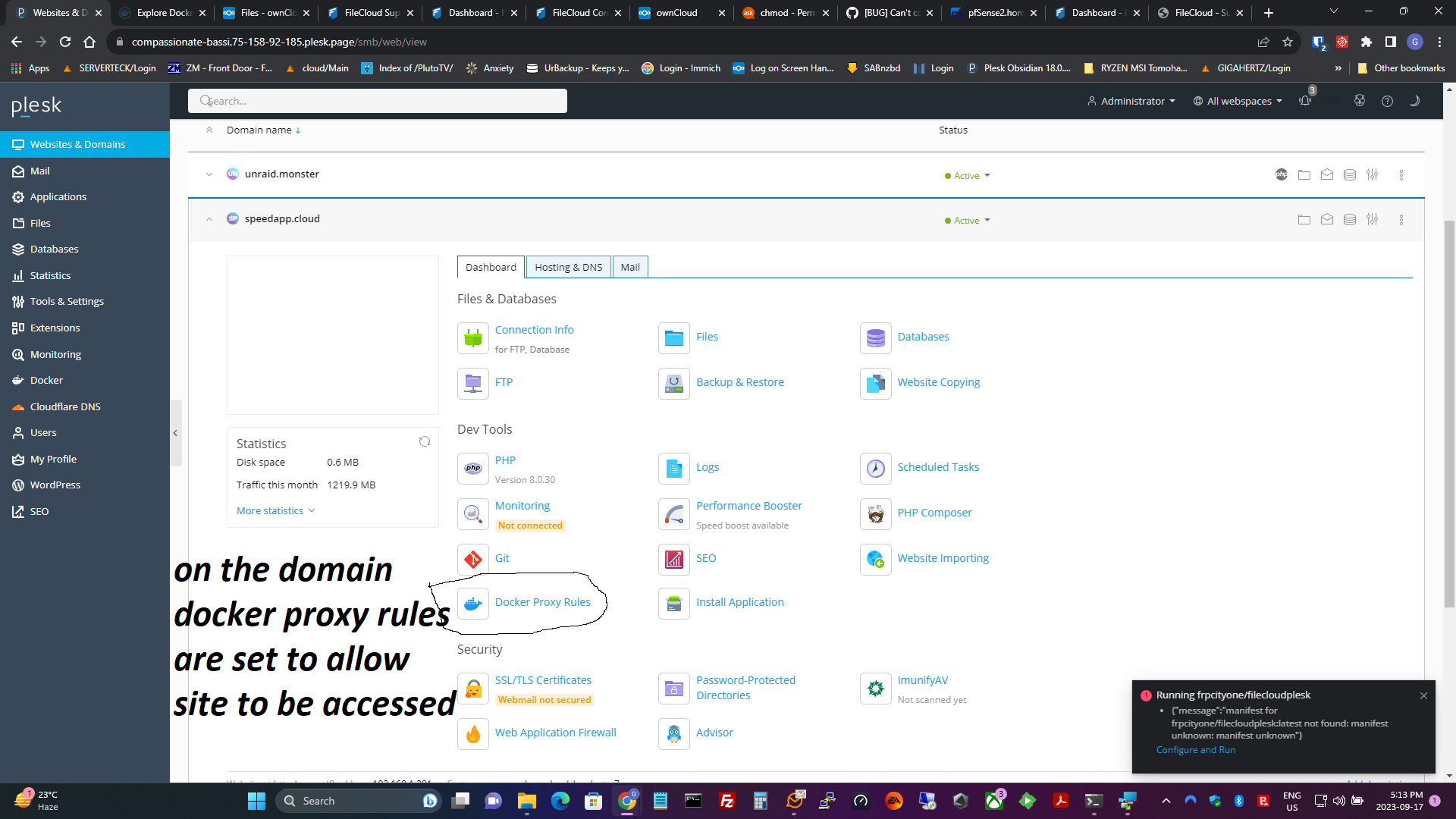
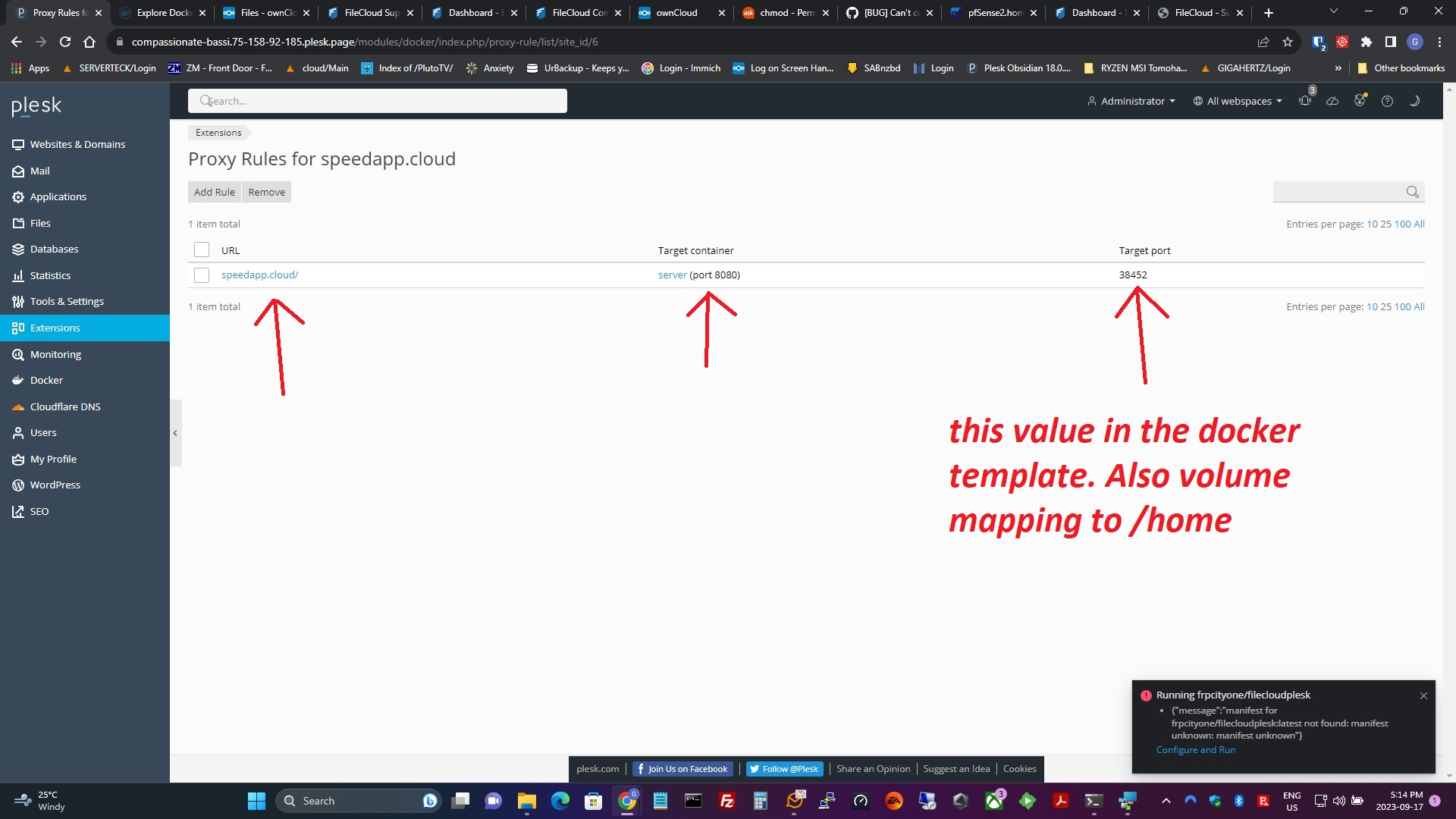
Ok, I was referred to this forum for help. But my problem is with the docker template and they told me to come here for help. I am running ubuntu 20.04 on Plesk Obsidian web hosting panel on my dedicated server. Plesk doesn’t allow me to use ports 80 and 443 because these are already allocated for its own purposes apache and nginx web server. So Can I install it on Ubuntu? No? Ok so I tried plesk docker and the docker template doesn’t allow me to set the ports. It also doesn’t show any volume mapping for /mnt/data or /data which do I use? I need to volume map to /home directory. Nextcloud forces me to use /var directory and its only 100GB, /home is 1.72 GB free space. Can I map there? Owncloud works Ill show photos of what im talking about here. Can it be installed on plesk? or Ubuntu itself with plesk installed?
Hi @frplockone
May we know which ubuntu version you are running and what version of FileCloud is installed on it ?
To configure the path for the FileCloud data you can refer to the below document.
Hi @frplockone
Thank you for the information.
FileCloud 23.1 version will not work on ubuntu 20.04, kindly provision ubuntu 22.04 server and install FileCloud 23.1 version on it.
For more details please refer to the below document.
Sorry I meant * Ubuntu 22.04.3 Server. That is the version I am on. Can I install it on the same server as Plesk web hosting panel? Plesk uses ports 443 and 80 which I read are requirements of FileCloud. Could it be that it requires its own seperate server?
Hi @frplockone
It is recommended to use another server as FileCloud require 443 and 80 port to use if you run the plesk then you will have port conflicts where you can overcome this by changing the apache ports in the config file which in result you need to always access the filecloud site URL by including the port number.