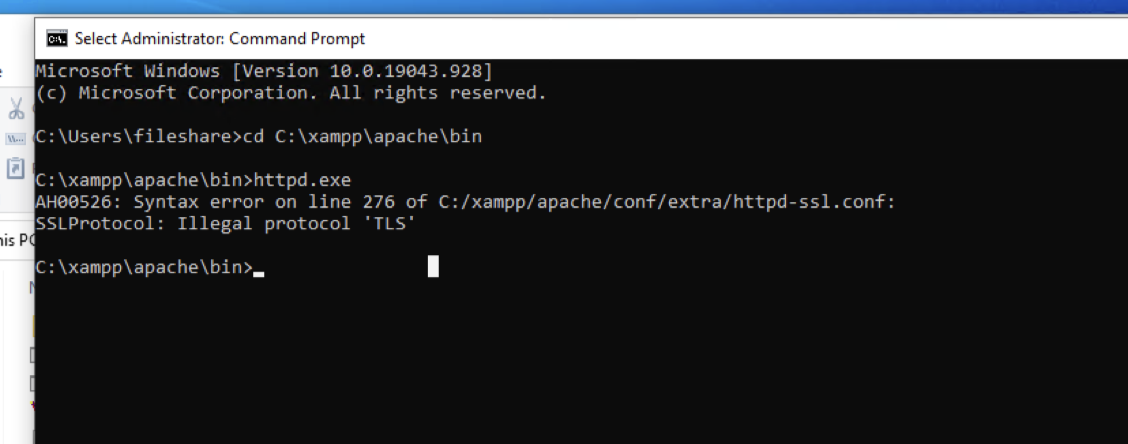
I am trying to install your FileCloud community edition software to a brand new windows 10 box with nothing on it and I cannot for the life of me get your Apache service to start. You get a failed to start in reasonable time error. If we dig into he event viewer we get “The Apache2.4 service terminated with the following service-specific error: Incorrect function.” It seems to be an out of the box issue with a config file that I am unsure how to edit. Any ideas? Or is anyone else having this issue?
Hello @bgraves49
It looks like a syntax error on the file " C:\xampp\apache\conf\extra\httpd-ssl.conf " that prevents the apache service from starting. Please update us with this file to check further.
Also, we suggest you install and use the FileCloud software on the Windows server editions, like Windows 2012 64 bit or higher versions.
I have totally uninstalled the software from my system. This was a fresh install so whatever document is coming on the install file as of like 3 hours ago. I did look at the file. It was something way at the bottom with TLS versions. I am downloading server 2019 now and will advise.
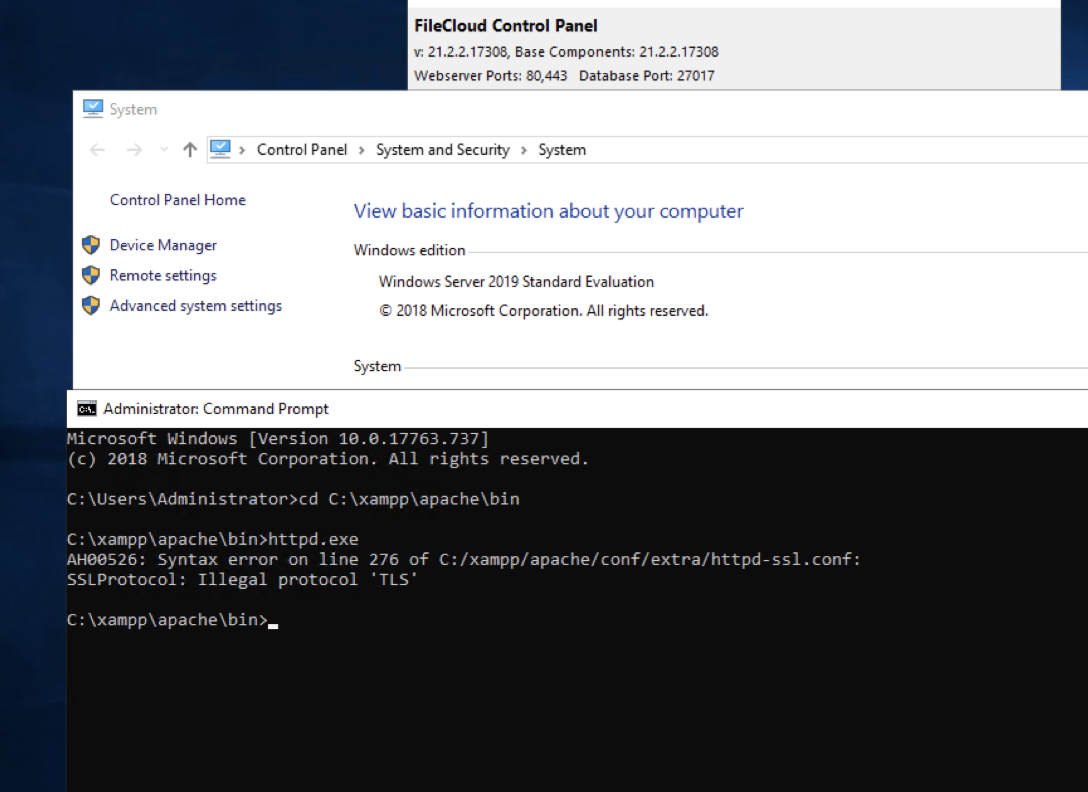
Same issue on a new install of Server 2019 also.
File (http-ssl.conf) can be downloaded here at the complete bottom is the line that is in error #276
Hello @bgraves49
Thank you for the information.
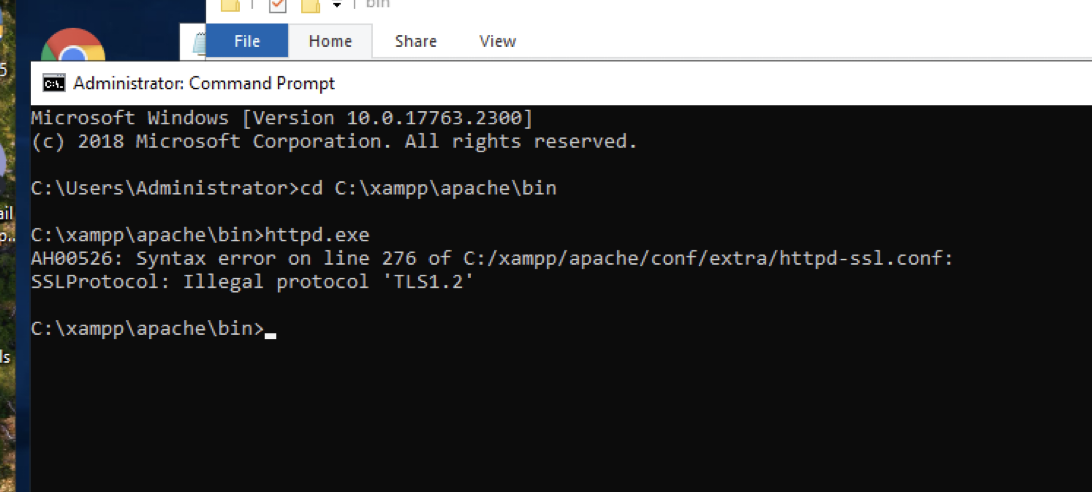
Please edit the last line of the " http-ssl.conf " and change it to below.
SSLProtocol all -SSLv3 -TLSv1 -TLSv1.1 -TLS1.2 -TLS1.3
After changing, save the file and start the apache service.
Hello @bgraves49
Thank you for your time and patience with this.
We have released a new FileCloud installer to address the issue you are facing with apache. Would you please download the latest installer from the client portal and proceed with the FileCloud installation?
OK question is Apache starting or not, error or not. That is important I may have resolved this issue a week or so ago with something I found.
Also can you tell me IF you tried to install a Certified Cert. Then this became the error or was this on initial install?
Very important that Detail.
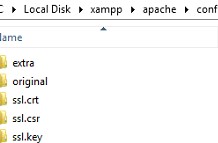
There is a Trick here and very important with Certs, I learned this from a Nightmare. Backup these 3 files from original if you are not errorring at initial install. Yeah I know it’s not a word but you know…
Just the .crt, .csr and .key just copy them elsewhere. If you install the Cert and it erorr this is why, copy over the installed Cert Files again and Bam you’re back up. There is a Cert error somewhere and with whatever time I have LOL I have been hunting it.
This will allow you to get back up with Apache without her shutting down and or errors… There is also another issue with the startup sometimes of the Cert on the Server itself. This is completely different…
This is an initial install issue. No customizations to either win 10 or server 2019 OS, fresh ISO.