Hi there. Could need some help with this…
Running FileCloud on-prem on WinSrv2019, Client: Win10 with FileCloud Desktop. Latest versions everywhere. Installed it all two weeks ago for evaluation and have been working with the files i have since. They are many, as I copied everthing I currently have on dropbox. 28627 files in 3590 folders. (Plan to drop dropbox  )
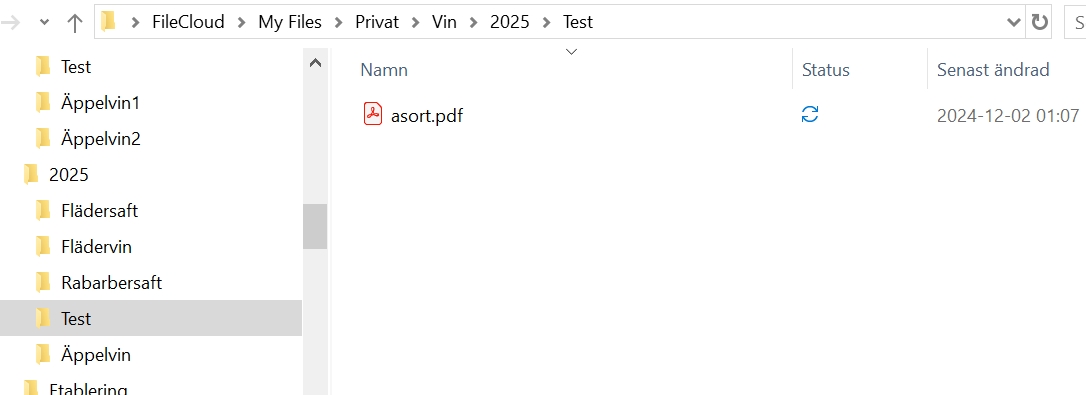
Everything works fine in my local FileCloud Desktop folder tree except some folders and files that are not synced back to the server. They are at first, but after “messing around” with a few files and folders, they get stuck with the “Wating to be synced”-ikon in File Explorer.
I have reinstalled FCDesktop and started again with a fresh online tree with all files “available online”. I can open files (which are downloaded first time ok), create new folders (which are up-synced). Create and/or copy files to the tree - also up-synced. But, on occations, the up-sync stops working for a particular tree branch.
Path length - check. No invalid characters - check.
I have tried to pinpoint exactly when this occurs but it is quite random. Maybe related to that I am to fast in creating and renaming a folder or file and that FCDesktop (and mongodb?) doesn’t keep up and gets confused or something.
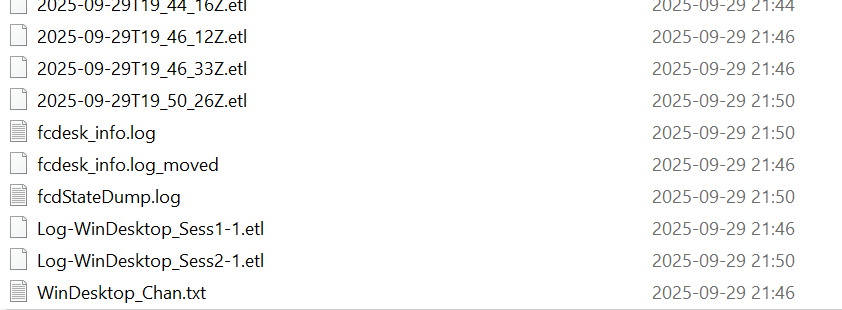
I can continue to troubleshoot this but I could need some help: Are there any log files where sync errors are recorded? Are there any fine tuning I can do to make the sync process work better? Can I reset mongodb or something else in the server so it mirrors reality, if there is a mismatch?