I am trying to create an upload link for clients. I regularly get folders betwen 2 and 10gb in size filled with a ton of audio files of different sizes. When I try to upload these types of folders to my filecloud client upload folder, it takes a very long time. A 6gb video files uploads in a minute but a 6gb folder full of small audio files takes (I don’t know I haven’t gotten one of these folders to complete uploading yet) a lot time. Is there a way to get files in folders to upload a full speed? Currently, upload performance is prohibitively slow.
Also, the folders say, "items inside the folders will be processed:. What does that mean exactly?
Thank you for the help!
Hi Brandon,
Kindly let us know the following details.
- Let us know the FileCloud version that you are currently running. It is always recommended to run the latest version of the FileCloud application.
- Which OS you are using? is it Linux or Windows?
- Is there any changes made recently regarding with the upload size limit?
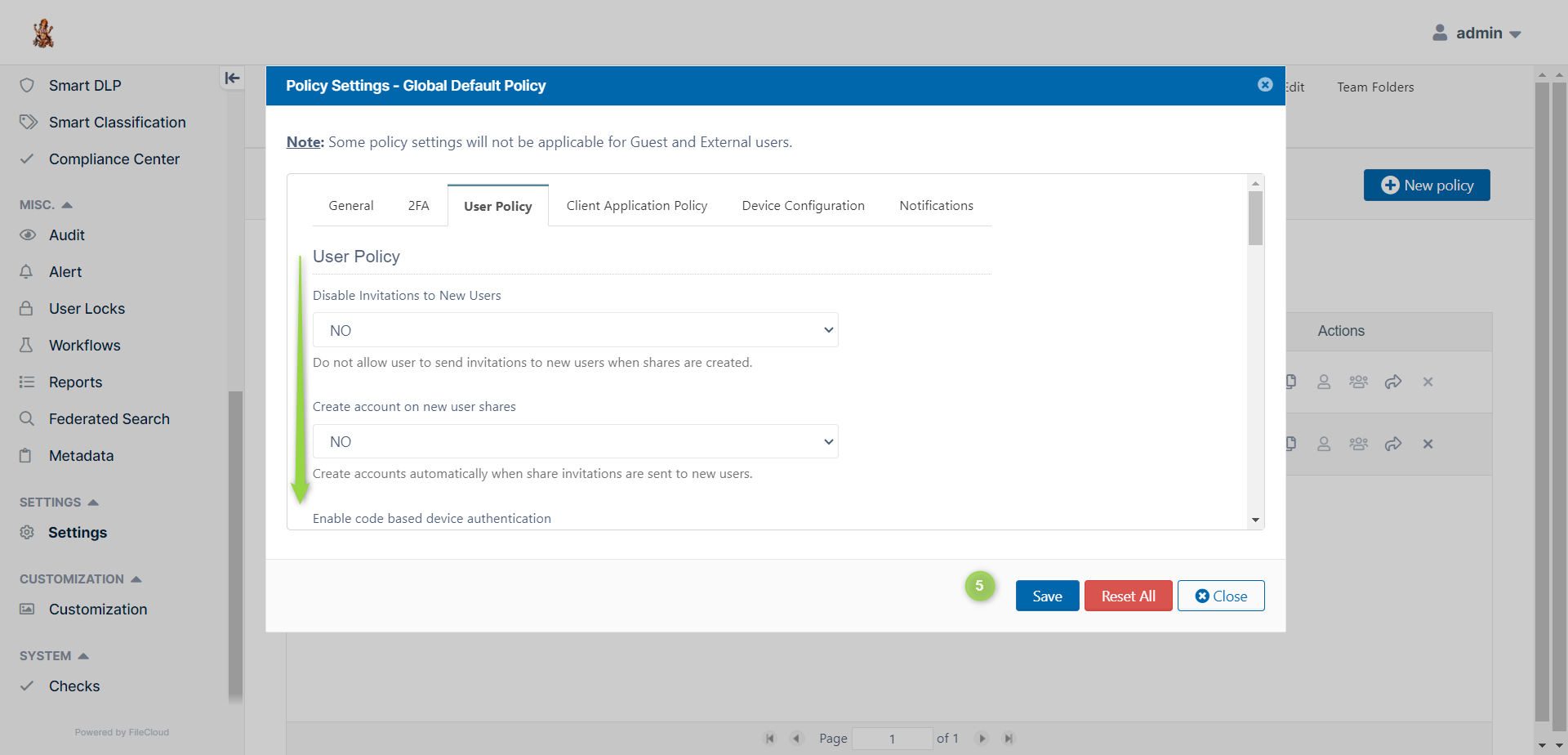
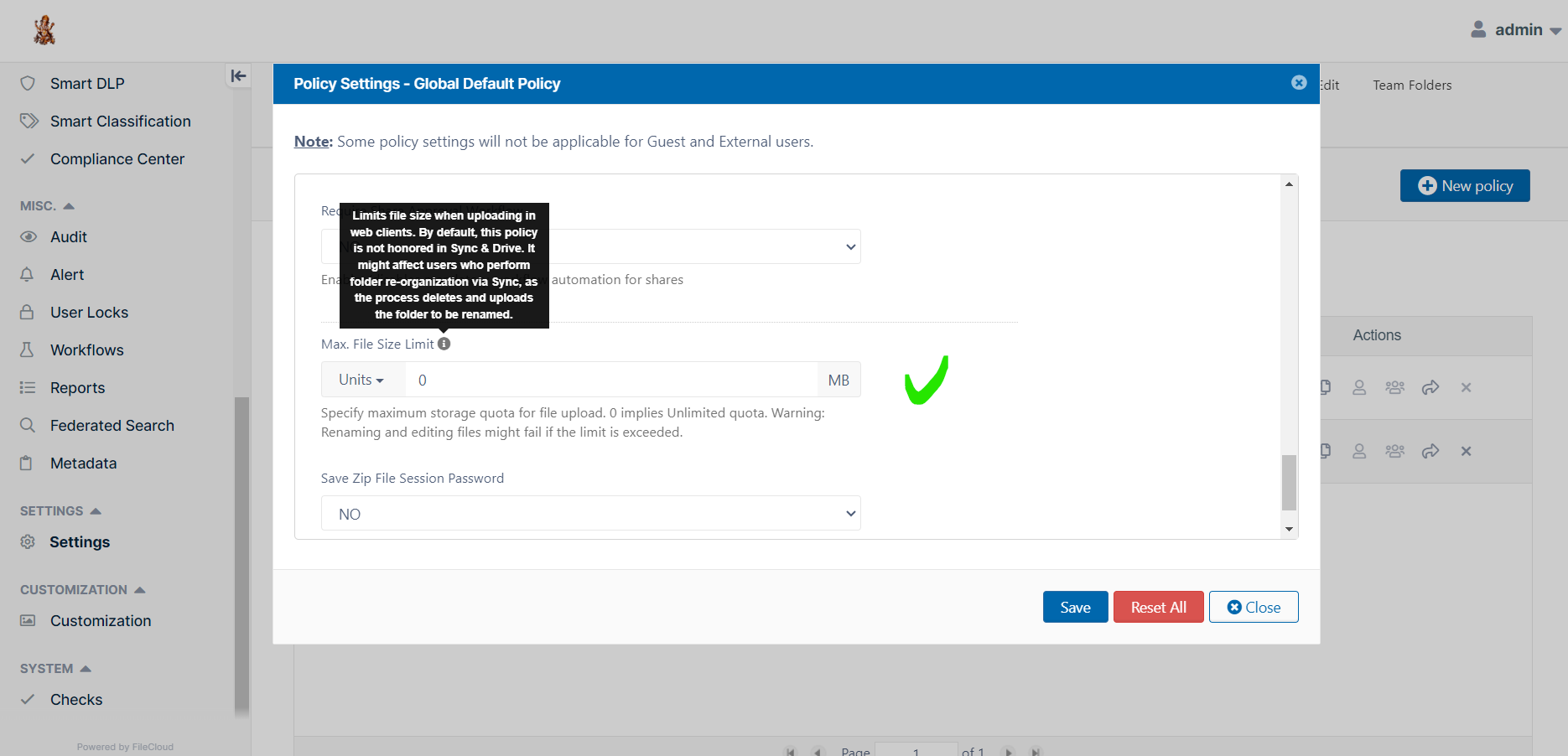
- Kindly provide us with the screenshot of Max File Size Limit set which can be checked from
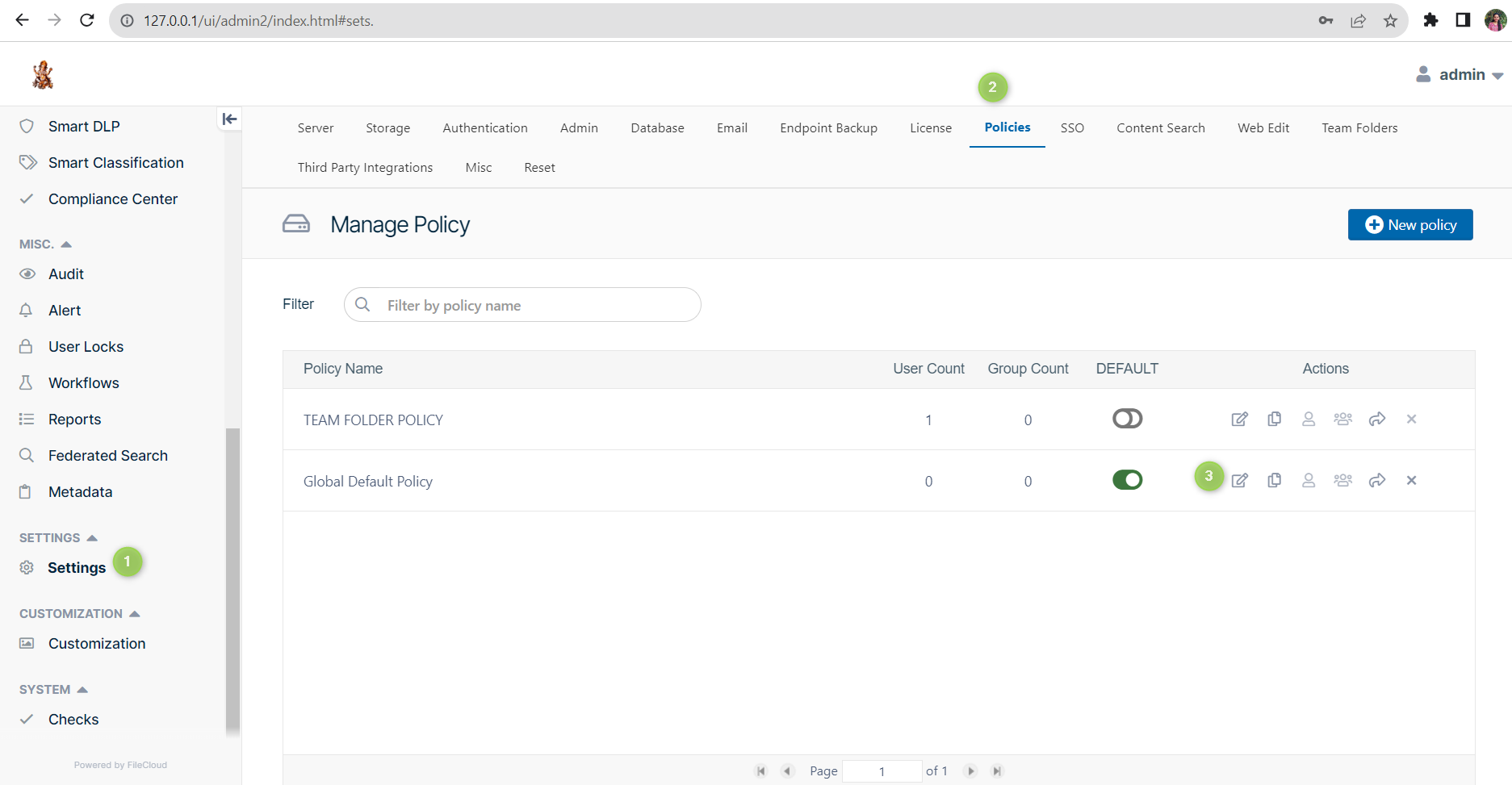
Admin Portal > Settings > Policies > Edit policy > User Policy > scroll down and confirm if Max size limit is set to 0 > Save the changes
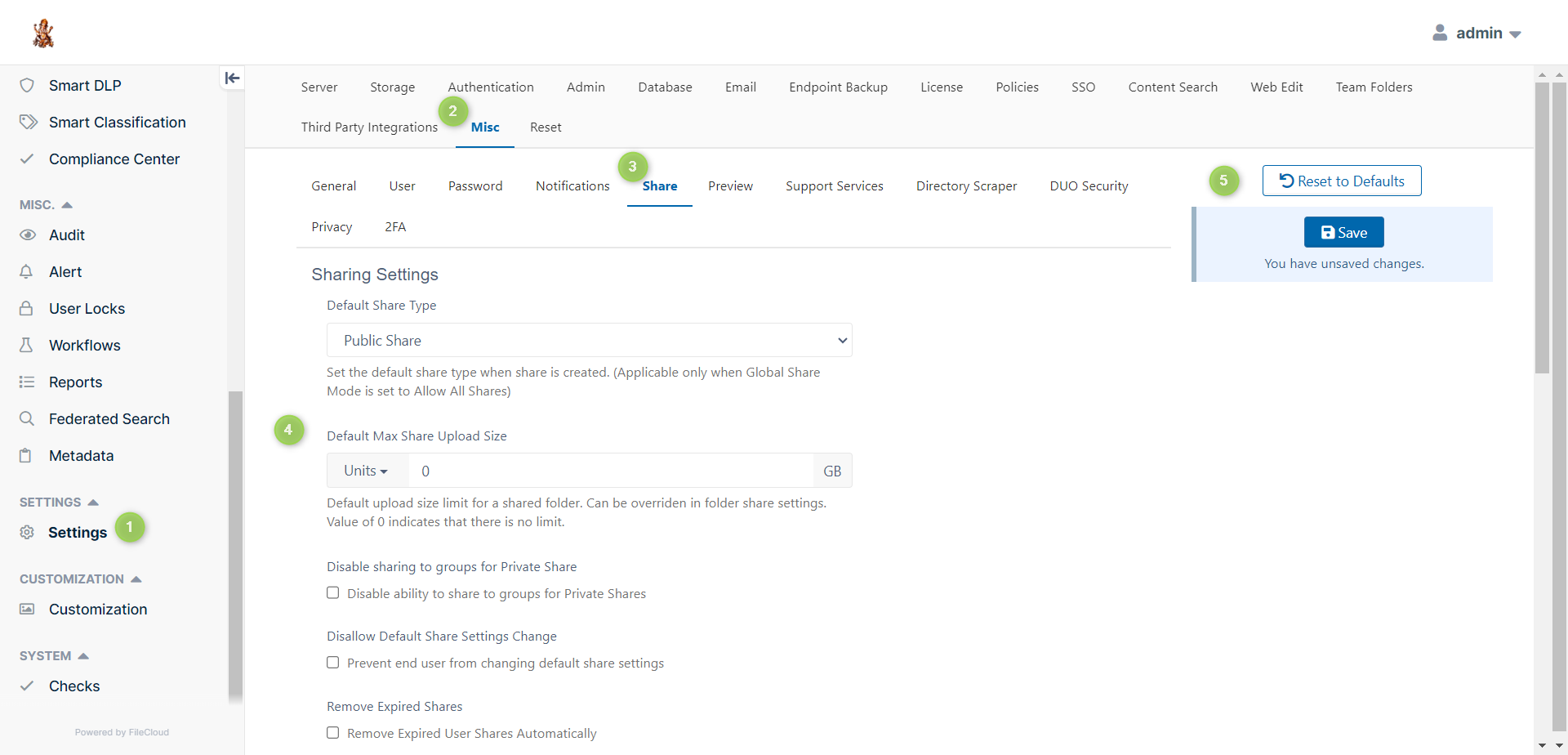
Whether any user is experiencing issue while trying to upload to a shared folder? If yes, please confirm default max share upload size has been changed?
It can be confirmed through admin portal > settings > misc > share > default max share upload size should be set to 0 and unit as per your convenience > save the changes
Kindly provide us with the screenshot.
Happy to help