Just installed via docker the latest install on a fresh Ubuntu Server.
Everything is good, pass all the test and extended tests.
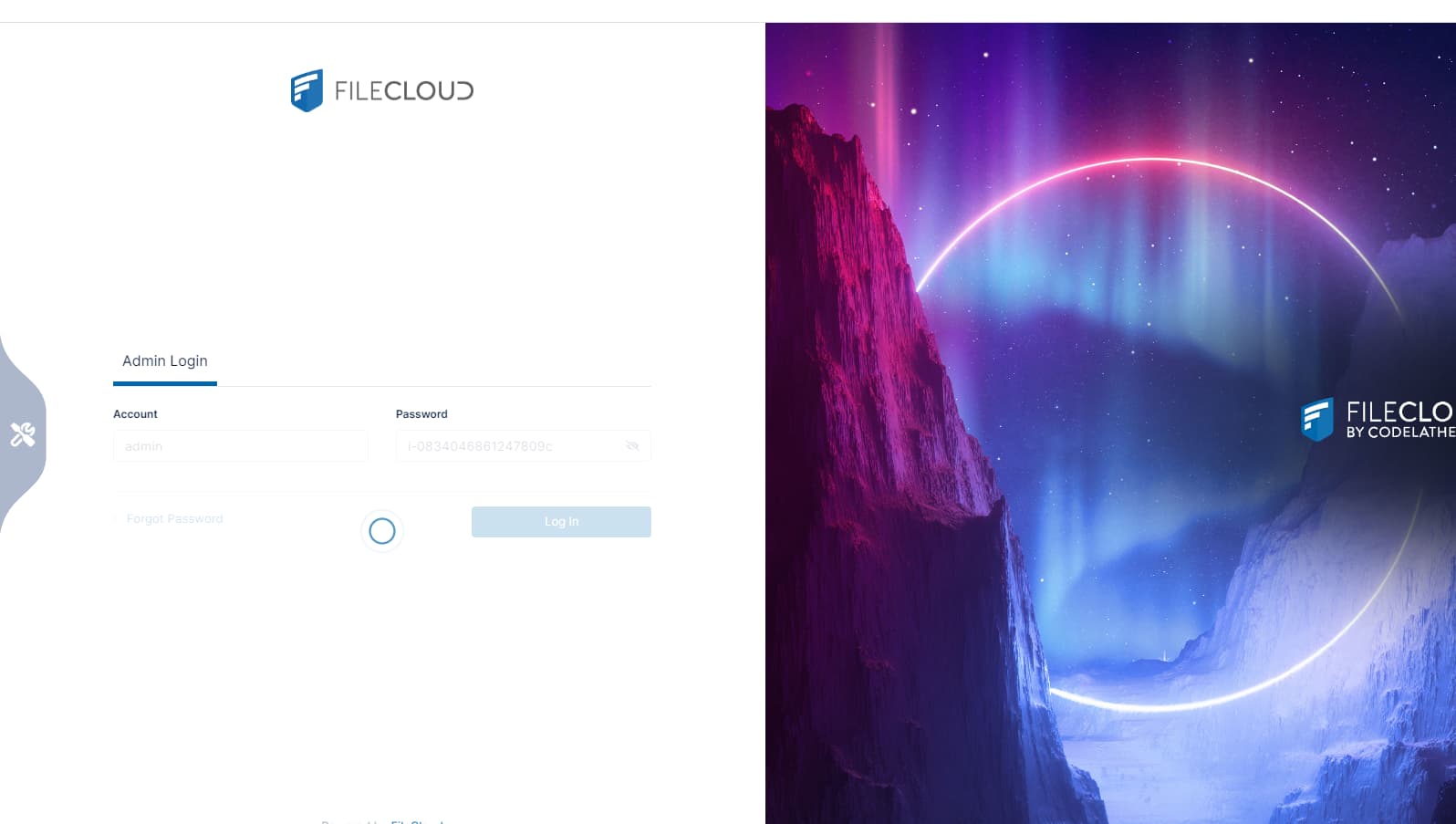
When I go to my admin page to log in with admin / password, the blue circle just spins, I’ve left it there for hours, it won’t login.
How do I fix this?
Is there a fix to this issue?
So I even uninstalled the docker image, and MANUALLY installed it on latest Ubuntu Server 22.04 LTS using the instructions found: Installation of FileCloud on Linux Using the Repository - FileCloud Docs - Server
Installs fine, no errors. Reboot server, /install and /admin pages load instantly, login to admin with admin creds, blue circle spins. So it’s not a docker issue. What’s the fix?
Hello @rubberneck
This can be the secure cookie settings are blocking the login process.
Could you open your cloudconfig.php file in the path /var/www/html/config/ and add the following line: define("TONIDOCLOUD_SECURE_COOKIE", 0);
In case if the line is already existing please change the value from ‘1’ to ‘0’ and save the file then try login again
Yes I was able to find this file in the stand alone install, however it didn’t exist in the docker container. How is this setting WRONG in both installs? Clearly the code is wrong straight out of the box. Why wouldnt you fix it? If it’s wrong under a FRESH install, it can’t work in any environment.
Hello @rubberneck
Most of the sites will be accessed using https secure connections but when sites are being accessed using http the cookies will be vulnerable so the flag of cookies defined will block the http connection and to allow only https. In case if you want to access them through http it should be disabled.
For more details you can check the below documents.
That’s great, is there a filecloud.subdomain.conf anywhere for nginx reverse proxying?
Hello @rubberneck
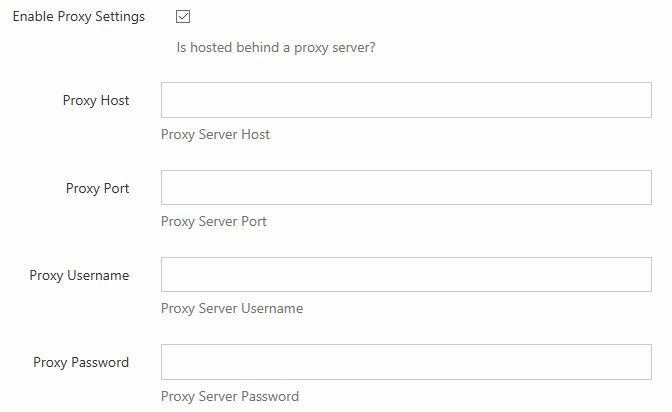
If you are using proxy server then you need to configure the proxy settings from Admin portal >> settings >> Misc >> General and select enable proxy settings as shown below and update the proxy details.
For more details you can refer to below document.