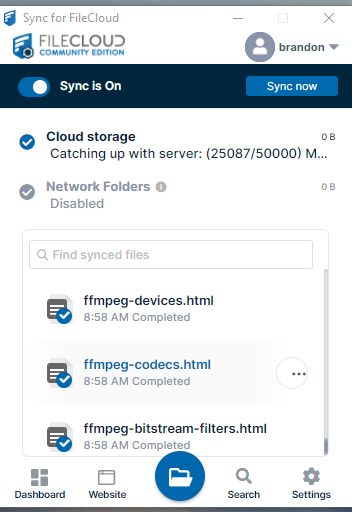
Hi All, I have a strange issue. I’m signed into my FileCloud account on two different PC’s using “Sync for Filecloud”. Both were working fine until I uploaded a large folder with a lot of content (2tb of data). The sync completed and I can access all of the files on my filecloud website.
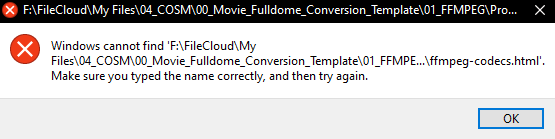
However, now no files will sync on my second PC. Sync for filecloud "catches up with the server very fast and does not actually download all of the files while doing this. It goes from 0 to 50000 in a few seconds and then goes idle. It shows that documents were downloaded but when I click on a file within Sync for Filecloud, I get a message that says;
“Windows cannot find ‘F:\FileCloud\My Files\myfile.jpg’. Make sure that you typed the name in correctly, and then try again.”
When I navigate to my FileCloud folder, “My Files” folder doesn’t show any files in any of the directories. No matter how many times I try to sync my files, no folder will sync. The FileCloud folder just remains empty.
I tried uninstalling Sync for FileCloud and deleted the appdata. I then reinstalled the program and the issue still persists. I’ve posted some images below that depict the issue. Any help would be appreciated. Thank you!