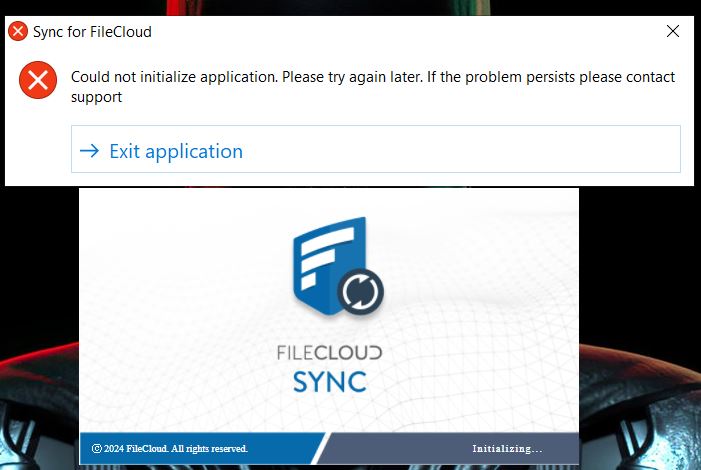
FileCloud Sync version 23.232.1.8730… Getting this error attached when I do an install of filecloud sync. I works fine until the reboot and then I try and run it and get the attached pop up. Any ideas?Tried uninstall and reinstall still does it on the latest version.
hi @sigep190156
Kindly try to end the FileCloud Sync from Task Manager then please follow the below
please try to delete the entire client folder from the following path
Windows: %APPDATA%\FileCloudSyncData\client
Linux: ~/FileCloudSyncData/client
Then try to login to sync again and let us know how it goes
if possible provide us the screenshot of the steps you follow
I get the same result after deleting the %APPDATA%\FileCloudSyncData\client files
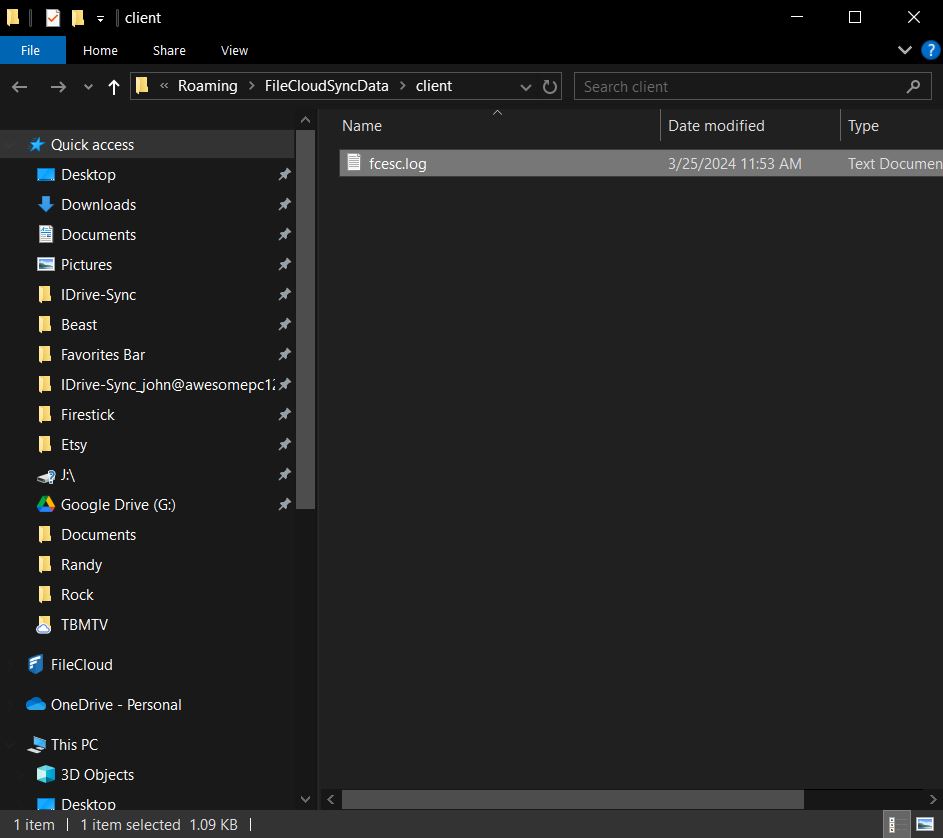
Then it creates a fcesc.log and this this where it gets inside that.
2024-03-25 11:53:49.251 INFO ============== FILECLOUD SYNC UI STARTING UP ===================
2024-03-25 11:53:49.251 INFO DEV MODE: production
2024-03-25 11:53:49.251 INFO PLATFORM: win32
2024-03-25 11:53:49.251 INFO ELECTRON: 13.6.9
2024-03-25 11:53:49.251 INFO LOGLEVEL: info
2024-03-25 11:53:49.251 INFO ****************** FILECLOUD SYNC STARTING *********************
2024-03-25 11:53:49.951 INFO Adding tray…
2024-03-25 11:53:49.976 INFO Entering InitAppWindows…
2024-03-25 11:53:49.976 INFO Spawning ui-registry-handling.exe
2024-03-25 11:53:50.162 INFO initServer function
2024-03-25 11:53:50.168 INFO Loading exePath=C:\Program Files\FileCloud Sync\service\CloudSyncElectronService.exe
2024-03-25 11:53:50.170 INFO Product Display Name: Sync for FileCloud
2024-03-25 11:53:50.187 INFO Electron UI Webserver is listening at port: 34540
2024-03-25 11:53:50.341 INFO Vue Js is ready
2024-03-25 11:53:50.348 INFO Vue Js is ready
2024-03-25 11:53:50.348 INFO Mini dash window event: did-finish-load
2024-03-25 11:53:50.454 INFO WATCHDOG: Starting Child Server…
Hi
You must delete client folder not just the files inside that folder
after deleting the folder still getting the same error
Hi
Is it possible for you to completely remove the filecloud sync application and try to install it again?
At first try to end all the processes of the FileCloud Sync app from Task Manager then please follow the below
please try to delete the entire client folder from the following path
Windows: %APPDATA%\FileCloudSyncData\client
Linux: ~/FileCloudSyncData/client
Then uninstall the FileCloud Sync application and start again let us know how it goes
If possible provide us a video snippet of performing all these operations
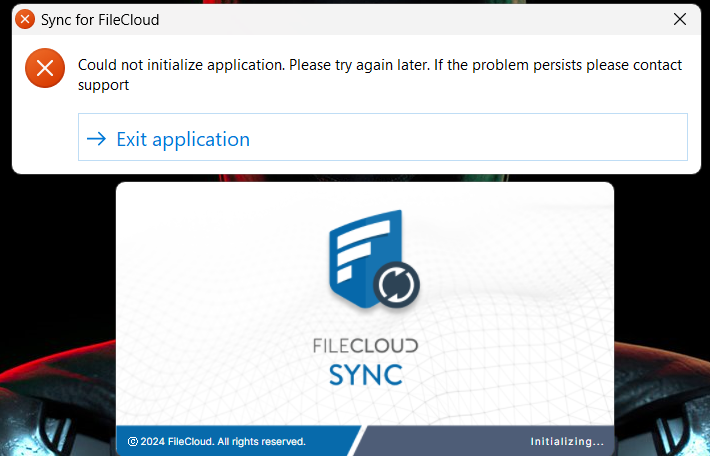
So I have done this and still get the same error as attached. I can uninstall the application and reboot and install and it works. Soon as I reboot the PC again and windows starts I get this. I have removed the client folder and rebooted and same thing. Only thing that fixes it is when I uninstall and reboot and reinstall it. Soon as I reboot back to this message. Any more ideas?
Hi
Kindly provide us with the filecloud sync logs
You can open the log folder from the Sync Dashboard: Dashboard (open main Dashboard) → Help → Open Log Folder
Please send us the files syncclient.log*, fcesc.log
collect logs manually
Can you please provide us the logs from a client where the error occurs:
Windows: %APPDATA%\FileCloudSyncData\client\syncclient.log*
Linux: ~/FileCloudSyncData/client/syncclient.log
Mac:~/FileCloudSyncData/client/syncclient.log
you can provide the log files in the following link
https://zerg.codelathe.com/url/sxzimbjuja6bjpak
password: k9yvtw7c
I provided the fcesc file. I did not have syncclient.log file
Hi
Unfortunately we could not find any useful and enough information in the fcesc log to identify the root cause of the issue
Do you have any anti virus or firewall enabled? If yes can you kindly try to temporarily disable it and then give a try to test the sync and let us know how it goes