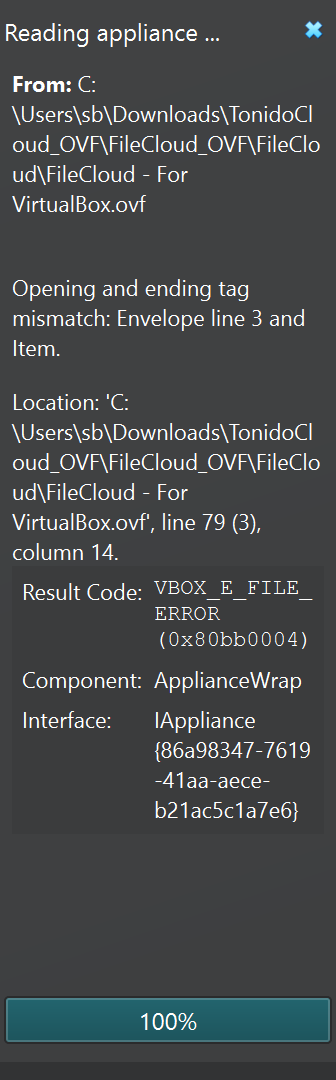
Morning, I followed the steps to import FileCloud in VirtualBox, but I am getting this error:
From: C:\Users\Marketing\Downloads\TonidoCloud_OVF\FileCloud_OVF\FileCloud\FileCloud - For VirtualBox.ovf
Opening and ending tag mismatch: Envelope line 3 and Item.
Location: ‘C:\Users\Marketing\Downloads\TonidoCloud_OVF\FileCloud_OVF\FileCloud\FileCloud - For VirtualBox.ovf’, line 79 (3), column 14.
Result Code: VBOX_E_FILE_ERROR (0X80BB0004)
Component: ApplianceWrap
Interface: IAppliance {86a98347-7619-41aa-aece-b21ac5c1a7e6}
Hi
We will check on this and get back to you with an update
Thank you for your patience
Hi
Thank you for your patience
Please try using this OVF with VMware. The latest Version of FileCloud uses MongoDB-6.0, This MongoDB version requires the use of the AVX Chipset which VirtualBox does not support when running under a hyper-v
Thank you
Kindly refer to the following documentations for more details
Thank you
bufes
April 30, 2025, 4:55pm
5
I can confirm that on April 30, 2025, this error still prevents one from using FileCloud with VirtualBox.
I would request that FileCloud update the documentation to reflect that VirtualBox is unsupported. I think it’s official, since it’s been a year now.