I have installed FC Docker version 23.1.2.22722
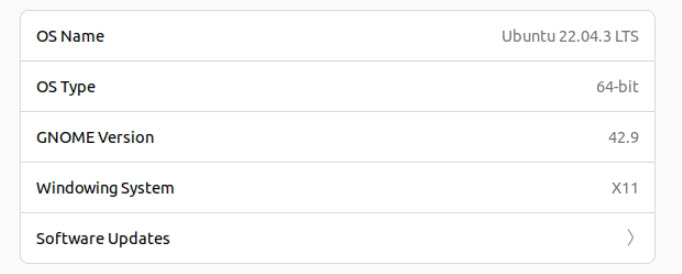
Docker is hosted on computer running Ubuntu 20.04 LTS
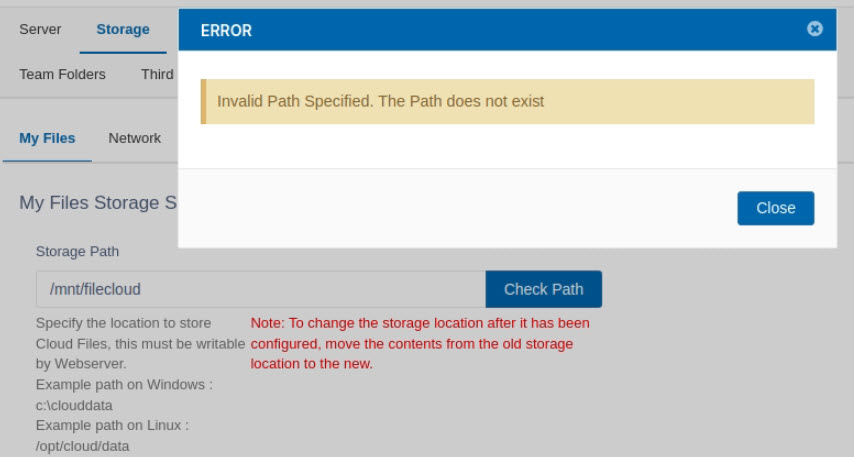
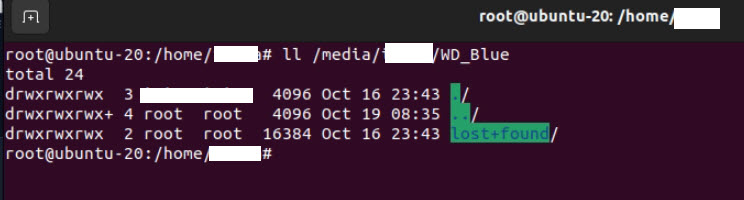
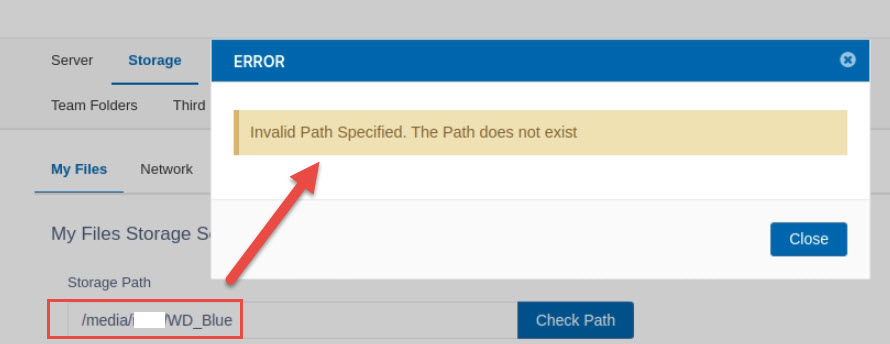
I’d like to add network share but whatever I try share is not recognized by FS. I can access share folder in Ubuntu but FS always gives error: Invalid Path Specified. The Path does not exist.
I tried to mount share and to use mount point as a path to share folder with the same result.
I changed settings in coludconfig.php to (“TONIDOCLOUD_ENABLE_NETWORK_SHARE_MOUNTS”, true) and to “TONIDOCLOUD_ALLOW_NETWORKSHARE_SHARING”, 1);
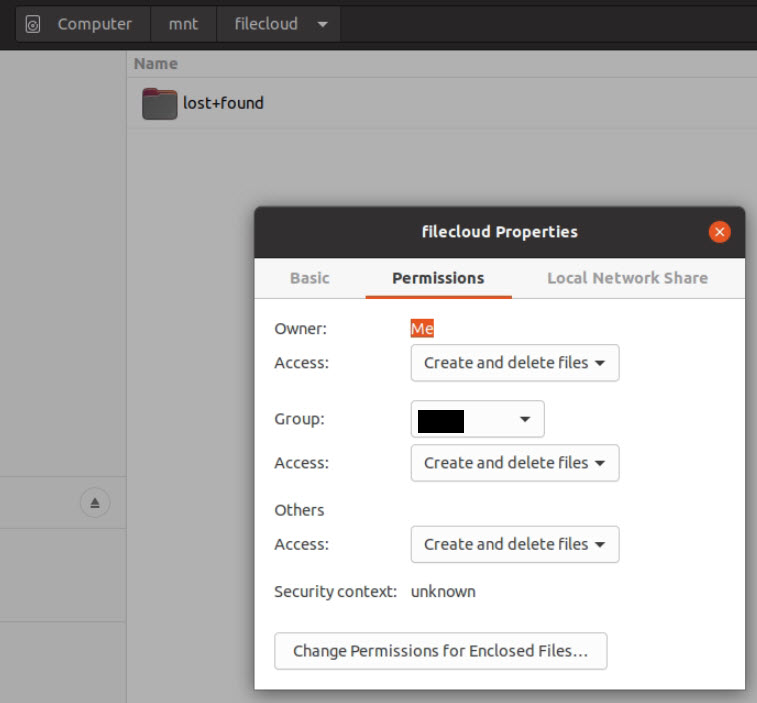
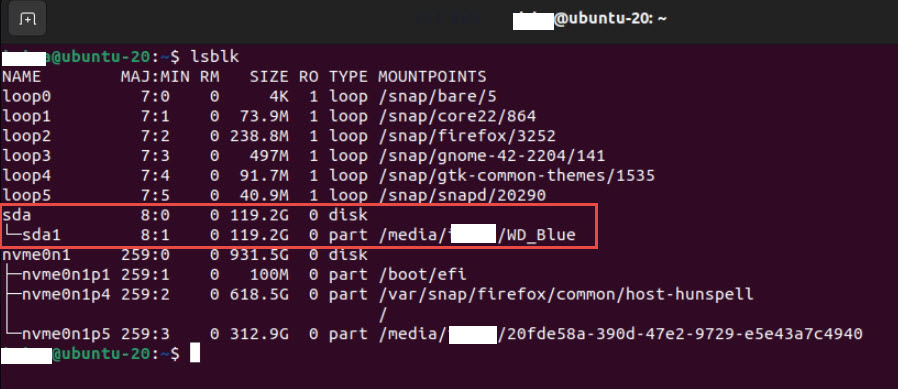
The second issue is that I can’t change storage folder. I added external SSD and mounted it at: /mnt/filecloud
When I test path ,to mount location, in settings I have the same error message: Invalid Path Specified. The Path does not exist.
All folders and mount points have full read and write permissions.
To further troubleshoot the issue we will require the FileCloud server logs
Please reproduce the error again with server logs in debug mode
To enable debug mode, open the Admin Portal, go to Settings->Log Level, and set it to “DEV”
Then please replicate the issue and send us the logs
Please download the logs in FileCloud Admin Portal → SYSTEM → Checks → Generate Logs
Manual log collection
You can find the FileCloud logs from here
Linux: /var/www/scratch/logs/log_YYYY-MM-DD.txt (in Ubuntu 14.04 and later
/var/www/html/scratch/logs/log_YYYY_MM_DD.txt)
I’m at work and don’t have access to computer but I can tell you that error message was “Server URL is invalid” and mount point/storage path was /mnt/external_storage
Before I make change I’d like to clarify something. This looks like a script to change server URL. My server URL is working fine.
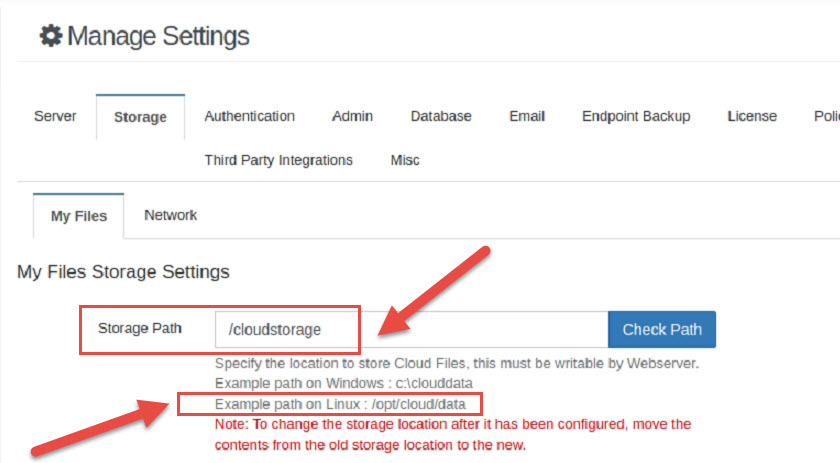
My issue is that I’m unable to change storage path (Manage Settings - Storage - My Files - Storage Path).
Could you please share us the screenshots of the error from FileCloud Admin portal and below command result from the server where FileCloud is deployed.