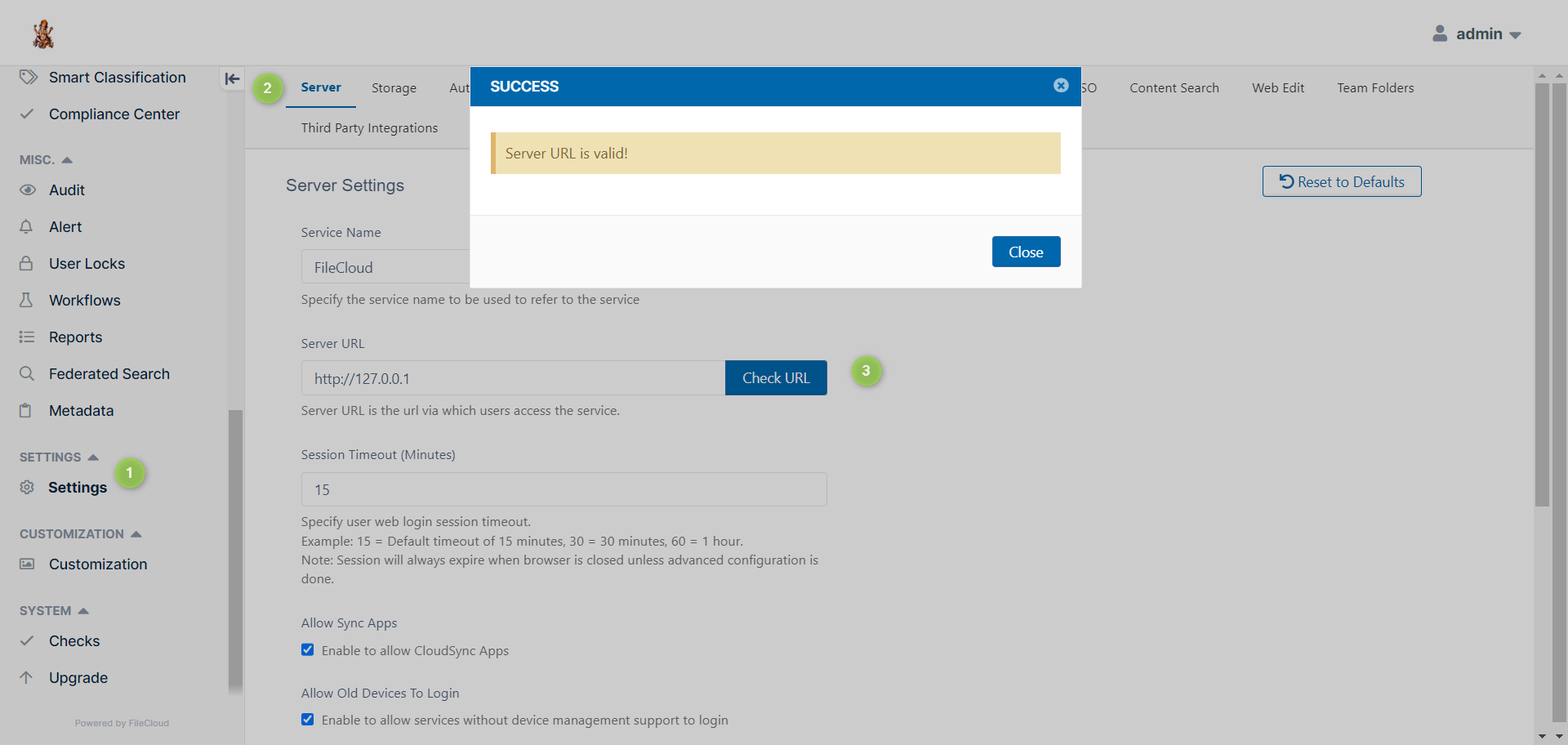
Just want confirm get information of FileCloud apps, server address is that not support https://x.x.x.x:port
format. ISP is block common 80 and 443, I need user port forwarding.
https://x.x.x.x:port format work fine on browser, and filecloud CE is behind reserve proxy server
@andrewgates I’m haveing an IP address issue, too, actually two issues, but not quite the same as @kaji, plz let me know if I need to post a separate thread.
Backgroud:
This is a fresh install
I have an domain name and certificate (installed)
I can access the database from outside my home network, but only via web browser.
I have a static IP address from my ISP
I have ports 80 and 443 forwarded to my server
Problem 1: I can only access system via web browser. When I open the app (android), it tells me “unable to connect, please check your SSL configuration” I get the same message w or w/o the http or https preceding the URL.
Problem 2: When I am logged in as ADMIN and attempt to change the server URL to the https://“URL” the system tells me the server URL is invalid, but if I use only HTTP:// & my URL, it will accept the new address. (System will also accept http://192.168.1.5). NOTE: When I attempt to access the database via web browser it does display HTTPS when it connects regardless of if I enter HTTP:// & my URL or HTTPS:// & my URL. Not sure if this is an issue or not… just want to make sure my data is secure.
Reason I reached out to you… your response was a page from the filecloud docs which lists a third port, 27017 for the database. Is this supposed to be open and forwarded to the internal device, too? Again, all about the data security…
Upon checking, we understand that the issue is due to the SSL configuration for Apache with the server certificate, NOT including an ID that matches the server name. Also, the certificate is not trusted in all web browsers. You may need to install an Intermediate/chain certificate to link it to a trusted root certificate.
Please refer to the following URL for more details on this: SSL Checker
This can be resolved by installing the Chain Certificate, which is currently missing. This can be exported from the SSL cert and combined with your SSL cert, or you can download it from your SSL provider. If you have an SSL cert, Chain Cert, and corresponding key file, you can use our control panel or manually replace the certificate and restart the Apache service.
Kindly refer to the following support doc to find detailed information on extracting the intermediate certificate through the browser