Hello!
I successfully installed in Ubuntu Server 22.04 LTS. I am able to login as admin and as user, and storage path checks out. However, when I go to upload a file either with the upload button or drag-and-drop, the page gets stuck in the Select Destination Folder frame but doesn’t give me any options or lets me do anything (stuck as in screenshot).
I really don’t know where to go from here!
Thank you for reviewing 
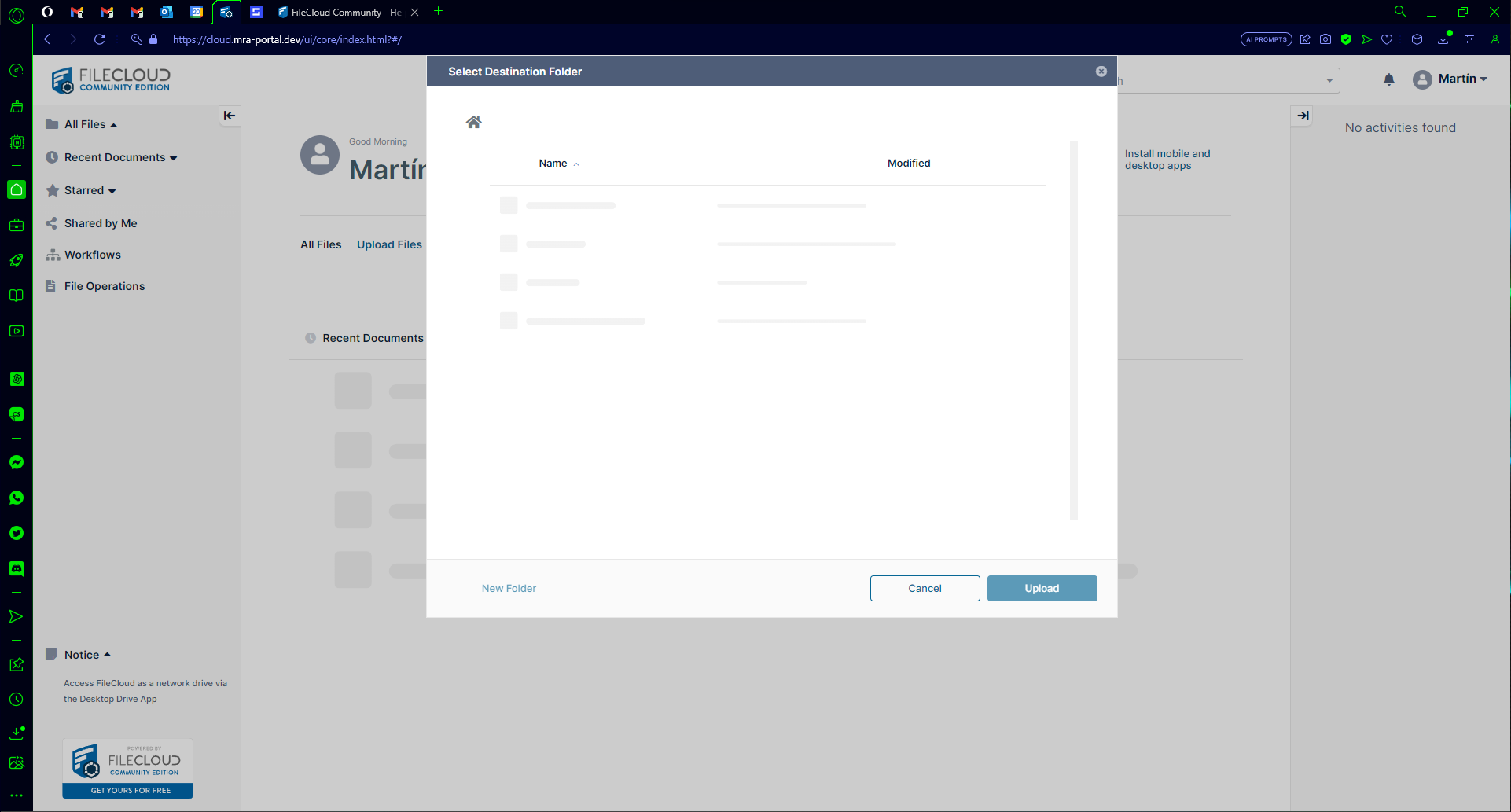
Hi @mrosas,
Thank you for contacting FileCloud support.
Please let us know the path where you are trying to upload the files.
Are you uploading to Myfiles or Network storage ?
Is this happening with other users also or only with the user Martin ?
Hello @chris.michael ! Thank you for your time.
The storage path is /vault, which is the mount point for logical volume /dev/vg0/lv-0. I have not configured Network storage, just uploading to the first UI I get (as in screenshot). I did disable the MyFiles folder, though my understanding is it should have no effect on my ability to upload.
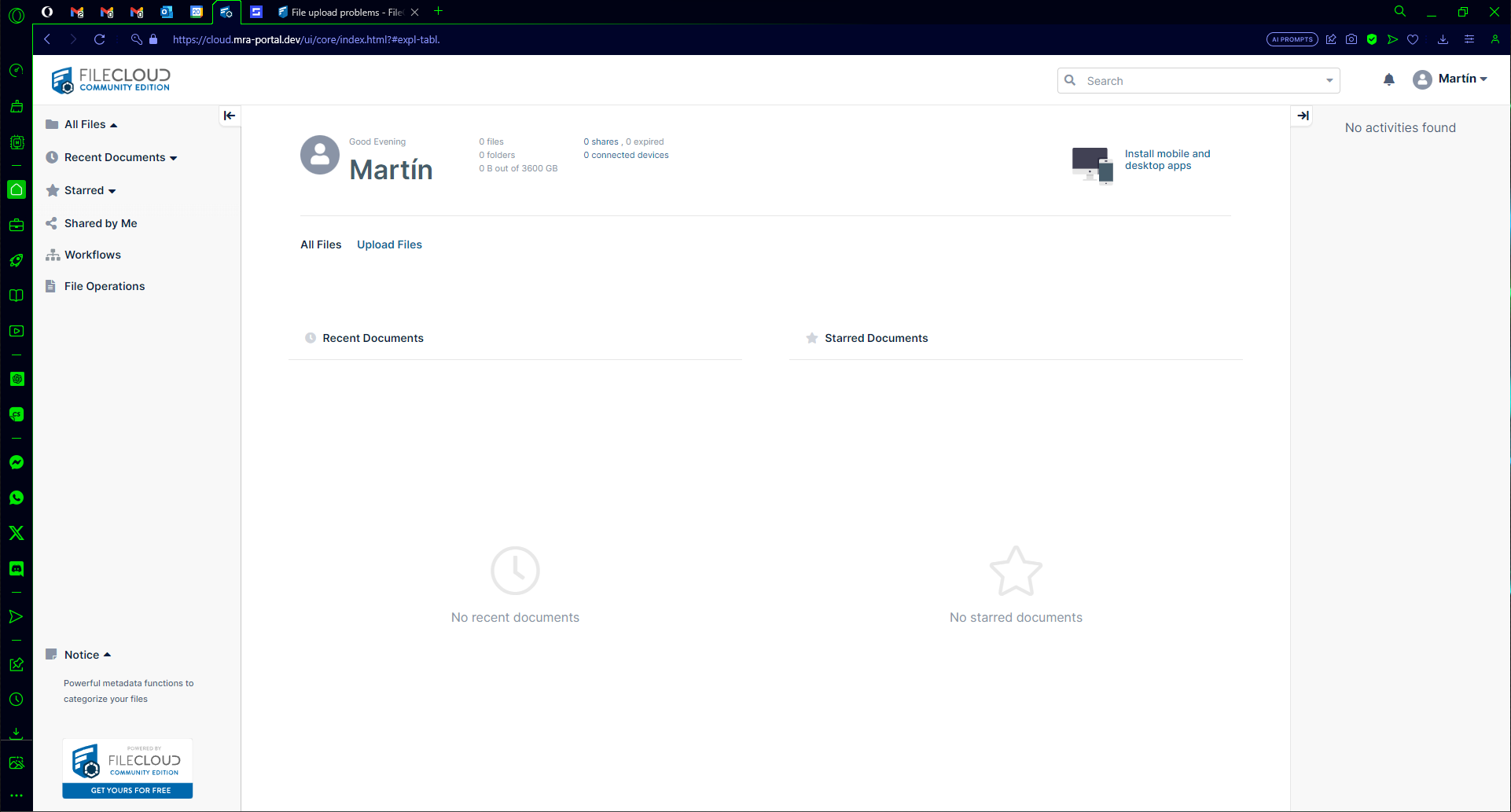
As per users, this is a personal server that I’m deploying at home, so I’m currently the only user.
Thank you again, I’ll look forward to hearing from you!
Hi @mrosas
It is not possible to upload any files or folders by disabling the myfiles or without creating team folders and Network share when there is no destination to save then it will keep on searching for destination like the below because there is no destination folder created.
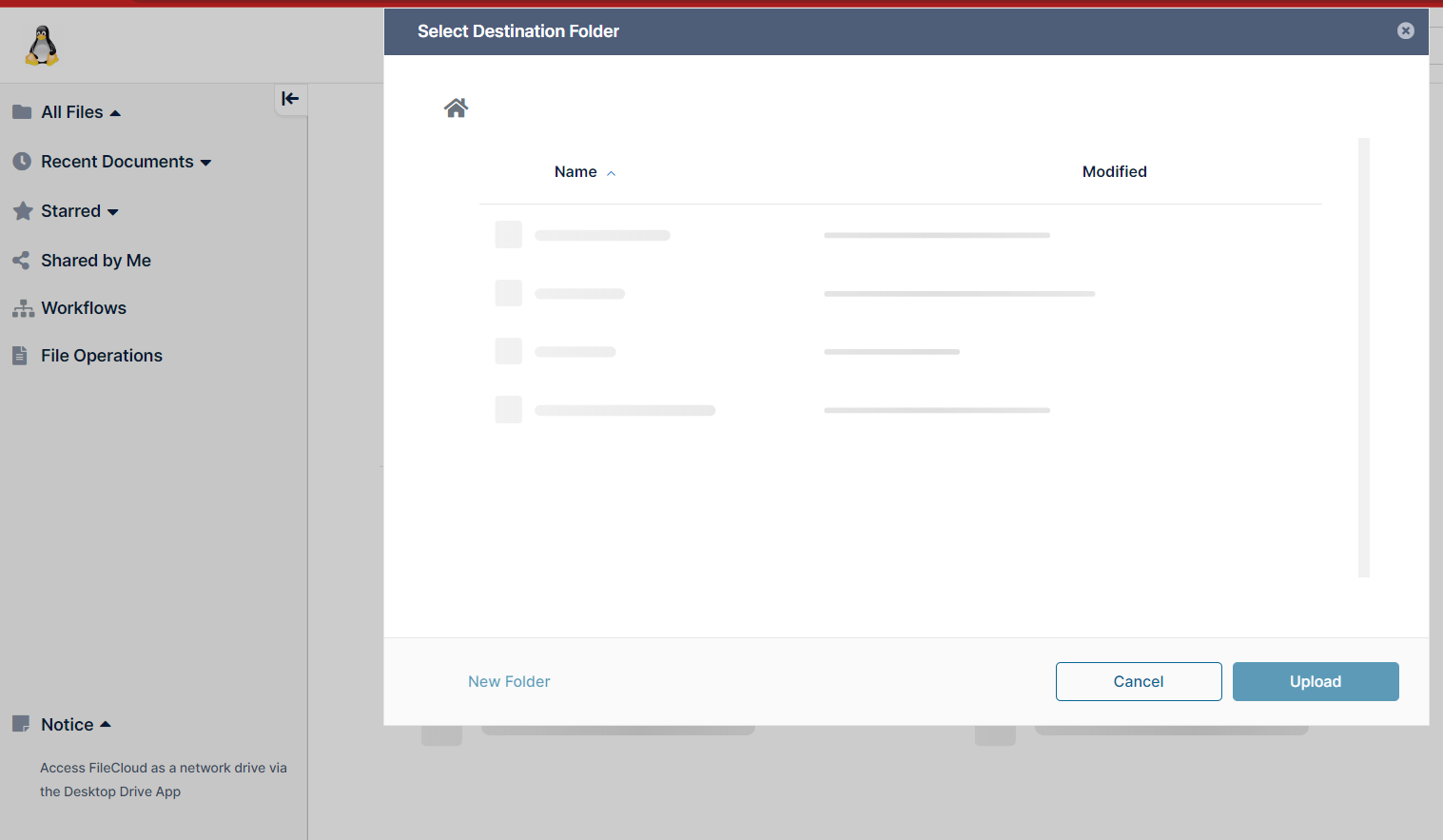
Please enable the myfiles or create Network share to overcome the issue.
Hi @chris.michael !
Adding the Network share solved the issue, everything is now working flawlessly.
Cheers, thank you so much for your time! 