Hi!
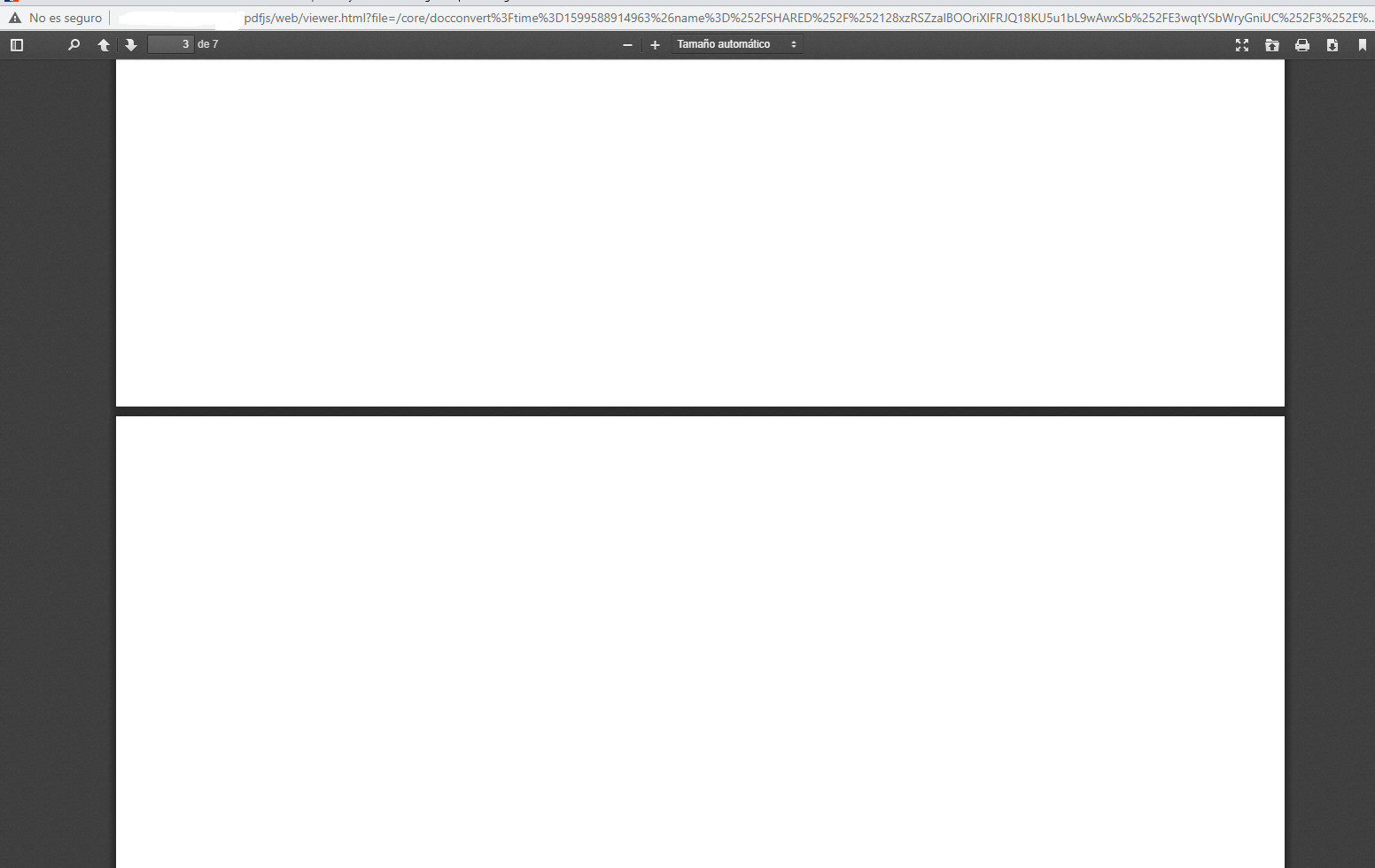
The images do not appear in the preview of the pdf document. I don’t know if it’s the viewfinder or what parameter I have to move. If the download is done, the images are correct in the pdf. It’s just the preview.
Hi!
Thanks for posting.
Please let us know if you are getting an error while loading the preview.
Also, please upload the server log file after switching the log level to Dev from Admin portal >> settings >> Server >> Log level >> Dev. Then recreate the issue and fetch the logs
Please upload to the below link
FileCloud Server Log
Windows : \xampp\htdocs\scratch\logs\log_YYYY-MM-DD.txt
Example: c:\xampp\htdocs\scratch\logs\log_2013-08-27.txt (Select the latest date)
Linux : /var/www/html/scratch/logs/log_YYYY-MM-DD.txt
Good day,
It does not show an error within the pdf. Even in pdfs with images and letters, it only displays the letters, as if the images did not exist.
I’ve already filed the log.
Thank you very much for the help
Thank you for your patience.
Can you please share us with the screenshot of the developer console window when you preview the file.
Thanks with the new version 20.2.0.11915 it already works fine.
Thank you very much