Database backup not working

In Dashboard under alerts section I have the following error message:

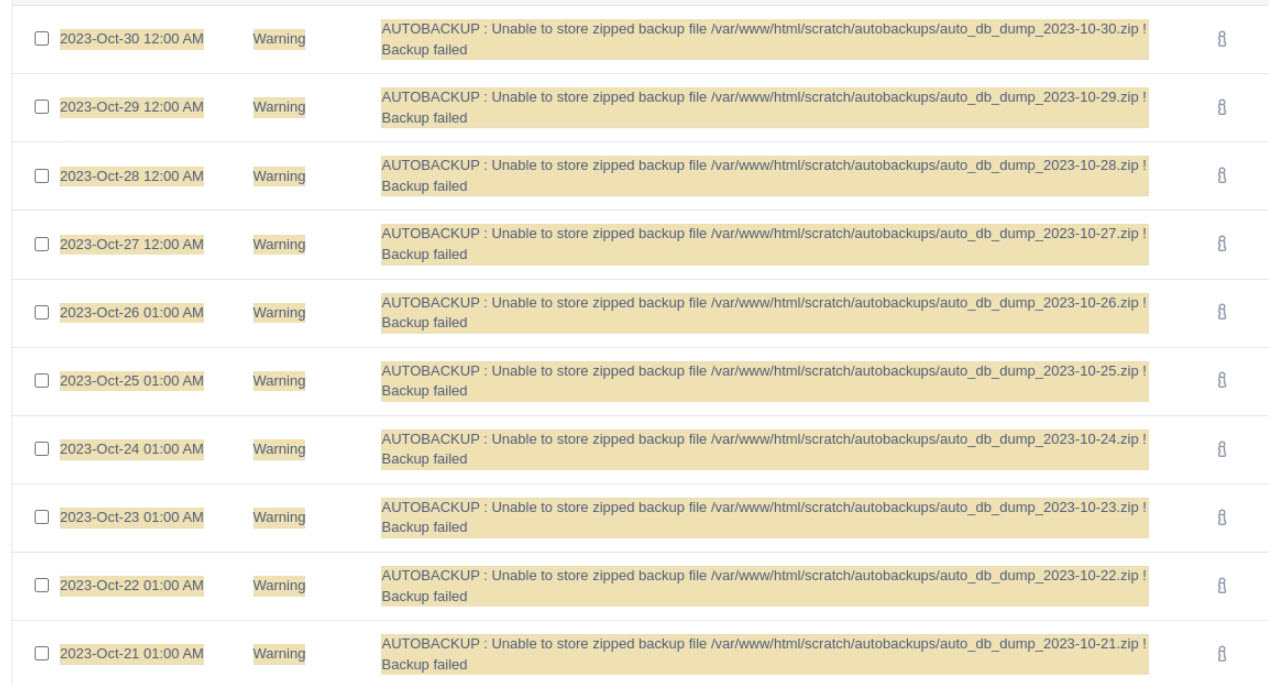
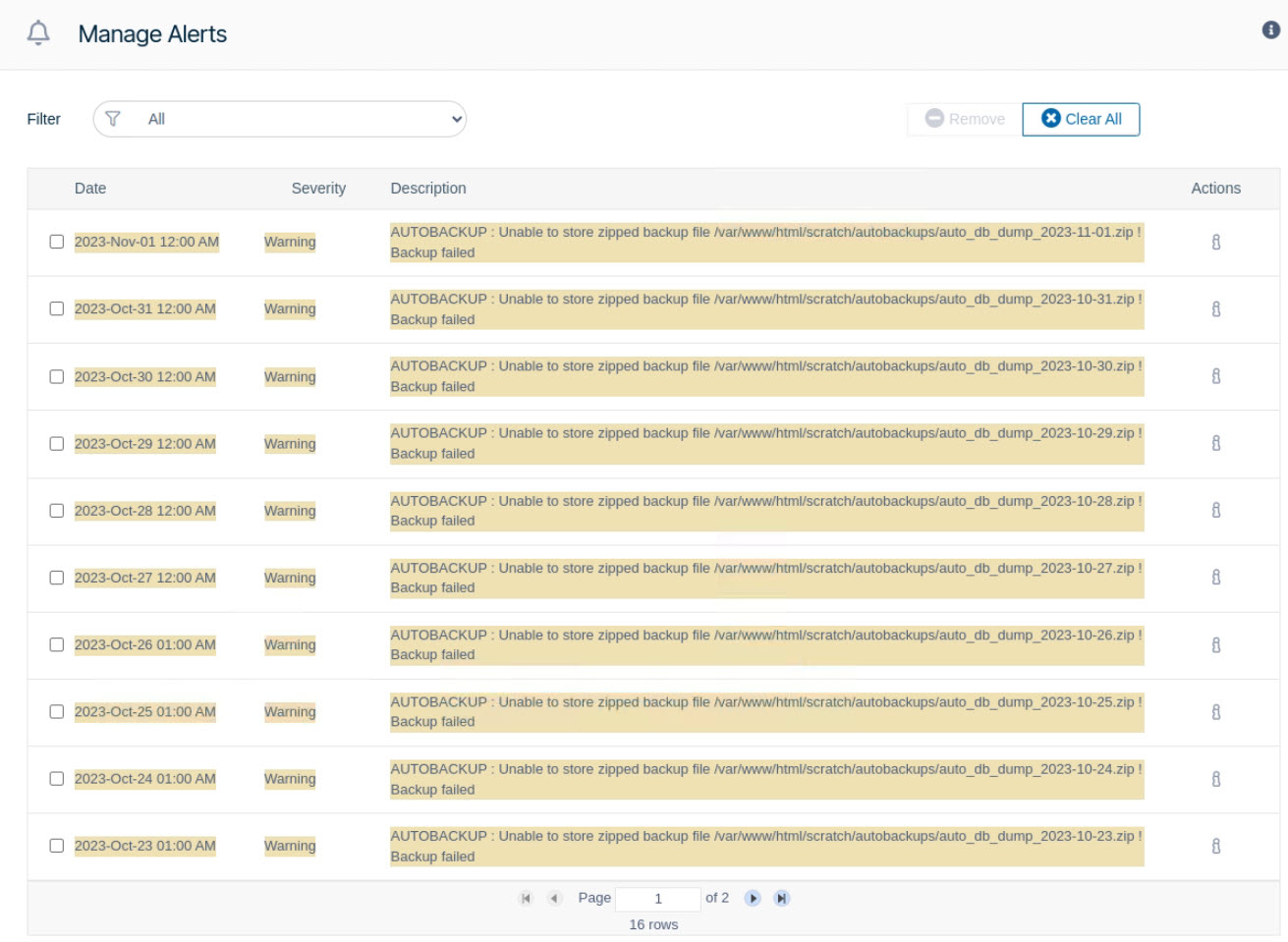
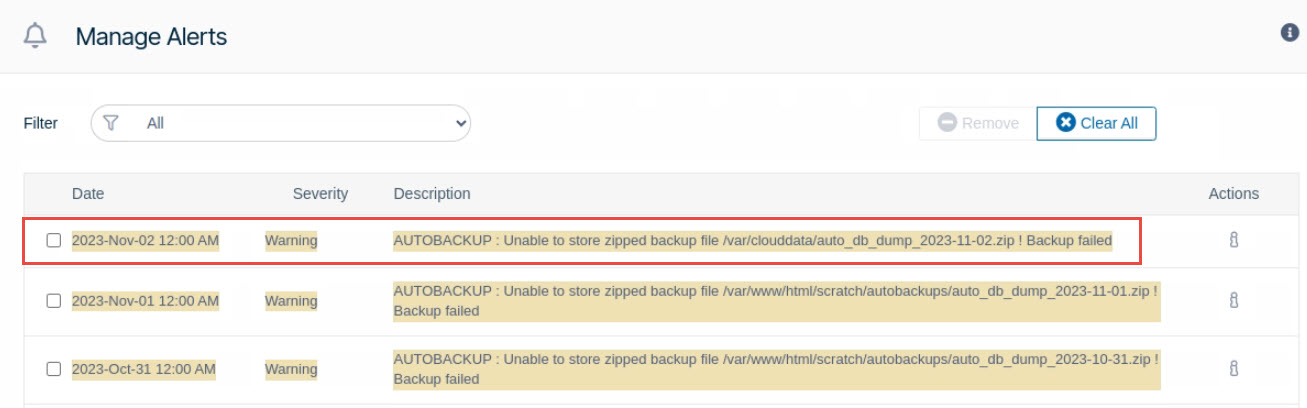
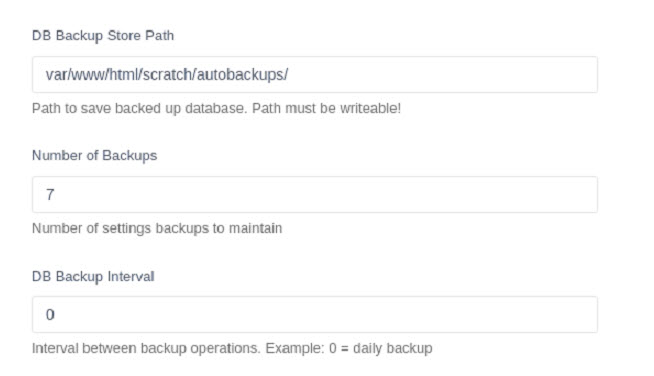
AUTOBACKUP : Unable to store zipped backup file /var/www/html/scratch/autobackups/auto_db_dump_2023-10-26.zip ! Backup failed

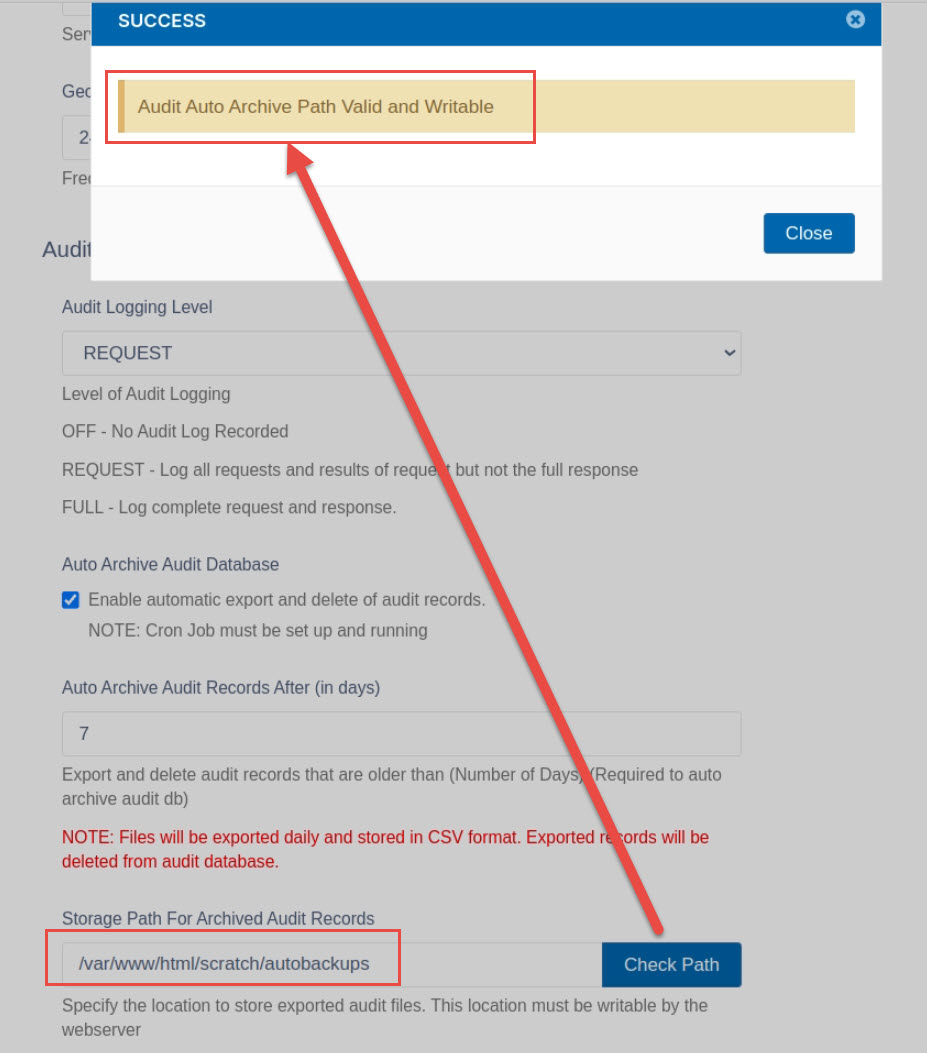
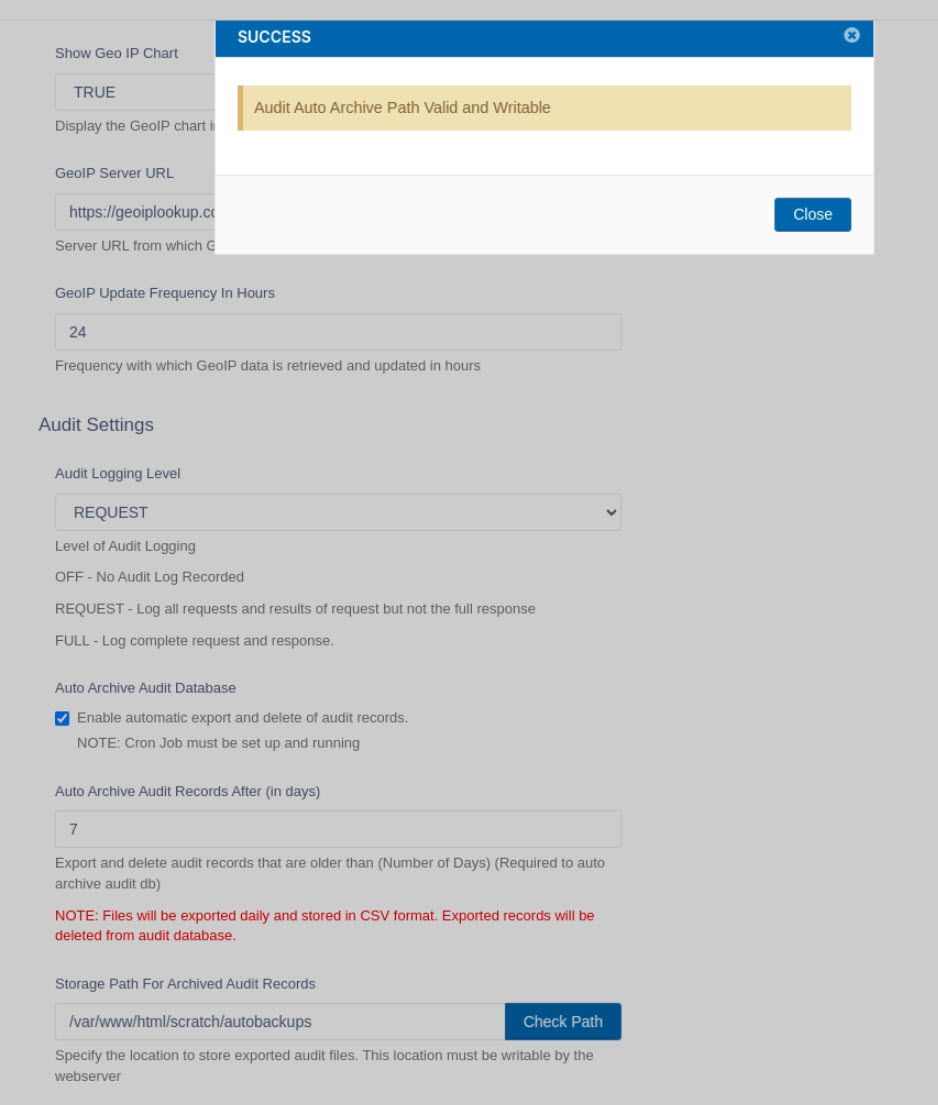
I verified path /var/www/html/scratch/autobackups under Settings/Admin/Storage Path For Archived Audit Records and it shows as writable.

If audit records could be stored under autobackups then why database backup is not working?

Hi @TTE77

Are you still receiving this error ?

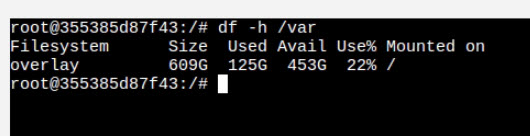
Is the path /var have enough space to save the files can you check and confirm the same by executing the below command at your FileCloud server.

df -h /var

I’m still having the same error message.

13

14

Hi @TTE77,

To further troubleshoot the issue we will require the FileCloud server logs

Please reproduce the error again with server logs in debug mode
To enable debug mode, open the Admin Portal, go to Settings->Log Level, and set it to “DEV”
Then please replicate the issue and send us the logs
Please download the logs in FileCloud Admin Portal → SYSTEM → Checks → Generate Logs

You can find the FileCloud logs manually as follows

Linux: /var/www/scratch/logs/log_YYYY-MM-DD.txt (in Ubuntu 14.04 and later
          /var/www/html/scratch/logs/log_YYYY_MM_DD.txt)

Also can you please check and confirm if the storage path archived audit records changed from /var/www/html/scratch/autobackups to any other path will the audit records exported to the newly updated path

You can upload the log here https://zerg.codelathe.com/url/idxdggzfcabryti7

Log file is uploaded. Still the same issue - please see pictures.

Hi

Thank you for the log file

Please check and confirm if the storage path archived audit records changed from /var/www/html/scratch/autobackups to any other path will the audit records export to the newly updated path

I changed path to /var/clouddata which is definitely writable one.
It looks like backup is done automatically every day at midnight. I’ll have to wait until tomorrow to report if this new path worked.


1 Like

It didn’t work either.

Hi

It seems the mongodump command is missing from the server container. Our team is checking on this.
We will get back to you soon

OK. Thank you Dakshini.

Hi

We have made some changes internally, could you please give a try now and let us know if it works fine?

The previous backup error message is gone but ZIP file is missing from autobackups folder.
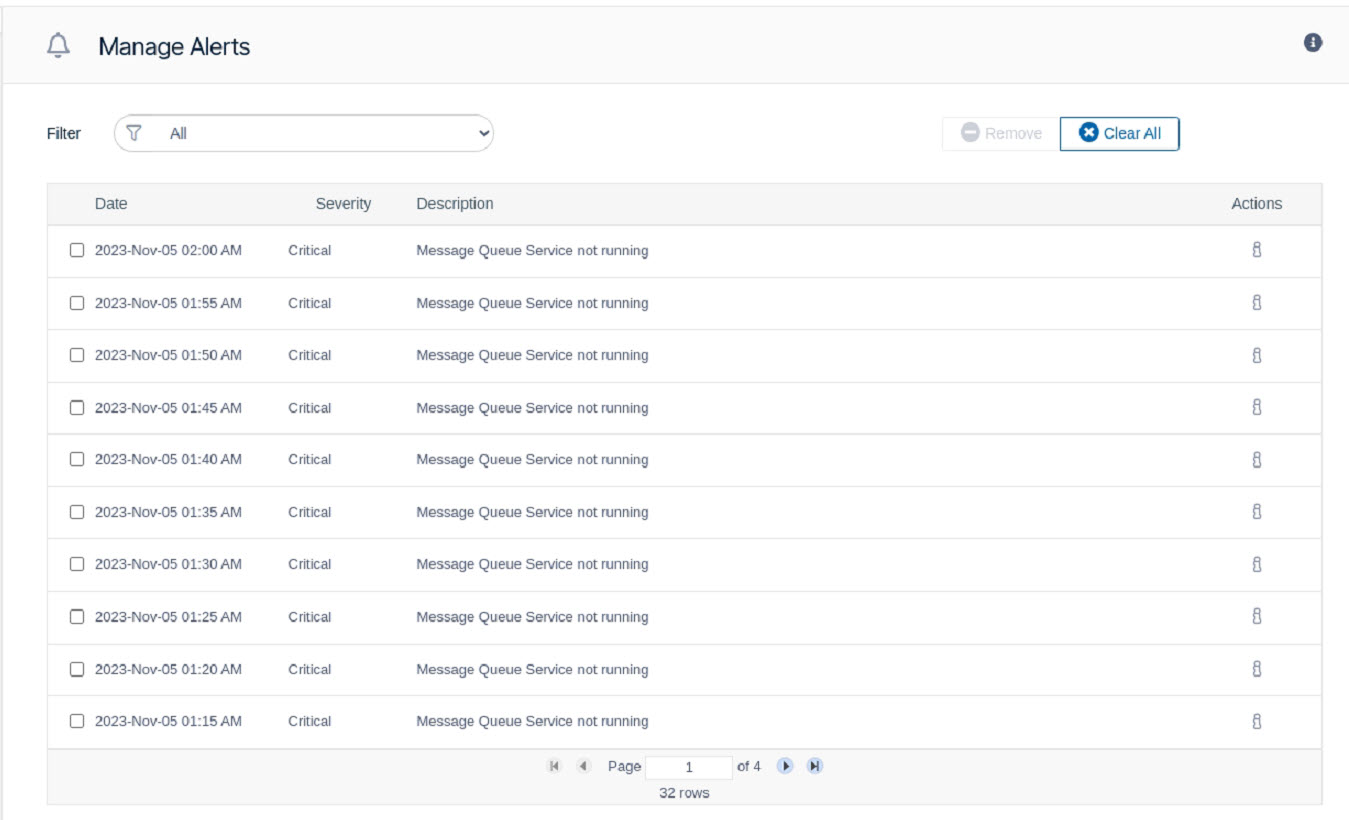
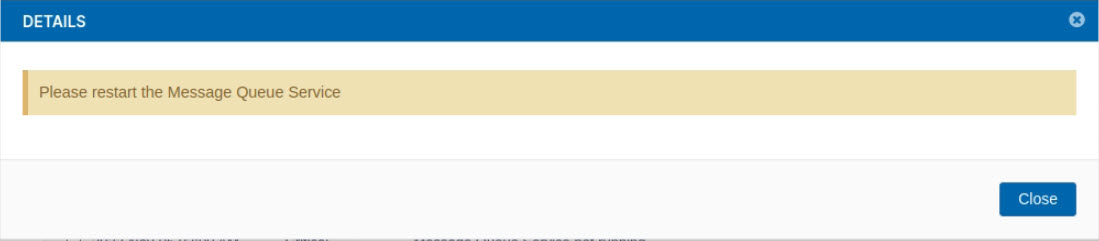
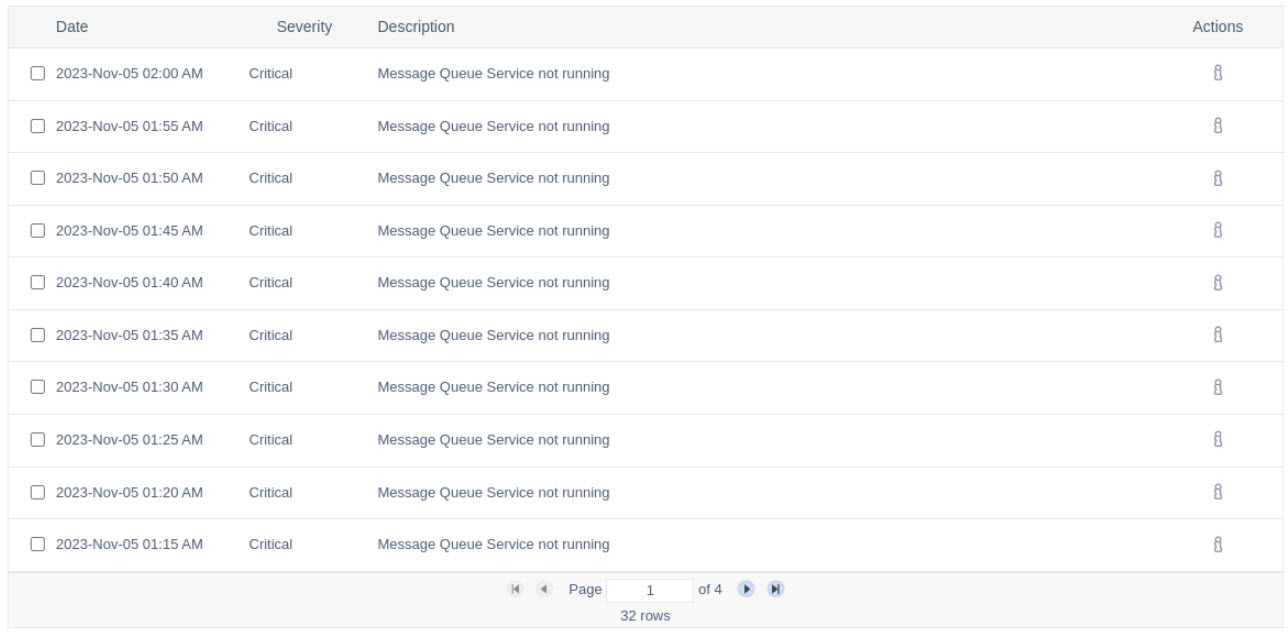
Now I have different warning every 5 minutes.

333

I just checked again and there is no new Message Queue Service not running messages since my last post.
Also, there are no backup ZIP files.

Hi

Thank you for the update. We will check this for you and get back to you at the earliest

Hi

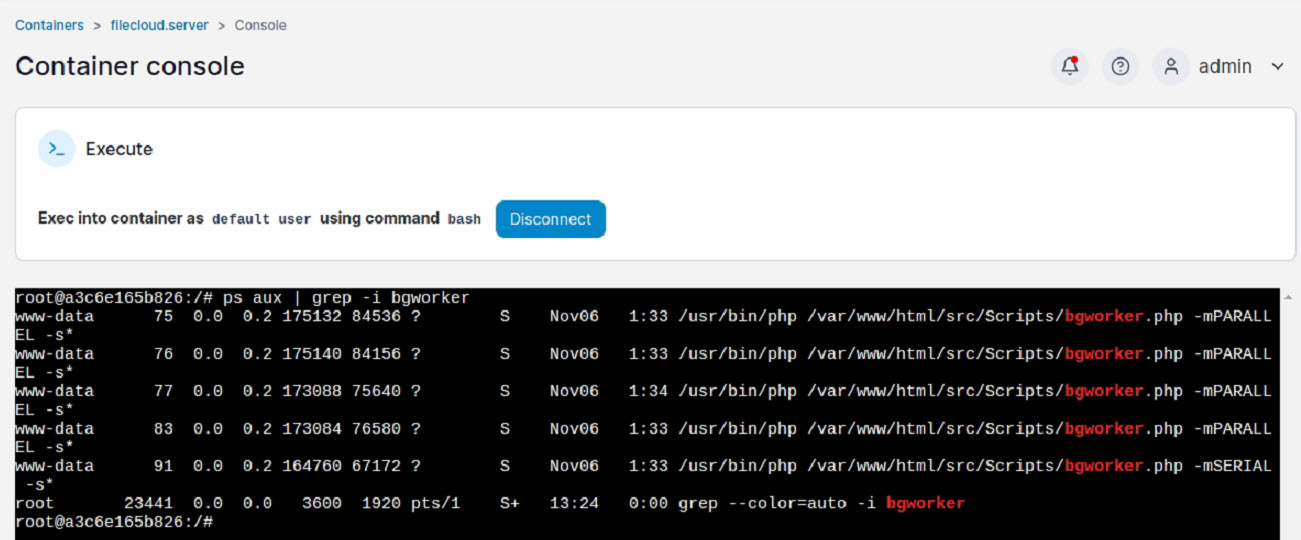
Kindly get back to us with the result you get after executing below command

ps aux | grep -i bgworker

Hi

Thank you for the details. We will check this