Hello everyone,
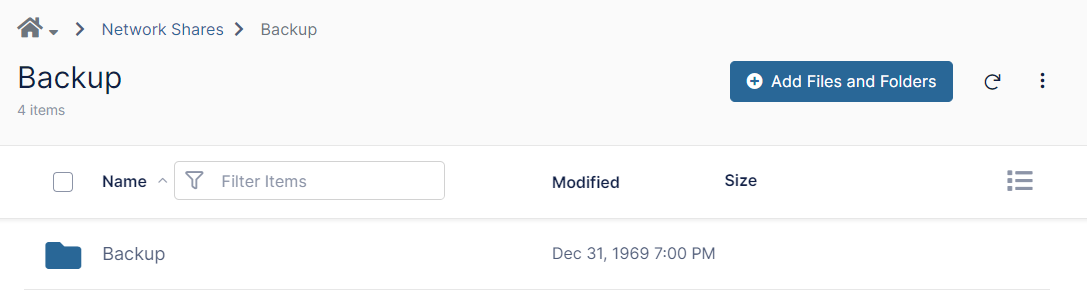
I installed the community version 23.1 on Ubuntu 22.04. LTS and mounted my TrueNas shares following the official documentation (CIFS share on Linux for FileCloud). Everything works fine, but the ‘modified’ date for each file or folder from the mounted share is showing Dec 31, 1969 7:00 PM.
When running ls -ld in Ubuntu everything appear to be correct, showing the same permissions and owner etc. as outlined in the documentation.
mount -t cifs -o credentials=/root/.the-creds-file,uid=33,gid=33,rw,nounix,iocharset=utf8,file_mode=0777,dir_mode=0777 //192.168.1.120/storage /mnt/storage
Does anyone know what may be missing to get the correct date for when the files or folders were last modified? Appreciate your assistance.
Hi @aries75
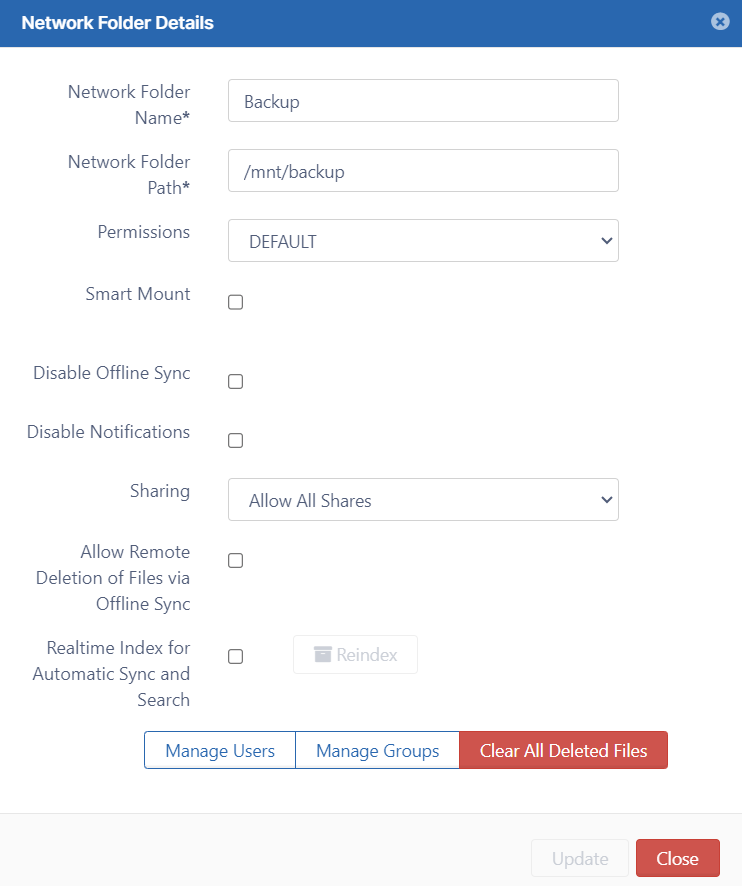
Could you please share us screenshot of your Network share settings by login to Admin portal >> Network share >> under Actions edit network folder.
Hi Sharief,
Thank you for taking the time looking at this. Please see attached.
Hi @aries75
I see that the path of cifs is /mnt/storage but in network settings in admin portal you shared is /mnt/backup!
Are you facing this issue only on network share or it is happening with managed storage also ?
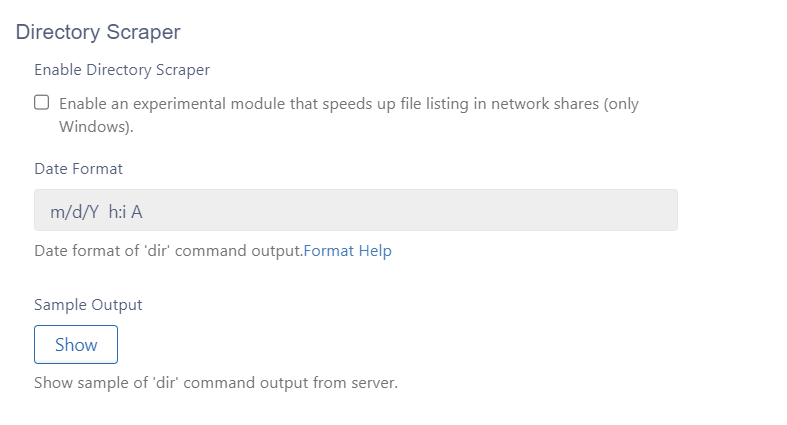
Could you please confirm whether you have enabled directory scrapper by sharing a screenshot you can navigate to settings >> misc >> Directory scrapper.
Hi,
The previous snippet was from the original documentation. I only changed /storage towards /backup.
mount -t cifs -o credentials=/root/.the-creds-file,uid=33,gid=33,rw,nounix,iocharset=utf8,file_mode=0777,dir_mode=0777 //192.168.1.40/backup /mnt/backup
The issue only appears on the network shares. If I drag a file to the network share in the user interface it’s given the date Dec 31, 1969 7:00 PM.
Regarding the Directory Scraper, it appears it’s not available in the Community Edition, or Linux. Itried turning it on but getting a message (Directory Scraper not supported by COMMUNITY license.)
Hey @aries75
Thank you for the update.
What is the size of Cifs share and how many files and folders are currently residing in it.
Hi,
I tried several different network shares, some small some large, but it doesn’t make any difference. They all show up with the same date stamp.
Running ls -l inside /mnt/backup folder shows the correct dates. This makes me believe Filecloud can’t read the dates correctly.
Interesting fact. I tried mounted a NFS share instead and I am getting the same results. The date shows correctly in Ubuntu but not in Filecloud.
Hi @aries75
This seems to be files list is not fetching correctly, can you please share us server logs in debug mode.
To enable debug mode goto settings >> server >> Log level change it to “DEV” save and try to access the files or list them in your CIFS share at FileCloud and then share the logs by navigating to system >>checks >> Generate logs download them and upload on the below link.
Thank you for your assistance. Files have been uploaded.
FYI, I have FileCloud installed on a test rig in a Proxmox Ubuntu 22.04 VM.
Hi @aries75
Thank you for the logs.
We will investigate the logs and update you as early as possible.
Hi @aries75
We are checking the similar issue with our DEV team and we will let you know the update.
1 Like
Hi Sharief,
Were you able to find something out? Thank you.
Hello @aries75
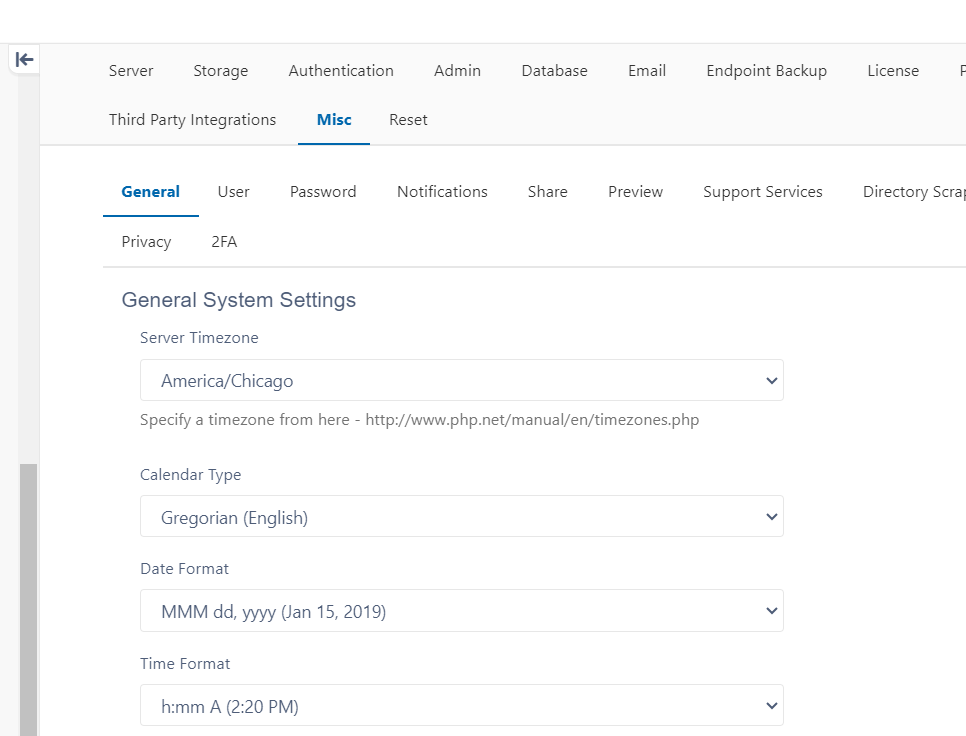
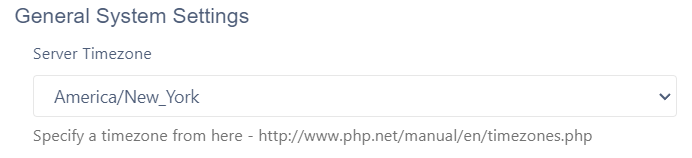
could you please check whether the below time zone settings matching in your linux server or not from Admin portal >> settings >> Misc. If not kindly change them and check the files date.
Hello Sharief,
Time zone is America/New_York in FileCloud as well as Ubuntu and Proxmox. I am afraid I still have the same issue with the dates. Thanks
Hello @aries75
This can be bug which is giving false dates and our DEV team is working on this issue and we will let you know once we have an update we have created internal ticket for this issue with DEV team.