I am able to login to user account through localhost 127.0.0.1 website but not from the server ip adress.
The FileCloud page does appear when i go to the server ip adress but when i enter user and password, it load for a second and stays on login page and nothing happens. I want to use the server through a vpn so that’s why i need to be able to connect through local ip adress or VPN adress.
Hi @yanicdl,
Open the configuration file cloudconfig.php which will under the following path:
Windows Drive letter:\xampp\htdocs\config\cloudconfig.php
Linux /var/www/html/config/cloudconfig.php
Check for the following line:
define(“TONIDOCLOUD_SECURE_COOKIE”, 1);
Please change the value to 0 and save the file.
Then give a try to login. If you find any difficulty, kindly let us know.
Happy to help
Thank you!
It solved it.
1 Like
I can’t login to admin portal from server ip adress, i can only do so from local host adress.
Could you help me please. Thank You.
Hi
Then please check and confirm, if the Disable IP check option is disabled from your end. It can be checked as follows
- Log into Admin Portal
- From the left navigation panel, select SETTINGS and then Misc and then General
- On the Settings screen, select the Misc. tab, and then the General sub tab.
- Check for Disable IP Check, select the checkbox to disable the IP check on every request. Then save the changes. This allows you to avoid IP comparison on cookies
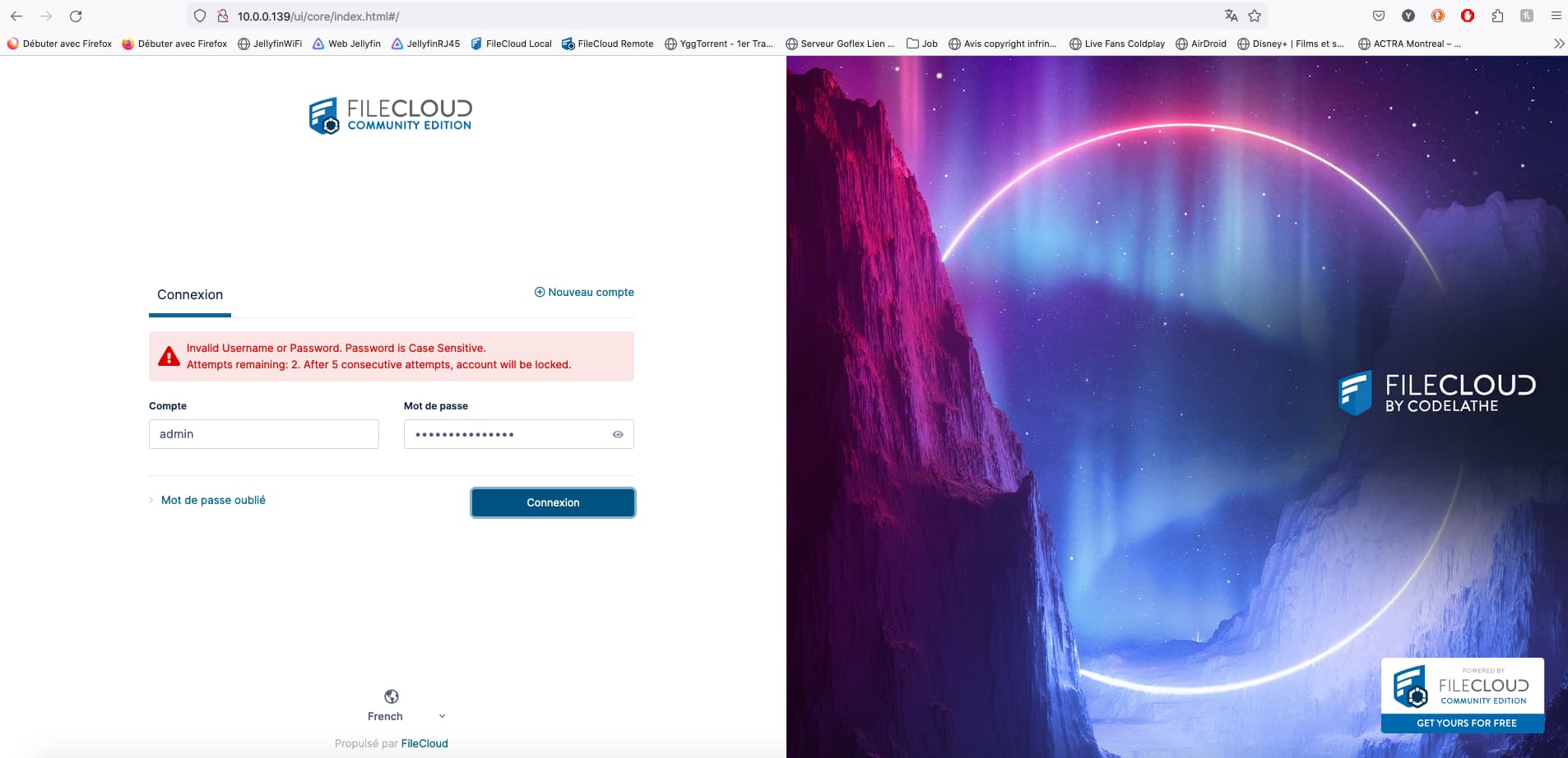
It is not working. The image below is what it give me.

Hi
Provide us the complete screenshot of the web page along with the URL that you are trying to login
Hi
It looks like you are trying to login to User Portal not admin portal.
The URL should be http://10.0.0.139/admin for admin portal and http://10.0.0.139 for user portal
Thank you, it works now.
1 Like
Hello, I have recently setup filecloud via docker on ubuntu server ver 22.04 and I am not able to access the admin portal using the server ip. Can you please help me out.
Hi
Kindly let me know the error message or the issue you are experiencing while trying to login to the admin portal? If possible please provide me the complete screenshot of the web page along with the url that you are trying to access
Happy to help
1 Like
Hello,
The docker-compose file that i used was:
version: '3'

services:
    filecloud.mongodb:
        container_name: 'filecloud.mongodb'
        image: mongo:6.0.8
        environment:
            - mongodb_data_container=/data/db
        volumes:
            - mongo_database:/data/db

    filecloud.server:
        container_name: 'filecloud.server'
        image: filecloud/filecloudserver23.1:latest
        depends_on:
            - filecloud.mongodb
            - filecloud.preview
        volumes:
            - cloud_data:/var/clouddata
            - var_html:/var/www/html
            - /mnt/filecloud:/mnt/filecloud  # New volume added here
        links:
            - filecloud.mongodb
        ports:
            - "8083:80"
            - "8084:443"

    filecloud.preview:
        container_name: 'filecloud.preview'
        image: filecloud/filecloudpreview22.1:latest
        volumes:
            - cloud_data:/var/clouddata
            - var_html:/var/www/html
            - /mnt/filecloud:/mnt/filecloud  # New volume added here

    filecloud.solr:
        container_name: 'filecloud.solr'
        image: filecloud/filecloudsolr21.3:latest
        volumes:
            - solr_data:/var/solr
            - var_html:/var/www/html
            - /mnt/filecloud:/mnt/filecloud  # New volume added here

volumes:
    mongo_database:
    cloud_data:
    solr_data:
    var_html:
url for install: http://192.168.165.36:8083/install
url for admin portal: http://192.168.165.36:8083/ui/admin2/index.html
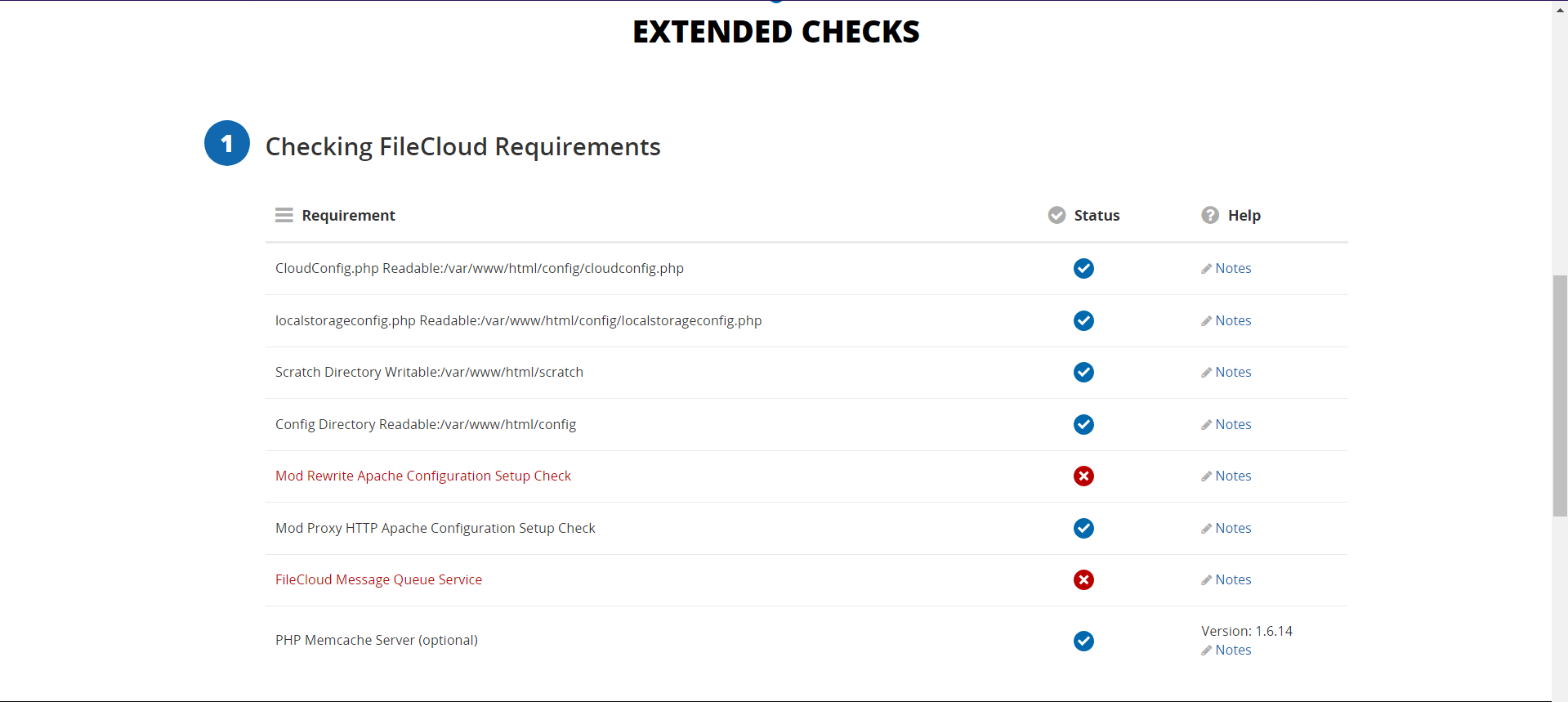
The above image is for the extended check on the install page
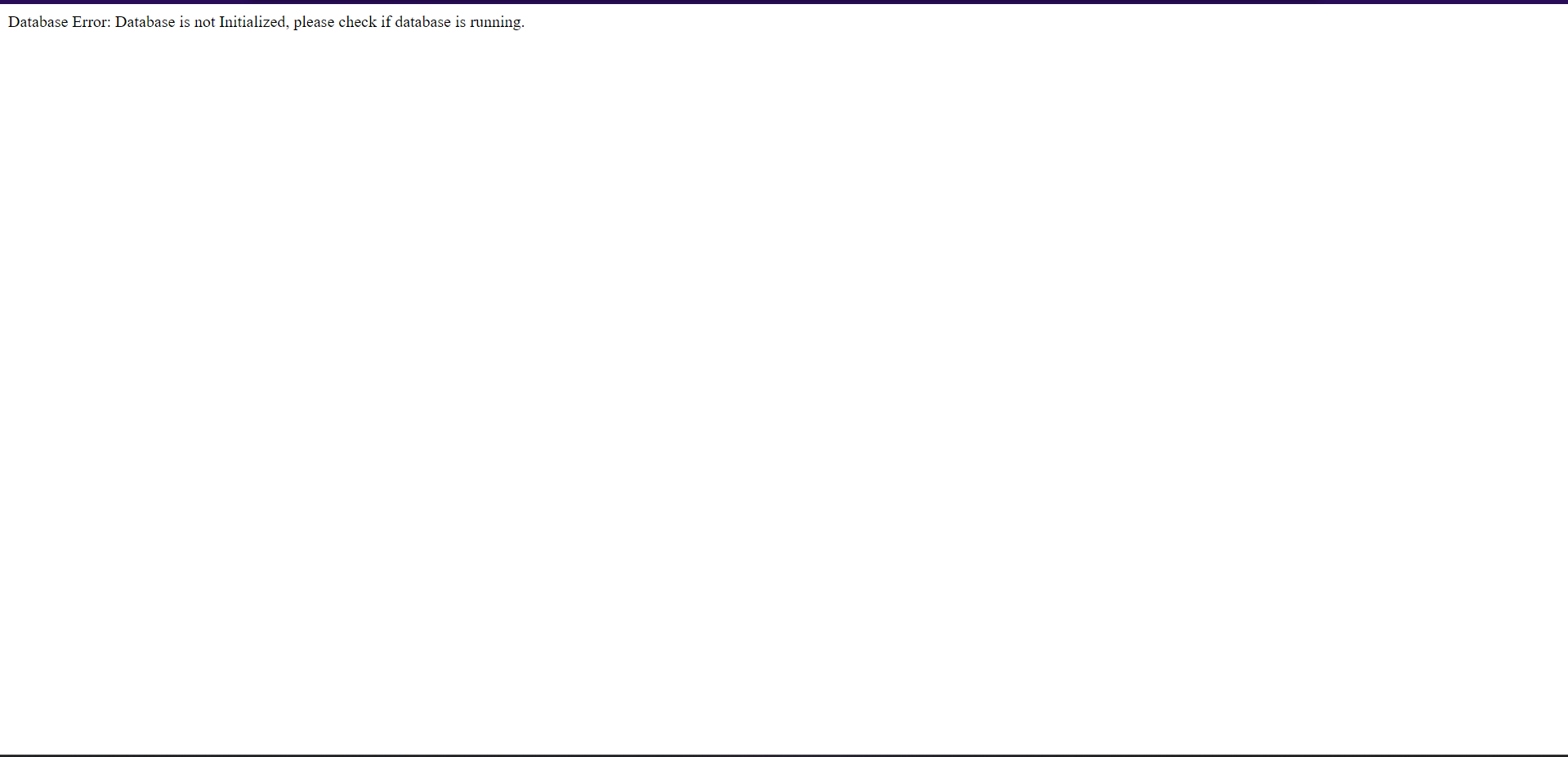
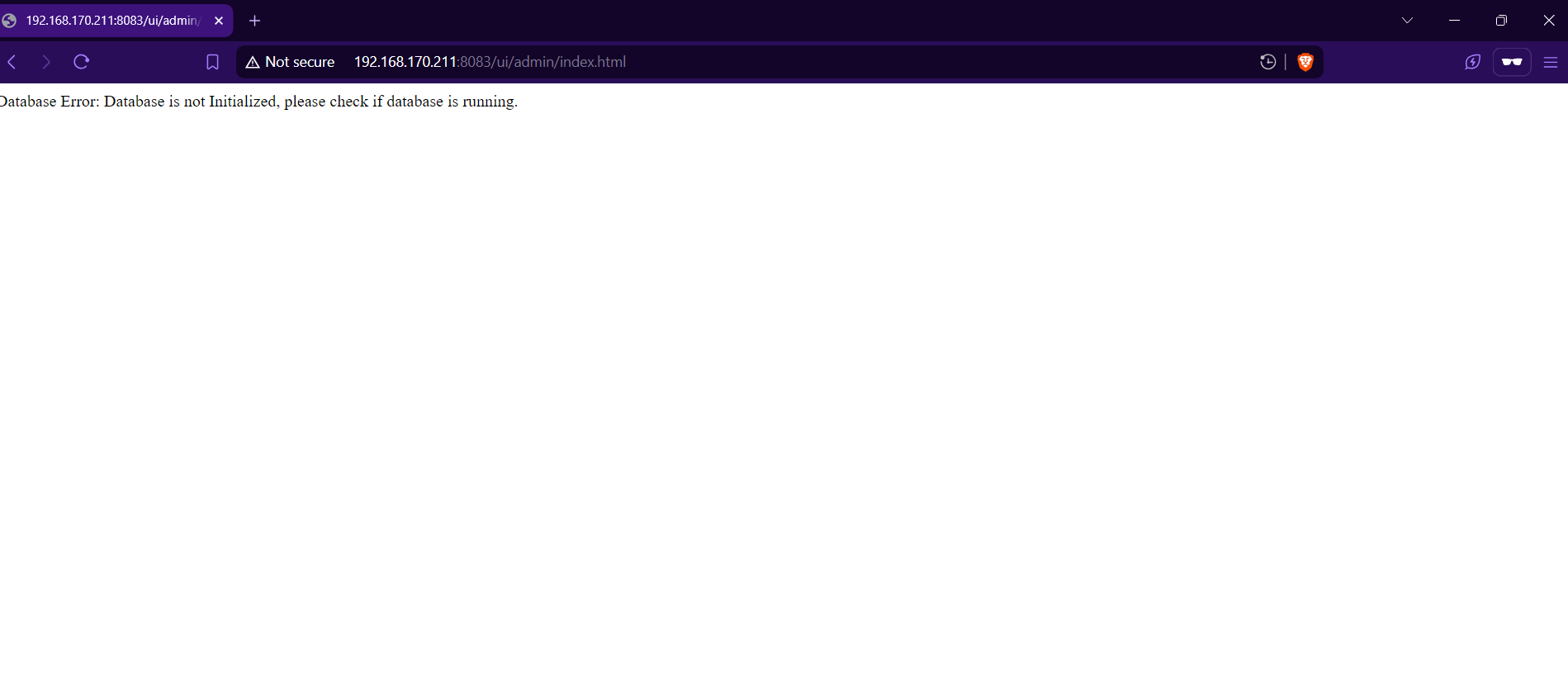
The above error is displayed while trying to access the admin portal
I replaced my docker compose with
version: "3.3"

services:
filecloud:
image: filecloud/fileclouddocker
container_name: filecloud_container
privileged: true
ports:
"8083:80"
"8084:443"
volumes:
fcdata:/opt/fileclouddata
dbdata:/var/lib/mongodb
solrdata:/opt/solrfcdata/var/solr
htmldata:/var/www/html
entrypoint: [“/lib/systemd/systemd”]
volumes:
solrdata:
htmldata:
fcdata:
dbdata:
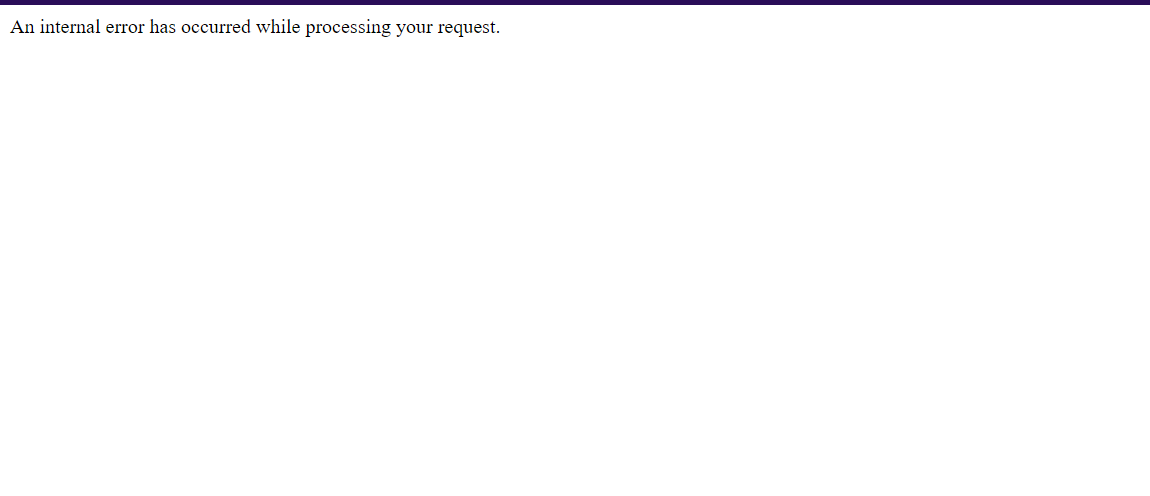
After trying with the new docker compose file I got the http error 500. Can you please help. Thank you.
Hi
No worries, can you please confirm if you have tried uninstalling and re installaing filecloud? If not, kindly give a try and let us know how it goes
happy to help
Hi
Kindly provide us the result of basic and extended checks results now. Also please confirm if the database service is running
systemctl status mongod
After trying the reinstall, and systemctl status mongod I am getting the [Illegal instruction (core dumped) error. I understand that this means that mongodb version 6 is not compatible with virtual box ubuntu 22.04. Is there a way to fix it or do it another way?
If not, can the older version docker compose file be shared?
Thank you for the reply.
Hi
Could you please provide us the complete screenshot of the error message and when do you actually get this?