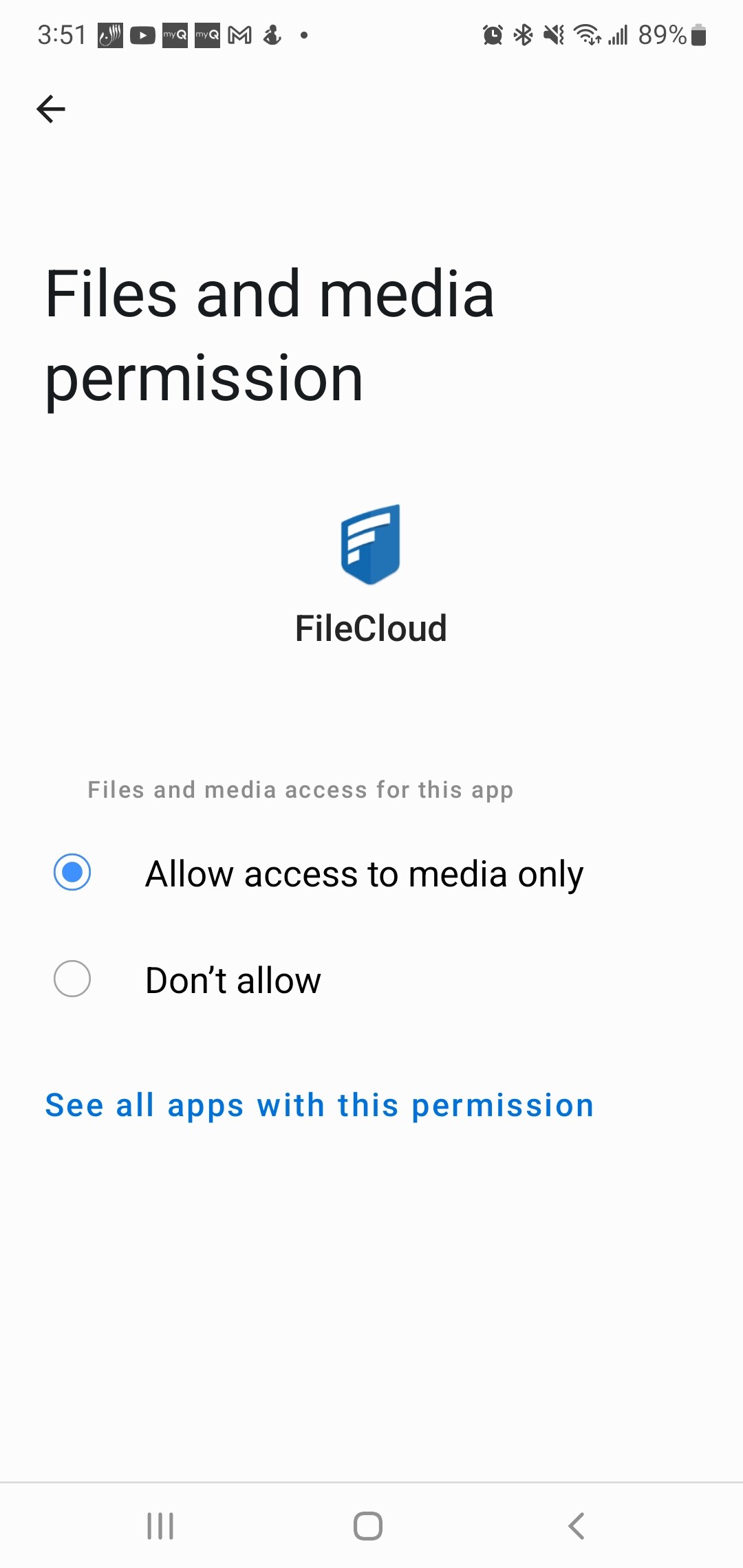
On FileCloud Android App (latest version 23.232.0 (255) ) Settings, I enable media sync, a pop up says “please grant access to storage in next screen”. On next screen I see under “Permissions”->Files and media → Media is Allowed (Allow access to media only)
I go back to app settings and the Media sync option is still DISABLED.
On the server side "Enable Sync option is ON. I have other user on same server, they can media sync fine, no problem (Samsung S21).
I believe Media Sync was working for a while then it stopped. I uninstalled, reinstalled FileCloud Android App many times, clear cahce/data, still no luck.
What could be the problem? Please let me know How I can enable media sync?
Hi
Please try to upgrade the FileCloud to the latest version android build 23.241.0(275) and then try to test the same and let us know how it goes
happy to help
May many thanks for the reply. Strangely on my Phone’s Play Store it doesn’t show the 23.241.0 (275).
Is the latest version - 23.241.0 (275) - ONLY for Android OS 13+ ? Because my phone is on Android OS 12. Other than that what else can prevent Android’s Play Store only show 23.230.0 (250) as the latest. It shows that FileCloud app is installed, only shows “Open” Button - there is No UPDATE button.
Hi
My pleasure to help you.
No worries latest version 23.241 should be available by the end of this month and this issue is fixed in the newest release.
FileCloud’s latest app available for Android 5.0 (LOLLIPOP) and above.
it should be available for android version 12
1 Like