Been using FileCloud Community Edition for a couple years now. Started getting notified that my license was expiring so I went to go purchase a new one. Was told CE is now free and that I just need the newest version so I installed the newest version. It was up and running. I believe I even got the licensing issue fixed with a new license but I’m not clear on that. My memory is not the best. Anyway, I was getting notifications about things to do on the Admin page like delete the install directory and there was another notification for something else. I needed to do something in cloudconfig.php. I read and thought I understood the instructions and put in the necessary lines… something about security… anyway… I put the lines in, restarted the server and the home page went to blank white. I went and changed the cloudconfig back the way it was before, restarted the server and it is still blank white page. I’m totally stuck there. No idea how to get it back up and working.
Please help
Thanks,
Eric.
Hello @dsplzion
Is the FileCloud is running on Linux?
Can you please share your cloudconfig.php file with us?
It’s running on Windows Server 2016
How should I go about sharing that file?
Eric
Hello @dsplzion ,
Please upload the requested file to the following location : FileCloud
I did that but have not heard anything back. I’m really starting to prefer having paid for FC and getting support. 
Please help me! My installation has been down a month now! I’m lost!
Hi
Open the configuration file cloudconfig.php which will under the following path:
Windows Drive letter:\xampp\htdocs\config\cloudconfig.php
Check for the following line:
define(“TONIDOCLOUD_SECURE_COOKIE”, 1);
Please change the value to 0 and save the file.
If you are unable to find this line kindly add the following line in config file and save the changes
define(“TONIDOCLOUD_SECURE_COOKIE”, 0);
Then please check and confirm, if the Disable IP check option is disabled from your end. It can be checked as follows
Log into Admin Portal > Settings > Misc > General > Enable disable ip check option > save the changes
Then give a try to login. If you find any difficulty, kindly let us know
I did as you asked. I had to add the line to the config file as it was not there. It made no difference. I get a blank page even on the admin portal so I cannot login to check the other setting you mentioned. Thank you for your help.
Eric
Hi,
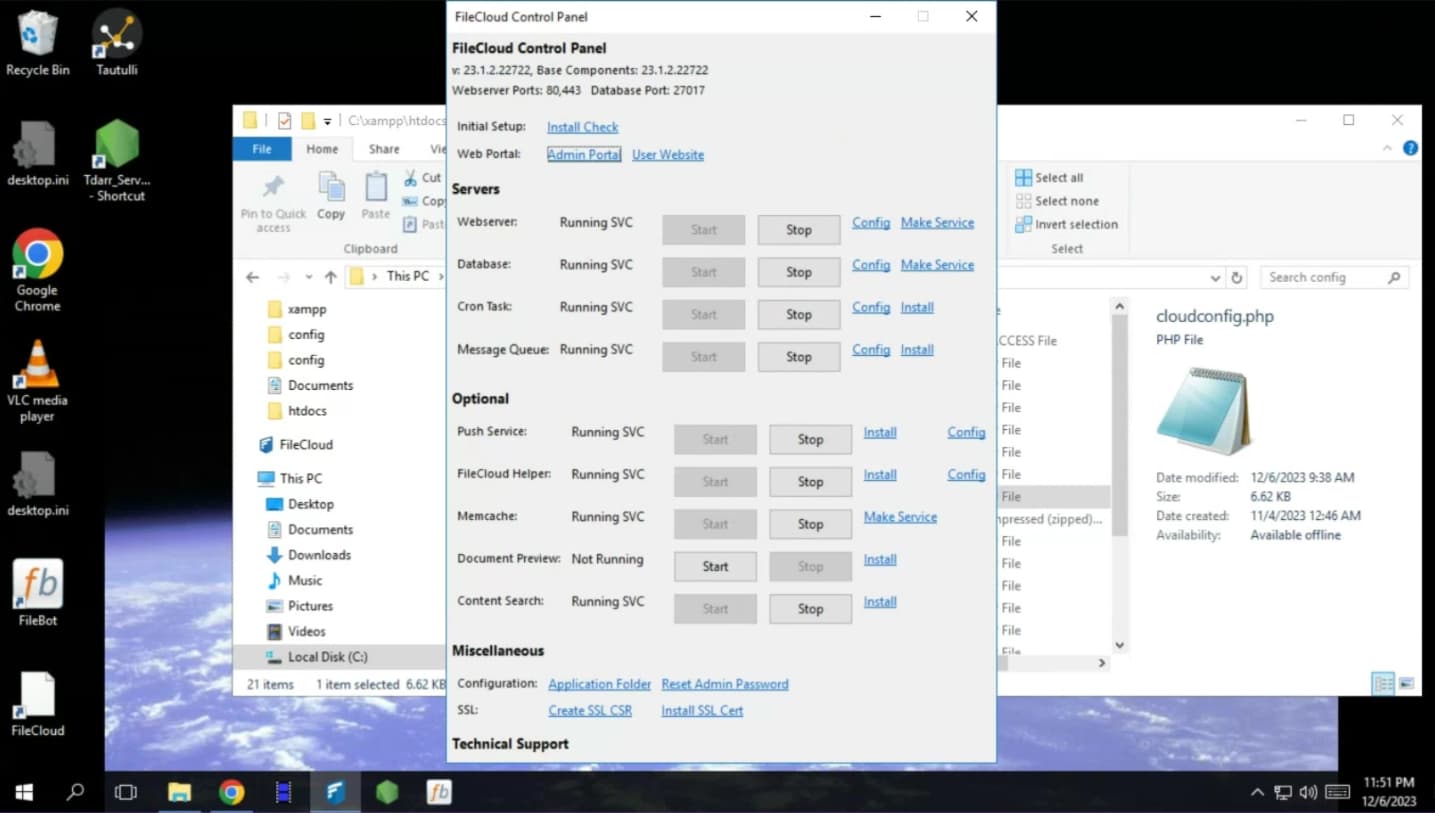
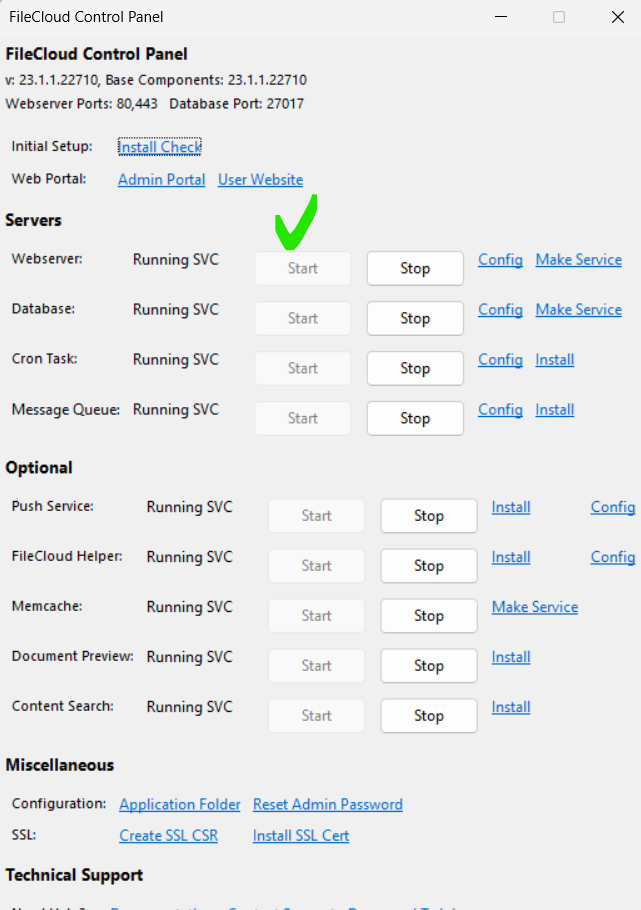
Thank you for making the changes. Kindly provide us the screenshot of FileCloud Control Panel which shows all services are running correctly.
Are you able to access http://127.0.0.1/install if yes then kindly provide us the basic and extended check results.
Also provide us the config file along with the logs here FileCloud
password: 2gaemlbb
To further troubleshoot kindly provide the FileCloud logs from here:
Windows: Drive letter:\xampp\htdocs\scratch\logs\log_YYYY-MM-DD.txt
When I go to http://127.0.0.1/install I get the same result. The page is blank.
When I look at the page source on any of these pages it shows the contents of the cloudconfig.php file.
Hi,
Upon checking the cloudconfig.php file uploaded, we could see some extra characters added in between the scripts. Kindly use the cloudconfig.php file that has been uploaded from our end and replace the cloudconfig file from the following path with the uploaded file and then restart the Apache Web Server then give a try to login again.
Cloudconfig file path > Windows Drive letter:\xampp\htdocs\config\cloudconfig.php
Please check the uploaded file here FileCloud
password: 2gaemlbb
Hi
In addition to that Each time you make a change to the FileCloud configuration file (cloudconfig.php) you must restart the message queue (click Stop, and once the service stops, click Start).
OMG You fixed it! It’s working. I can’t thank you enough. I knew it was something simple that I just wasn’t seeing. I went through that whole config file over and over and could not figure it out. Thank you so much!!!
Eric
1 Like
Hi,
Awesome! you are most welcome. Glad to know that it has been resolved now.
If you find any difficulty, kindly reach out to us. We are here to help you out.
Happy to help