Hi all,
I installed a new FileCloud Community Server and downloaded the latest app for Android to my phone. Connection to my server works fine, I can see files etc.
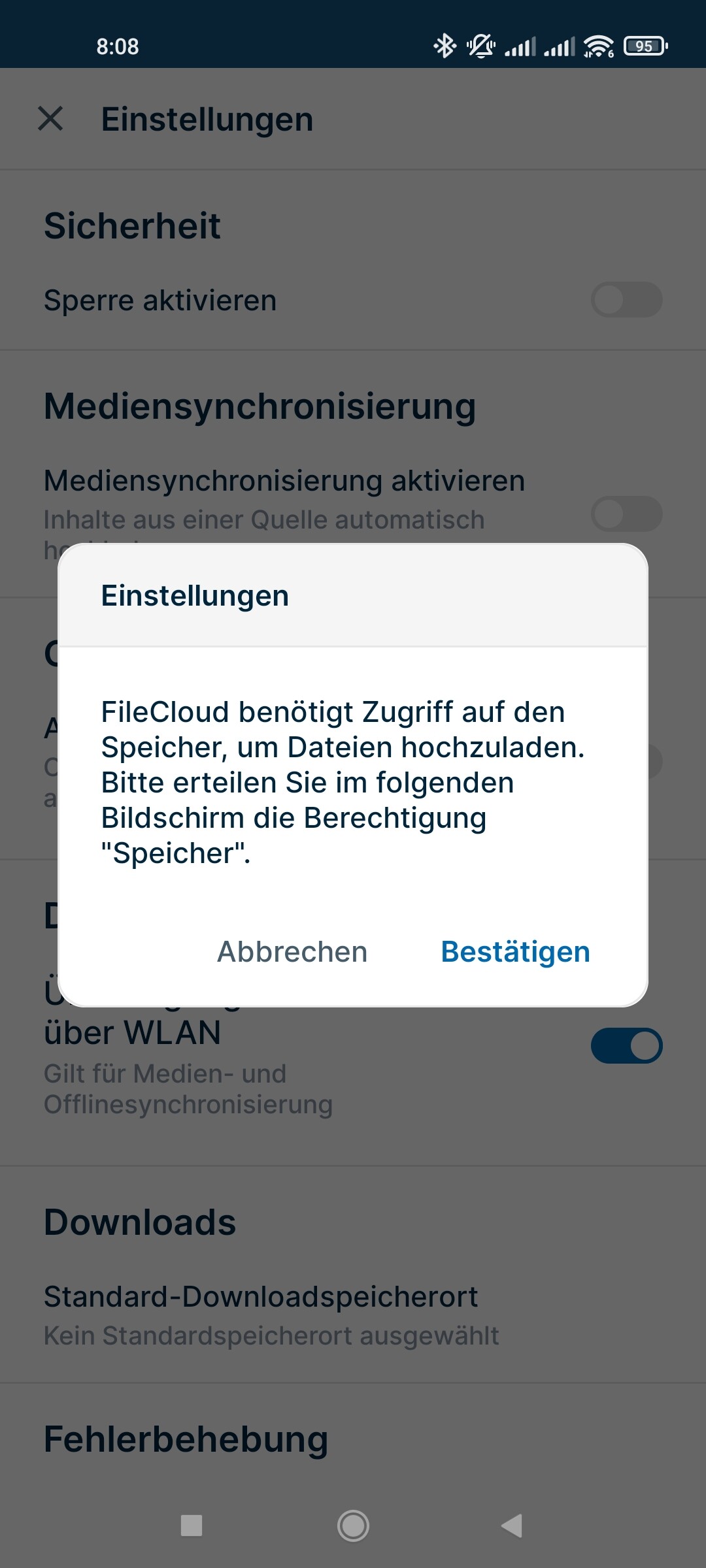
When I go to settings and try to start Auto-Upload, or if I try to upload a “Media” file the app prompts me to go to my App settings and enable access to the local storage. I did that and also enabled every possible permission, deactivated any battery optimization - but still the app will prompt that I need to enable access. It will not let me activate any setting or upload a media file.
I am using a Xiaomi Mi 11 Lite 5G with MIUI 12.5.6 (Android 11). All other apps until now had no issues with giving permissions to access the storage.
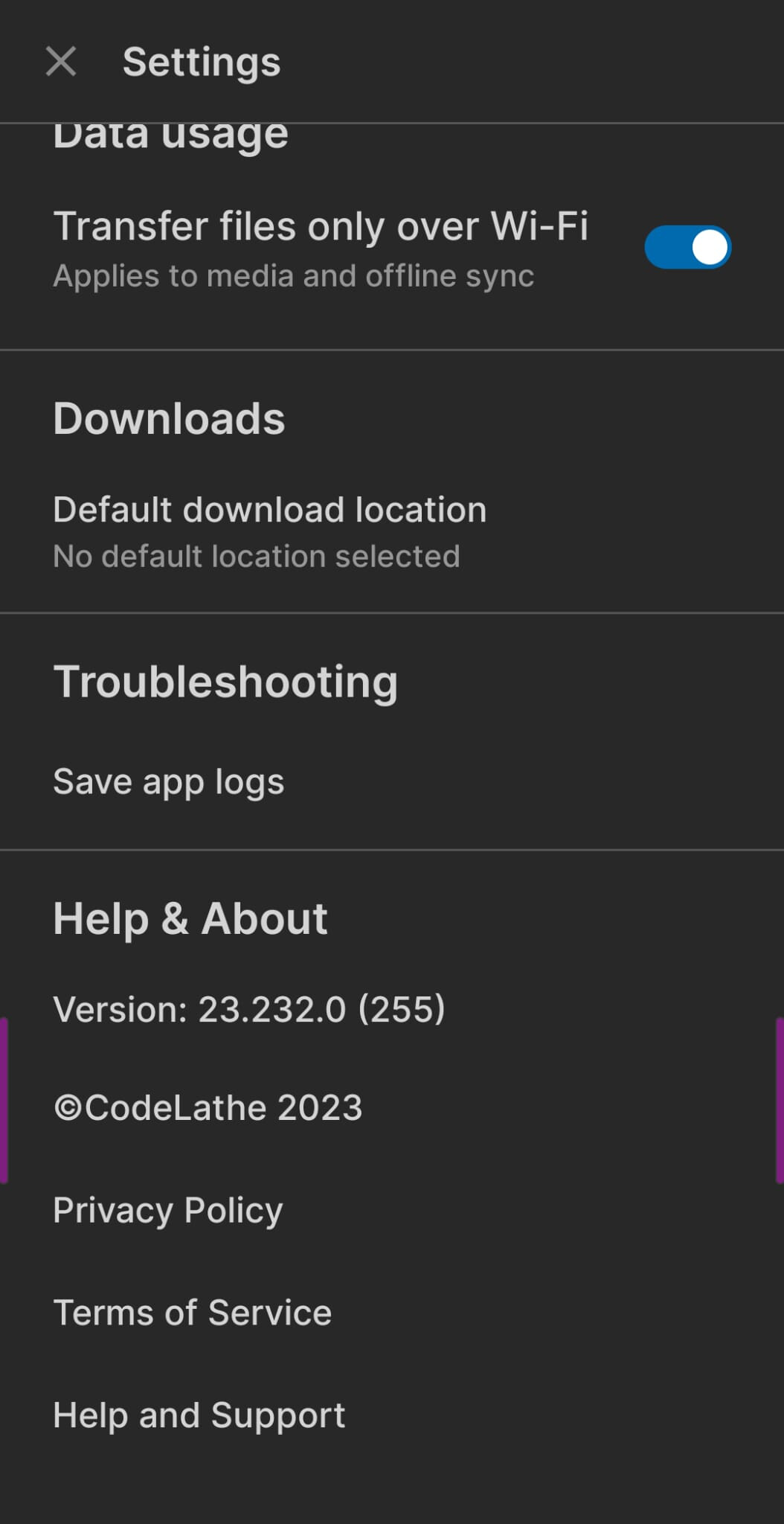
Attached are the screenshots from the app. Sorry for being in German.
I can save that file to my system. I am also able to upload a file to the Filecloud Server. Only Media related things seem to be failing.
Could it be something in the Android Manifest file not being according to Android 11 standards? I read a lot about failures because the Scoped Storage system there.
I think I found the root cause or at least a hint to it.
Your app is using following permissions for granular media access on the Android device:
android.permission.READ_MEDIA_IMAGES
android.permission.READ_MEDIA_VIDEO
Those are only applicable to Android 13 and above.
Then there is the legacy
android.permission.READ_EXTERNAL_STORAGE
which is needed for older Android SDK versions.
However, those permissions need to be handled by the app according to the users SDK version, as explained in this posts solution:
Could it be that this handling based on SDK version is not implemented correctly? As I have an Android 11 based system I might get the error.
Unfortunately that won’t be possible
My smartphone not listed for Android 13 Nor 14
to be honest I already switched to NextCloud for the past 4 months or so
but I’m willing to go back to filecloud if issue been resolved really like their features