I have the FC:CE 23.1.0.22595 - I have the most current android version available on the Google PlayStore. I currently am experiencing 2 issues. I’ve searched the forums and on google and now I have resorted to here. (I am someone who tries to find the answer first before asking)
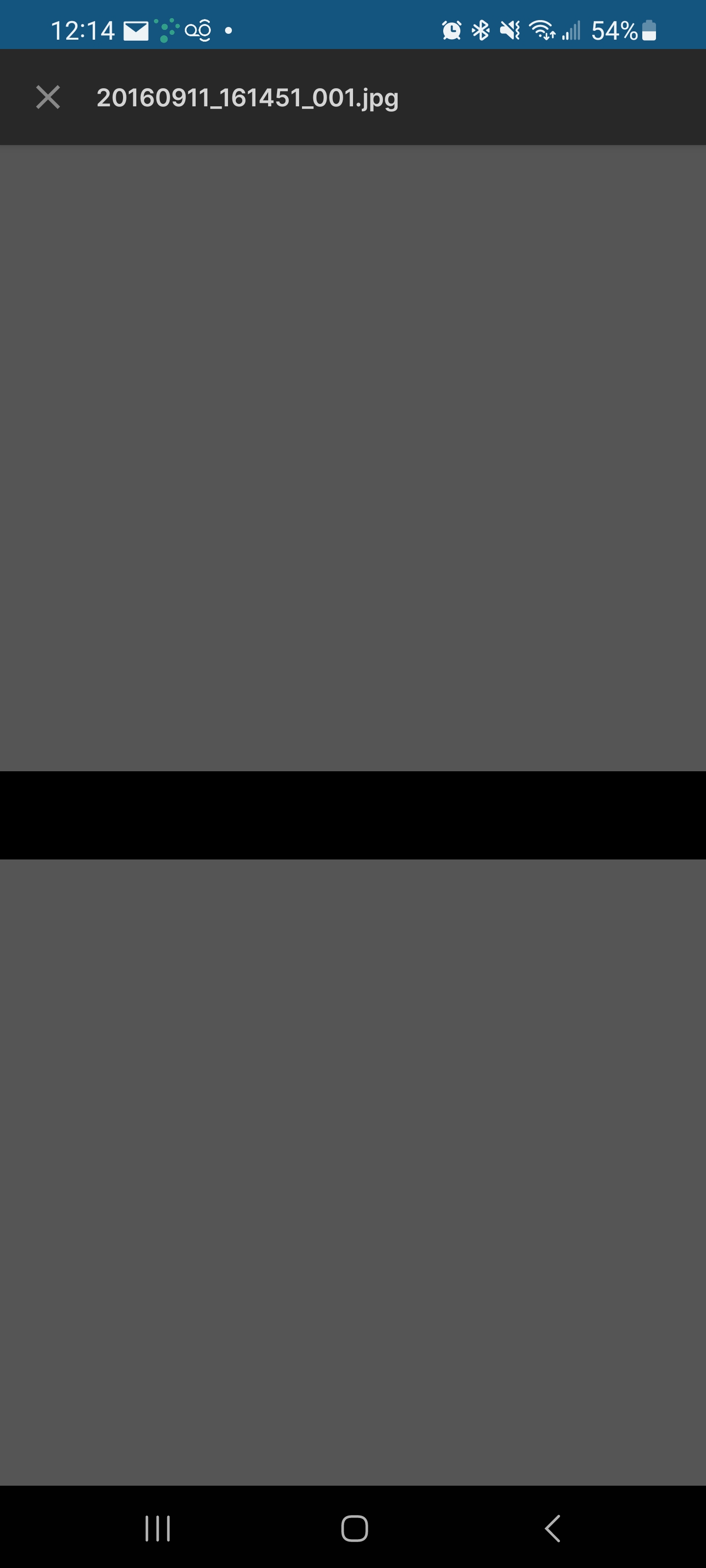
First Issue - I have copied multiple (Thousands) of Pictures/Videos etc. over to my “MyFiles” Folder. I access it and open the files via a browser or whatnot and the pictures appear flawlessly. I do the same on the Android App and all I get is a black bar across the screen. (I’m on a PC so I will comment with a screenshot or edit this post). I have verified that I am able to access the server via http/https and I have all appropriate ports forwarded.
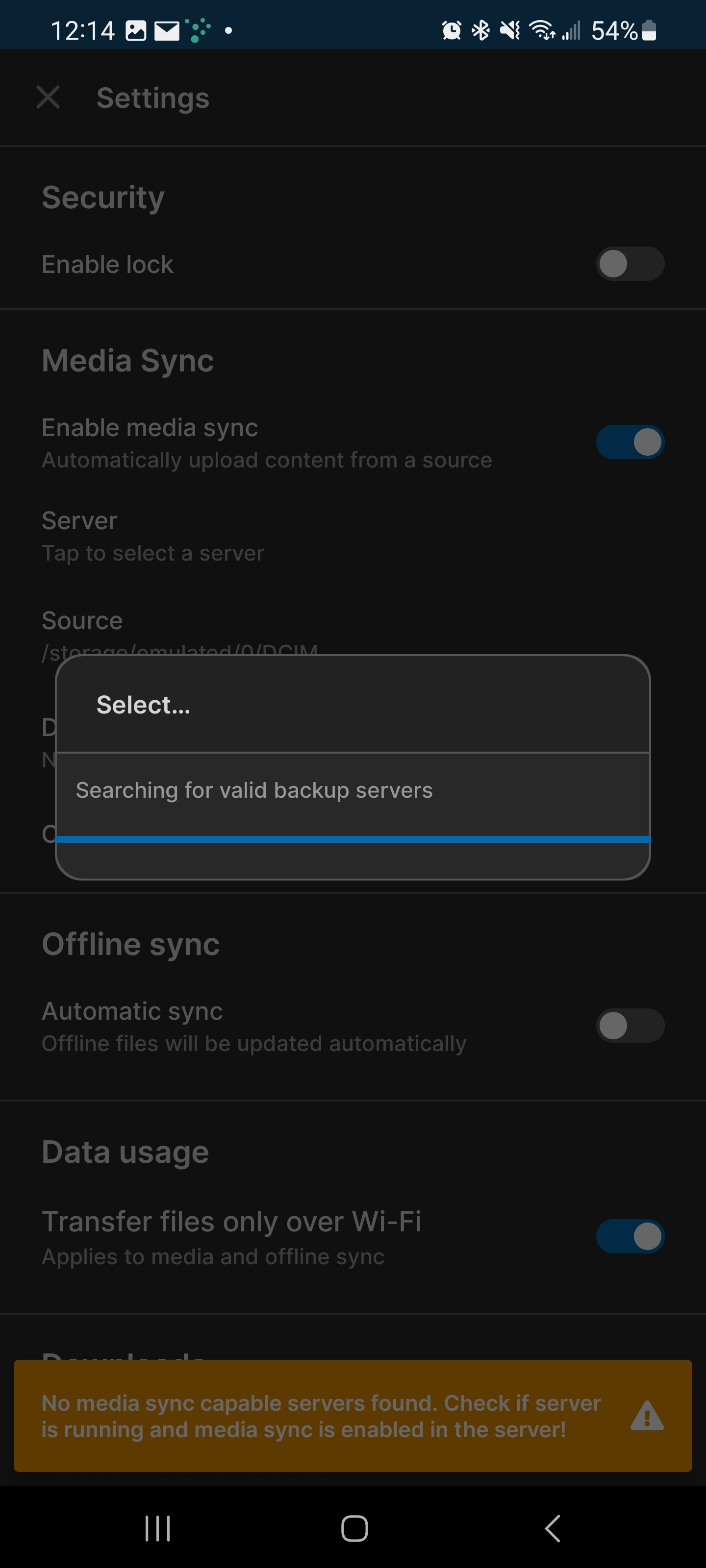
Second Issue - Whenever I attempt to enable Media Sync on the app, i go to select a server and it just pops up stating that, “No media sync capable servers found.” I have went into the settings and verified sync IS enabled. (Confirmed via Media Sync/Photo Backup on Android - FileCloud Docs - Online)
Any and all help/suggestions are welcome. I have rebooted all servers/firewalls etc. I am using a Ubiquiti ER-X Firewall and verified all appropriate ports are forwarded.
I did pull the zip for the logs if you would like that, i’d be more than willing to share.
I pulled the logs on the app on my phone and it is just blank… No errors being thrown.
I fully cleared app cache and removed data, removed the app, rebooted, reinstalled and same issue.
Also tried ON and OFF Wifi (because the server is on my LAN). Rebooted the actual server as well to see if for some reason the settings in the server (for Device and Picture Sync) didn’t “actually” save and still, same thing. I can’t hit the 3 dots and choose “Open With” Either, it gives me a “Error Preparing File” error, but again, nothing in the logs.
I have same issue with android app. i had force close and lot off issue with camera backup sync option. I have latest android app version (23.1.01) and i installed latest community filecloud server version (23.1.0.22595)
So - I got (insert expletive here) and just literally uninstalled and deleted everything and started over. (It was my initial setup and I had really nothing backed up anyway)
Now it works flawlessly… so um… maybe I didn’t reboot once when i was supposed to? I dunno. It works now.
When i turn on media sync i got loging bootloop,randomly exit from app and automatically app trying to logging again. After a few times of this operation app unexpectedly close. This issue which i described not disappear until i turn off media sync.
Everything working fine when i turn off the media sync,i can upload/download,manage and use all other options exluding media sync.
i tried with multiple files (approximately 500 mb) the issue apear,after i tried with few files (approximately 5 mb) and issue is still appear. At begining i though the size of sync media was a problem but not,its random.
Can you try to sync another path and check whether the issue persist if possible you try to another android mobile so that we can confirm the abnormality in android or in the FC APP to assist you further.
I tried to sync another path on my issued phone (OnePlus Nord 2 5g / Android 13) and problem is still there. I installed app to another phone (Samsung A71 / Android 13) and for now is working fine in a few days i will update the status of my samsung phone.
Could you please share the logs by reproducing the issue in android mobile then login to Admin portal >> Device Management >> select the mobile and click on get logs